Type text, add images, blackout confidential details, add comments, highlights and more.
02. Sign it in a few clicks
Draw your signature, type it, upload its image, or use your mobile device as a signature pad.
03. Share your form with others
Send it via email, link, or fax. You can also download it, export it or print it out.
How to use or fill out waiver vendor with our platform
Ease of Setup
DocHub User Ratings on G2
Ease of Use
DocHub User Ratings on G2
Click ‘Get Form’ to open the waiver vendor document in the editor.
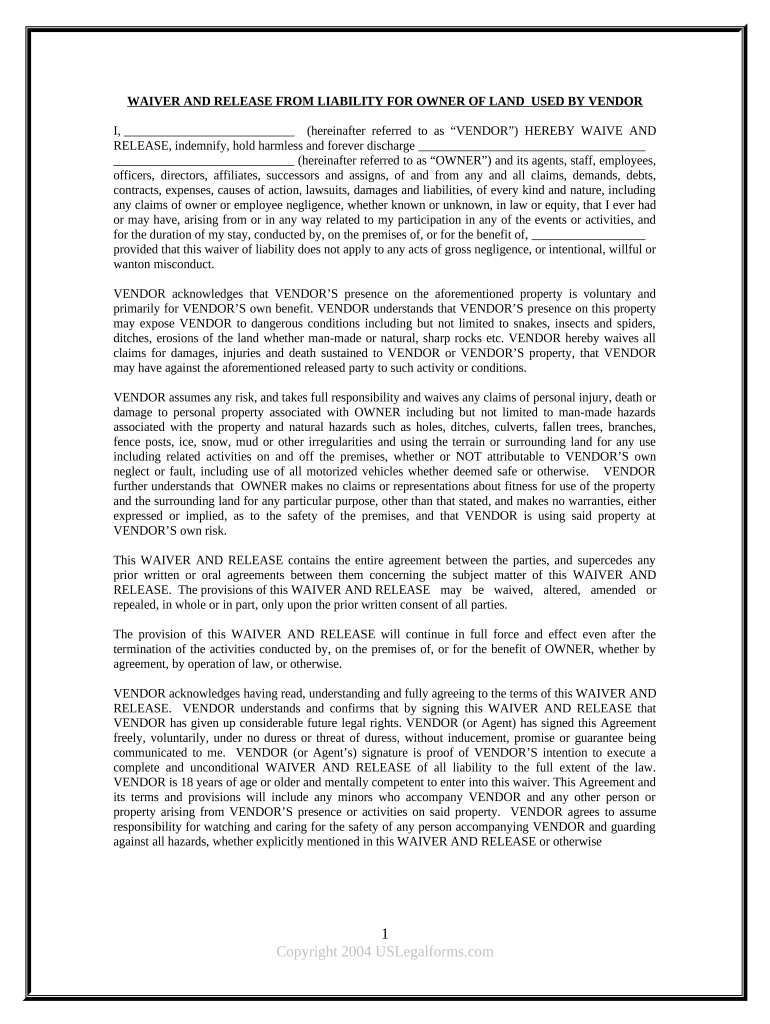
Begin by entering your name in the designated field where it states 'I, (hereinafter referred to as “VENDOR”)'. This identifies you as the party waiving liability.
Review the terms outlined in the waiver carefully. Ensure you understand your rights and responsibilities, especially regarding any risks associated with your presence on the property.
Sign and date the form at the bottom. Your signature confirms that you have read and agree to all terms stated in the waiver.
If applicable, ensure that any accompanying minors are acknowledged within your agreement, as their safety is also your responsibility.
Start using our platform today for free to complete your waiver vendor form effortlessly!
Medicaid waiver vendorWaiver vendor californiaOhio Home Care Waiver independent providersHow to become a Medicaid Waiver providerCES Waiver ProviderCih waiver providerHow to become a ICWP ProviderHCBS Waiver
Security and compliance
At DocHub, your data security is our priority. We follow HIPAA, SOC2, GDPR, and other standards, so you can work on your documents with confidence.
All new providers are required to submit a completed DDA Medicaid Waiver Provider Application and submit the required supporting documentation.Read more
How to become a Certified HCBS Waiver Provider. The FSSA Office of Medicaid Policy and Planning (OMPP) certifies providers for home and community-based servicesRead more
Cookie consent notice
This site uses cookies to enhance site navigation and personalize your experience.
By using this site you agree to our use of cookies as described in our Privacy Notice.
You can modify your selections by visiting our Cookie and Advertising Notice.