




01. Edit your maryland 60 day temporary tags online
Type text, add images, blackout confidential details, add comments, highlights and more.

Type text, add images, blackout confidential details, add comments, highlights and more.

Draw your signature, type it, upload its image, or use your mobile device as a signature pad.

Send mva information via email, link, or fax. You can also download it, export it or print it out.

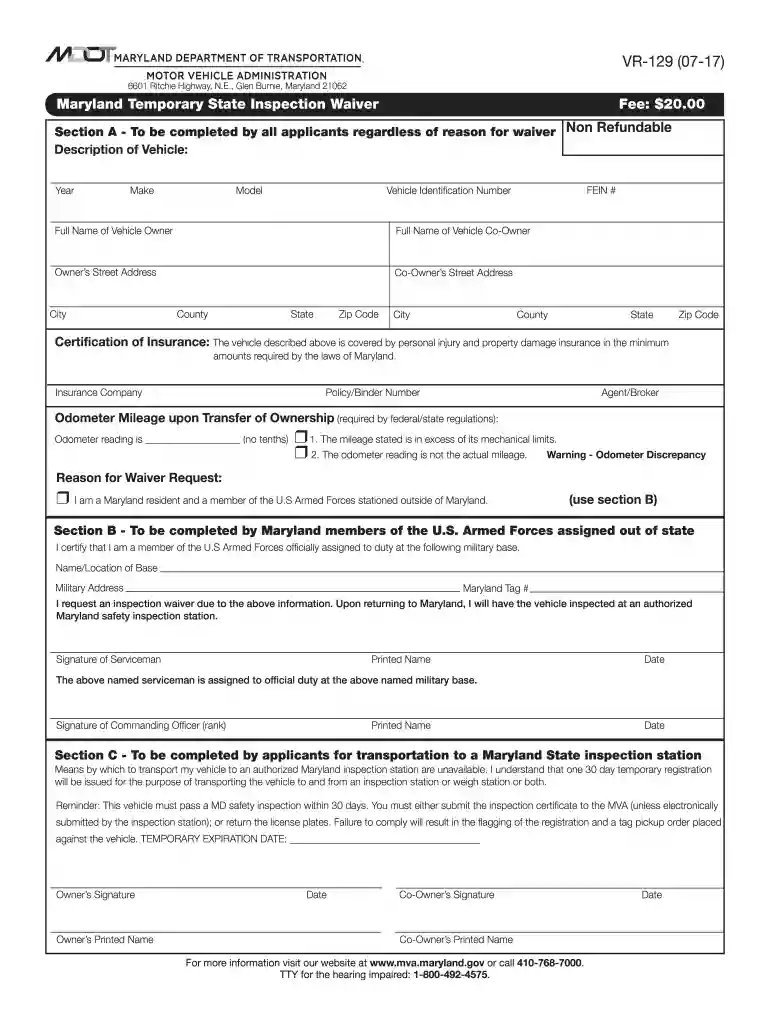
Start filling out your Maryland Temporary State Inspection Waiver today for free using our platform!
We've got more versions of the maryland 60 day temporary tags form. Select the right maryland 60 day temporary tags version from the list and start editing it straight away!
At DocHub, your data security is our priority. We follow HIPAA, SOC2, GDPR, and other standards, so you can work on your documents with confidence.
A startup company or startup is a company or temporary organization designed to search for a repeatable and scalable business model. #dowork: Coined by RobRead more
Jan 12, 2026 Life After Welfare: 2025 Annual Update provides individual participant tracking for the first time of any cash welfare study in the nation.
You may be eligible for a 30-day temporary registration or a military personnel inspection waiver, both of which allow you to drive the vehicle prior to its


