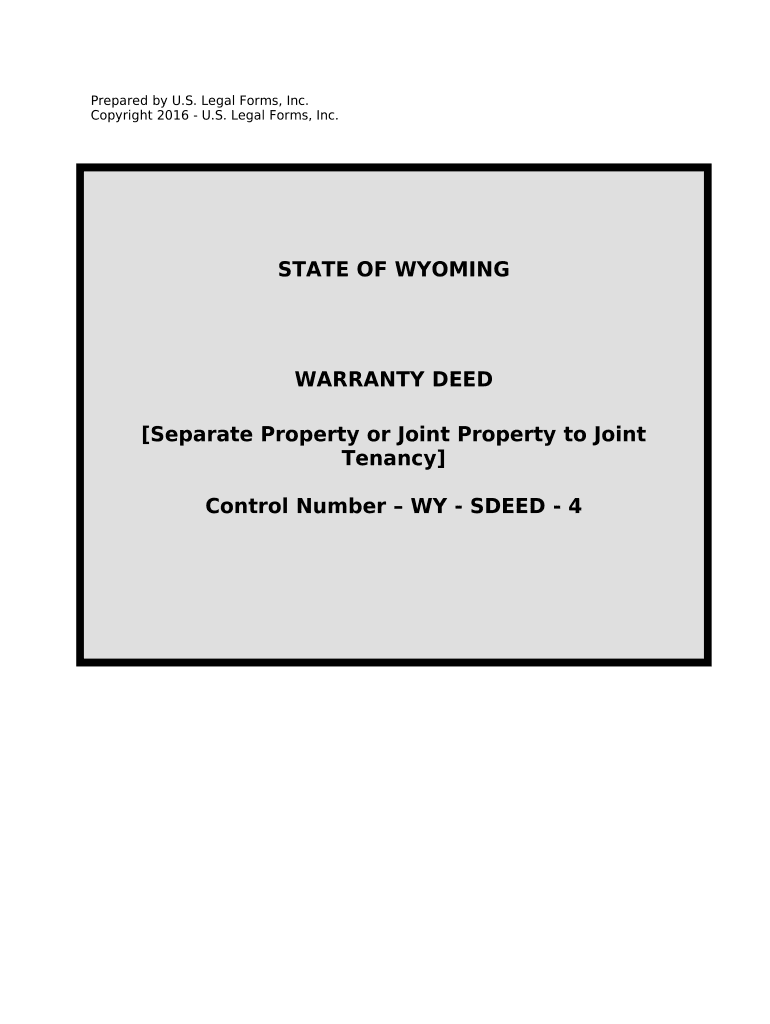
Wyoming deed 2026

Get Form
wyoming deed Preview on Page 1

Here's how it works

01. Edit your form online
Type text, add images, blackout confidential details, add comments, highlights and more.
02. Sign it in a few clicks
Draw your signature, type it, upload its image, or use your mobile device as a signature pad.
03. Share your form with others
Send it via email, link, or fax. You can also download it, export it or print it out.

How to use or fill out Wyoming Deed with our platform

Form edit decoration
9.5
Ease of Setup
DocHub User Ratings on G2
9.0
Ease of Use
DocHub User Ratings on G2
  1. Click ‘Get Form’ to open the Wyoming Deed in the editor.
  2. Begin by filling in the Grantor's information, including names and addresses. Ensure accuracy as this identifies the individual(s transferring property.
  3. Next, enter the Grantees' details. This section specifies who will receive the property. If there are multiple Grantees, list them clearly.
  4. In the legal description field, provide a detailed account of the property being conveyed. This may include parcel numbers or specific land descriptions.
  5. Review any conditions or easements that apply to the property and ensure they are noted correctly in the designated section.
  6. Finally, have both Grantors sign and date the document. Ensure that all signatures are witnessed as required by Wyoming law.

Start using our platform today for free to complete your Wyoming Deed efficiently!

be ready to get more

Complete this form in 5 minutes or less

Get form

Got questions?

We have answers to the most popular questions from our customers. If you can't find an answer to your question, please contact us.
Contact us

Yes, electronically drawing your signature is appropriate, but only if you use a tool that complies with industry regulations and policies. Try DocHub, which guarantees eSignature validity under ESIGN and UETA requirements. All you need to eSign your wyoming deed is an account with DocHub and an internet connection. After you open your paperwork in our editor, click Sign and choose the Draw option.

You can easily edit and complete your wyoming deed on any iOS device. Open an internet browser of your liking, go to the DocHub site, authorize or create a new account, add your file for editing, and make your required alterations. Our service is mobile-friendly, so using its functions on your phone will be a no-brainer, even on the first try.

Security and compliance

At DocHub, your data security is our priority. We follow HIPAA, SOC2, GDPR, and other standards, so you can work on your documents with confidence.

Learn more
ccpa2
pci-dss
gdpr-compliance
hipaa
soc-compliance