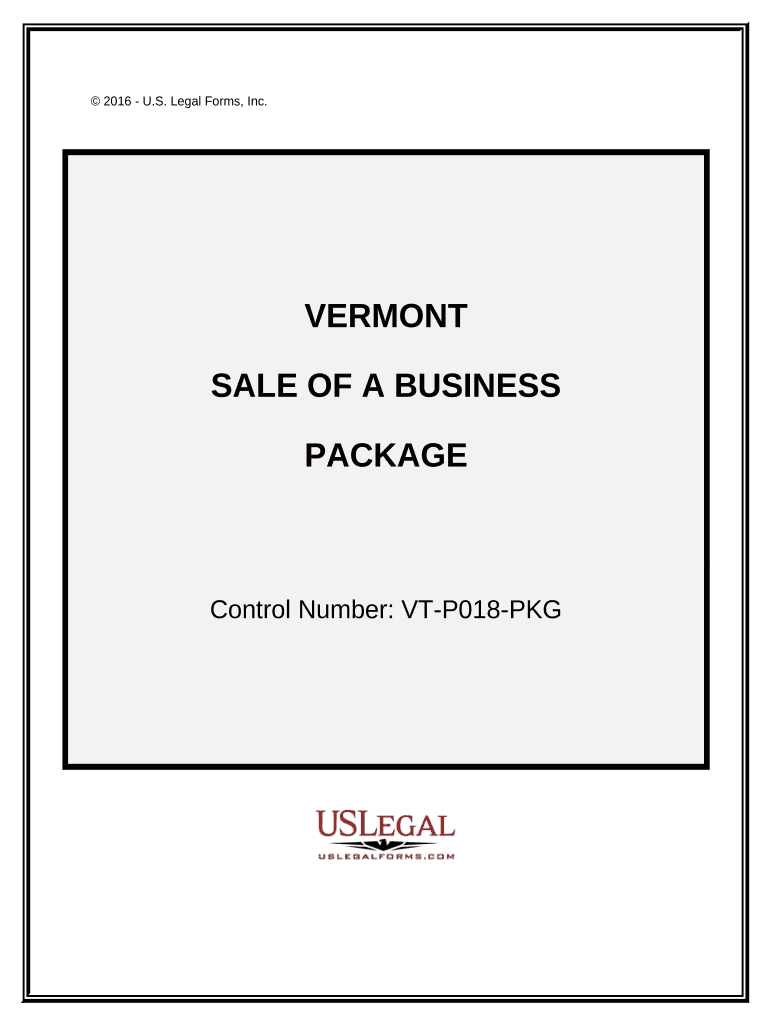
Sale of a Business Package - Vermont 2026

Get Form
Sale of a Business Package - Vermont Preview on Page 1

Here's how it works

01. Edit your form online
Type text, add images, blackout confidential details, add comments, highlights and more.
02. Sign it in a few clicks
Draw your signature, type it, upload its image, or use your mobile device as a signature pad.
03. Share your form with others
Send it via email, link, or fax. You can also download it, export it or print it out.

How to use or fill out Sale of a Business Package - Vermont with our platform

Form edit decoration
9.5
Ease of Setup
DocHub User Ratings on G2
9.0
Ease of Use
DocHub User Ratings on G2
  1. Click ‘Get Form’ to open the Sale of a Business Package in the editor.
  2. Begin with the 'Agreement for Sale of Business - Sole Proprietorship'. Fill in the seller's and buyer's details, including names and addresses, as well as the agreed sale price and terms.
  3. Next, complete the 'Asset Purchase Agreement' by listing all assets being sold. Ensure that each item is clearly described to avoid any misunderstandings.
  4. Proceed to the 'Bill of Sale for Personal Assets'. Here, specify any personal items included in the sale, ensuring they are free from claims.
  5. Fill out the 'Promissory Note' if financing is involved. Clearly state repayment terms and interest rates.
  6. Complete the 'Landlord’s Consent to Assignment of Lease' if applicable. This ensures that lease agreements are honored post-sale.
  7. Finalize with the 'Non-Competition Covenant by Seller', which prevents the seller from competing against the business after sale.

Start using our platform today to streamline your document editing and signing process for free!

be ready to get more

Complete this form in 5 minutes or less

Get form

Got questions?

We have answers to the most popular questions from our customers. If you can't find an answer to your question, please contact us.
Contact us
11 Ways to Offset Capital Gains When Selling Your Business Hold Assets for Over a Year. Offset Gains with Losses. Structure the Sale as an Installment Sale. Leverage the Qualified Small Business Stock (QSBS) Exemption. Take Advantage of a 1031 Exchange. Invest in a Qualified Opportunity Zone.
Form 4797 (Sales of Business Property), issued by the IRS, is used to report financial gains made from the sale or exchange of business property. The form requires a variety of information to be provided, such as the description of the property, the purchase date, depreciation, and the cost of the purchase.
According to the Vermont website: A Resident is an individual that is domiciled in Vermont or maintains a permanent home, and is physically present in the state for 183 days or more. A Nonresident is an individual that does not qualify as a resident or part-year resident during the tax year.
In general, business owners can expect the capital gains tax rate from a business sale to range between 0% and 20% of the profit. If your clients income exceeds certain levels, the NIIT would add 3.8% in tax as well.
Schedule D includes your personal gains, and Form 4797 includes gains from the sale of the business property. Form 4797 can be confusing because it requires quite a bit of information, some of which you might not be familiar with.

Security and compliance

At DocHub, your data security is our priority. We follow HIPAA, SOC2, GDPR, and other standards, so you can work on your documents with confidence.

Learn more
ccpa2
pci-dss
gdpr-compliance
hipaa
soc-compliance

People also ask

Dissolving Your LLC in Vermont Step 1: Vote to dissolve the LLC. Step 2: Wind up all business affairs and handle any other business matters. Step 3: Notify creditors and claimants about your LLCs dissolution, settle existing debts and distribute remaining assets. Step 4: Notify Tax Agencies and settle remaining taxes.
Depending on the amount of the sale price, the typical long-term capital gains tax rate is 15% or 20%. If you are lucky, you can even enjoy a 0% rate in some instances.
Form 941, Employers Quarterly Federal Tax Return, or Form 944, Employers Annual Federal Tax Return, for the quarter in which you make final wage payments. Check the box to tell the IRS your business has closed and enter the date final wages were paid on line 17 of Form 941 or line 14 of Form 944.

Related links