




01. Edit your florida partnership online
Type text, add images, blackout confidential details, add comments, highlights and more.

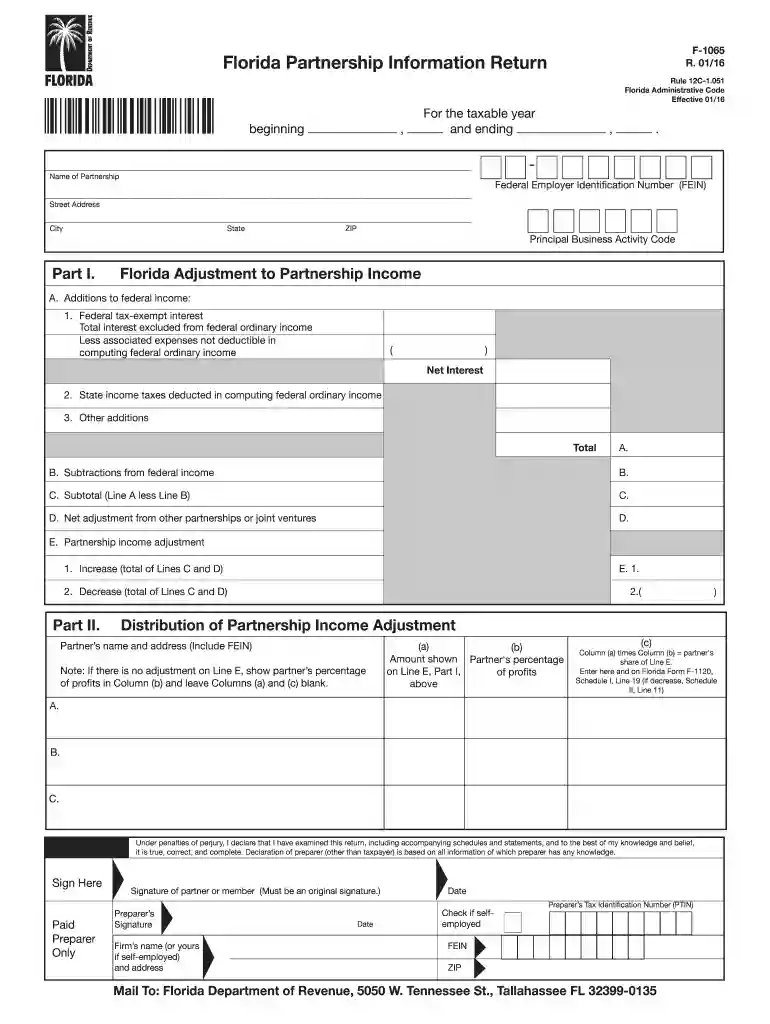
Type text, add images, blackout confidential details, add comments, highlights and more.

Draw your signature, type it, upload its image, or use your mobile device as a signature pad.

Send schedule f tax form via email, link, or fax. You can also download it, export it or print it out.

Start using our platform today to streamline your F-1065 completion process for free!
We've got more versions of the florida partnership form. Select the right florida partnership version from the list and start editing it straight away!
At DocHub, your data security is our priority. We follow HIPAA, SOC2, GDPR, and other standards, so you can work on your documents with confidence.
G Check applicable boxes: (1). Initial return (2). Final return (3). Name change (4). Address change (5). Amended return.Read more
Jan 23, 2026 Partnerships file an information return to report their income, gains, losses, deductions, credits, etc. A partnership does not pay tax onRead more
by CM Edwards 1936 The procedure in preparing partnership returns has been con siderably simplified in the 1934 law in comparison with previous.Read more


