




Here's how it works

01. Edit your statement of fact texas online
Type text, add images, blackout confidential details, add comments, highlights and more.

02. Sign it in a few clicks
Draw your signature, type it, upload its image, or use your mobile device as a signature pad.

03. Share your form with others
Send statement of fact to correct error on title via email, link, or fax. You can also download it, export it or print it out.
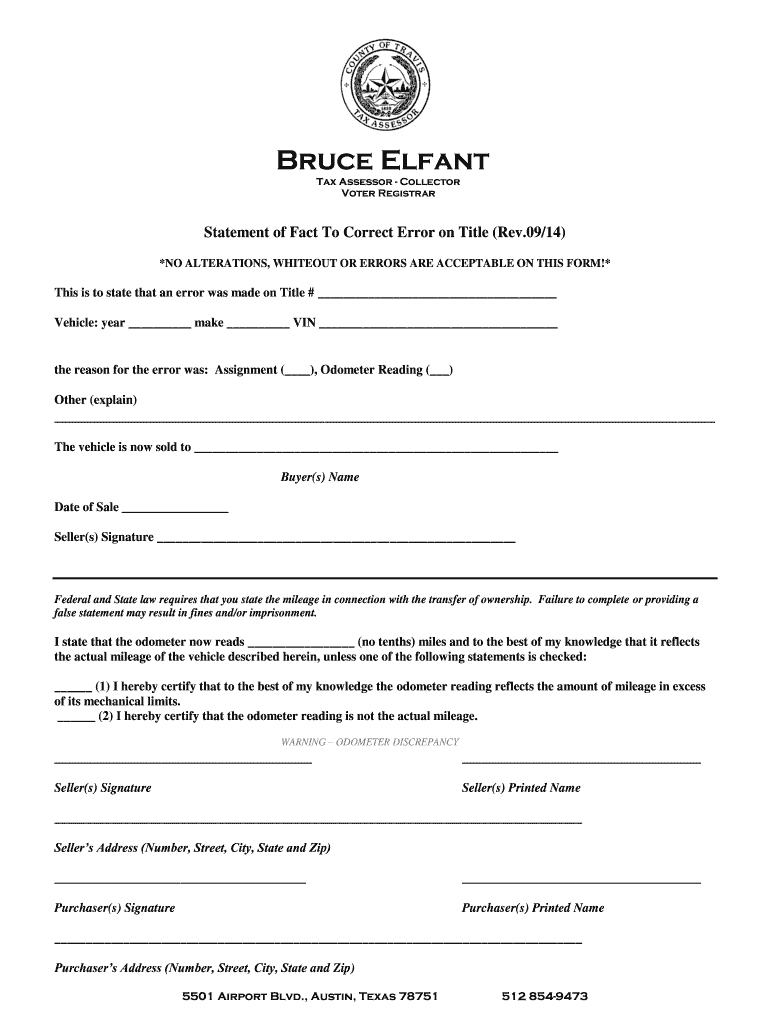
How to use or fill out statement of fact to correct error on title texas travis county

- Click ‘Get Form’ to open it in the editor.
- Begin by entering the Title Number in the designated field. This is crucial for identifying the specific vehicle in question.
- Fill in the vehicle details: year, make, and VIN. Ensure accuracy as this information is vital for the correction process.
- Indicate the reason for the error by checking the appropriate box (Assignment or Odometer Reading) and provide any additional explanation if necessary.
- Enter the buyer's name and date of sale. This section confirms who is acquiring ownership of the vehicle.
- Sign and print your name as the seller, along with your address. This verifies your identity and involvement in the transaction.
- Complete the purchaser's signature and printed name along with their address to finalize the document.
- Finally, ensure that you state the current odometer reading accurately, selecting one of the certification options regarding mileage discrepancies.
Start using our platform today to easily complete your Statement of Fact for free!
Fill out statement of fact to correct error on title texas travis county online
It's free
It's free
See more statement of fact to correct error on title texas travis county versions
We've got more versions of the statement of fact to correct error on title texas travis county form. Select the right statement of fact to correct error on title texas travis county version from the list and start editing it straight away!
Security and compliance
At DocHub, your data security is our priority. We follow HIPAA, SOC2, GDPR, and other standards, so you can work on your documents with confidence.
Learn more


Related forms

Point Assessment for Traffic and Other Violations - Pages
The document is a Maryland Uniform Complaint/Citation/Summons that outlines the details of motor vehicle law violations ...

Form UCC1 - UCC Financing Statement
The document provides detailed instructions for completing the UCC Financing Statement (Form UCC1), emphasizing the impo ...
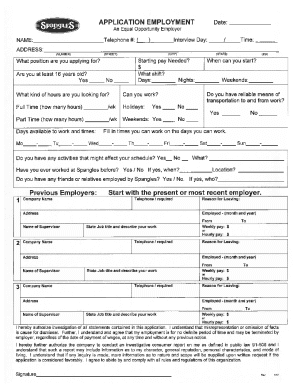
Spanglesinc Spangles-On-Line-ApplicationSpangles

Personal information - bfnbcibbcobbukb
The document is a Cheque & Debit Card Dispute Form designed for cardholders to report and resolve transaction disputes w ...

Uneventful Urine Collection Checklist - FTA
The document is a complaint form for individuals to report allegations of program discrimination by the Social Security ...
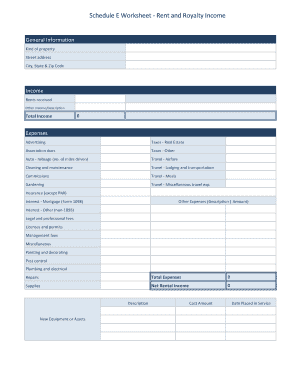
Schedule e rental income worksheet
The document is a Schedule E Worksheet designed for reporting rent and royalty income, detailing sections for property i ...

Pre-K to K Occupational Therapy Assessment Criteria Sheet
The document is an Occupational Therapy Assessment Criteria Sheet for pre-kindergarten to kindergarten students, outlini ...

Sharp shopper application
The document is an employment application for Sharp Shopper Grocery Outlet, which emphasizes its commitment to equal opp ...