Type text, add images, blackout confidential details, add comments, highlights and more.
02. Sign it in a few clicks
Draw your signature, type it, upload its image, or use your mobile device as a signature pad.
03. Share your form with others
Send it via email, link, or fax. You can also download it, export it or print it out.
How to use or fill out property minor child with our platform
Ease of Setup
DocHub User Ratings on G2
Ease of Use
DocHub User Ratings on G2
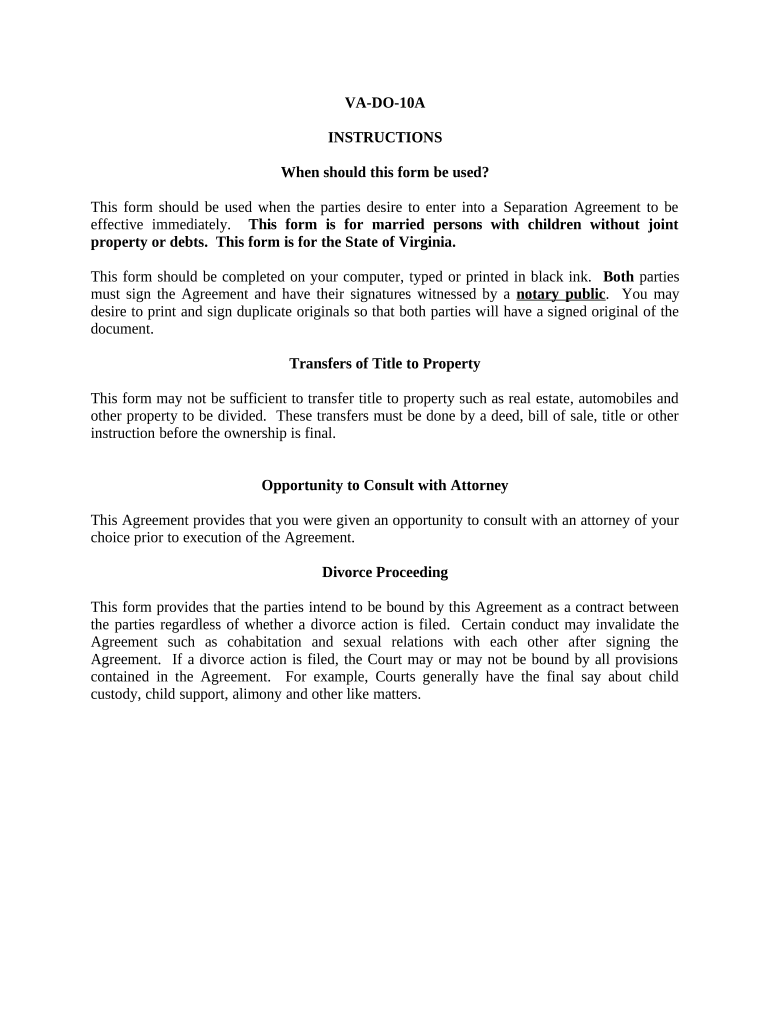
Click ‘Get Form’ to open the property minor child document in the editor.
Begin by entering the full legal names of both parties in the designated fields at the top of the form. Ensure accuracy as this information is crucial for legal purposes.
In Section 1, outline the separation details, including dates and locations. This section establishes the context of your agreement.
Proceed to Section 6, where you will list all minor children involved. Fill in their names and birth dates accurately to ensure proper custody arrangements.
In Section 7, specify child support amounts and payment schedules. Clearly indicate who will be responsible for health and dental insurance for the children.
Review all sections carefully before finalizing. Make sure both parties initial each page where indicated and sign at the end of the document.
Start using our platform today to streamline your property minor child form completion!
Can you deed property to a minorCan a parent spend a childs inheritance from grandparentsTransferring ownership of property from parent to child before deathHow to name a custodian for minor beneficiary IRA
Security and compliance
At DocHub, your data security is our priority. We follow HIPAA, SOC2, GDPR, and other standards, so you can work on your documents with confidence.
The Guardian must give the child all remaining property when the child turns 18. The Guardian is usually not paid for caring for the child and is not requiredRead more
What is Guardianship of a Minor Child? Why is it important?
A guardian of property manages the money or assets a child holds. This is possible when the parents are alive or after their death. A guardian of the person isRead more
Cookie consent notice
This site uses cookies to enhance site navigation and personalize your experience.
By using this site you agree to our use of cookies as described in our Privacy Notice.
You can modify your selections by visiting our Cookie and Advertising Notice.