Quitclaim Deed - Husband and Wife to Trust - Virginia 2026

Get Form
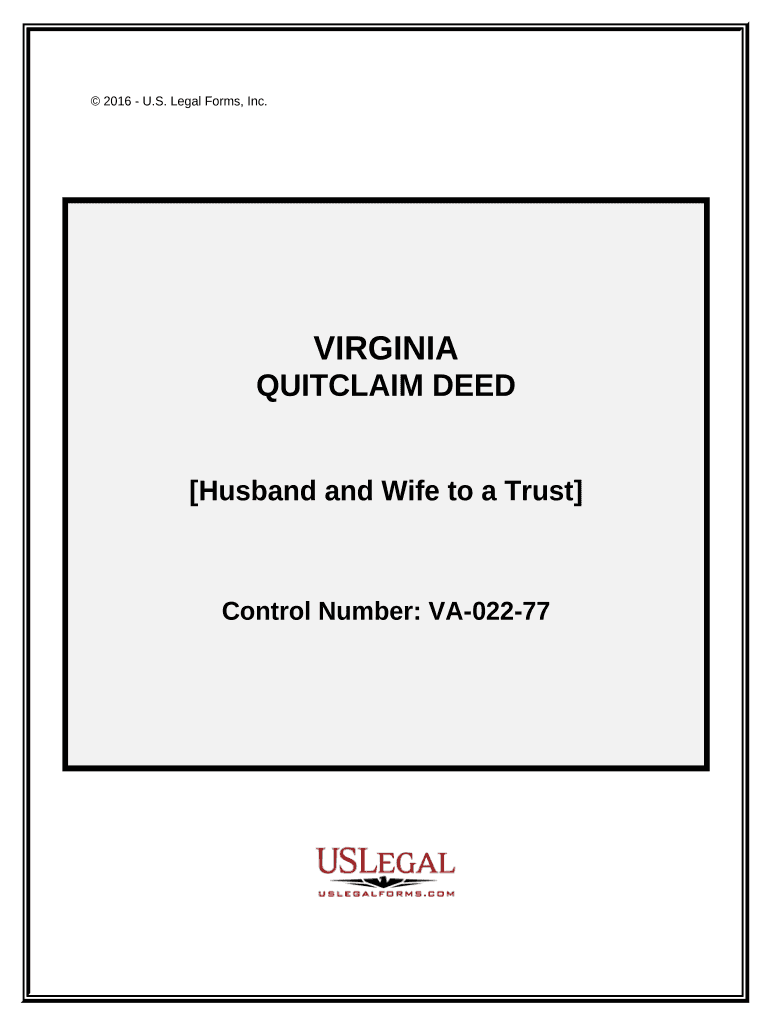
Quitclaim Deed - Husband and Wife to Trust - Virginia Preview on Page 1

Here's how it works

01. Edit your form online
Type text, add images, blackout confidential details, add comments, highlights and more.
02. Sign it in a few clicks
Draw your signature, type it, upload its image, or use your mobile device as a signature pad.
03. Share your form with others
Send it via email, link, or fax. You can also download it, export it or print it out.

How to use or fill out Quitclaim Deed - Husband and Wife to Trust - Virginia with our platform

Form edit decoration
9.5
Ease of Setup
DocHub User Ratings on G2
9.0
Ease of Use
DocHub User Ratings on G2
  1. Click ‘Get Form’ to open the Quitclaim Deed in the editor.
  2. Begin by entering the names of the Grantors (Husband and Wife) in the designated fields. Ensure that both names are clearly printed or typed.
  3. Next, specify the Grantee's name, which is typically the Trustee of the trust. Include any relevant details about the trust as required.
  4. Fill in the legal description of the property being transferred. This may require referencing an attached Exhibit A for accuracy.
  5. Indicate any prior instrument references, including Book, Page, and Document numbers from previous records.
  6. Both Grantors must sign and date the document in the provided signature fields. Ensure that their names are printed or typed below their signatures.
  7. Finally, complete the notary section by having a notary public witness and acknowledge the signatures.

Start using our platform today to streamline your Quitclaim Deed process for free!

be ready to get more

Complete this form in 5 minutes or less

Get form

Got questions?

We have answers to the most popular questions from our customers. If you can't find an answer to your question, please contact us.
Contact us
A beneficiary is absolutely entitled to an asset of a trust if they have a vested and indefeasible interest in the entire trust asset that is, they can direct the trustee to immediately transfer the asset to themselves or to someone else.
A quit claim deed is a type of deed that transfers an interest in real property, like a house, vacant land to another. Quit claim deeds are often used instead of warranty deeds when transferring property out of the trust.
The quitclaim deed simply transfers any interest they may have to the other party. Because of the lack of title guarantees, quitclaim deeds are most often used to transfer property between two parties who know and trust each other, such as family members.
If a cohabiting couple with a Declaration of Trust gets married, the deed will be superseded by the Matrimonial Causes Act 1973. Among other things, this act dictates how a court can act in settling a divorce, including what powers the court has to determine how property owned by the married couple is managed.
Trusts may be revocable or irrevocable. A revocable trust (sometimes known as a living trust) allows trustees to easily transfer assets and property into and out of the trust, but an irrevocable trust is less flexible. In general, assets placed into an irrevocable trust must remain there until a court dissolves it.

Security and compliance

At DocHub, your data security is our priority. We follow HIPAA, SOC2, GDPR, and other standards, so you can work on your documents with confidence.

Learn more
ccpa2
pci-dss
gdpr-compliance
hipaa
soc-compliance

People also ask

Real Estate Transfers in Virginia Obtain a new deed form that transfers ownership from your name to the trusts name. Include the exact legal name of your Trust on the new deed. Sign the deed in front of a notary public. Record the new deed at your local county clerks office. Pay any necessary recording fees.
Va. Code 55.1-363 lays out the specific terminology that quitclaim deeds should use to be clear and legally binding. The document should state that the grantor has or does remise(d), release(d), and forever quit(ted)claim all his claims upon the said lands to the grantee.
Using a quitclaim deed could trigger unwanted tax consequences, such as gift taxes or capital gains taxes. Additionally, a quitclaim deed can introduce confusion about who truly owns a property after a transfer, which could lead to disputes later.

Related links