Type text, add images, blackout confidential details, add comments, highlights and more.
02. Sign it in a few clicks
Draw your signature, type it, upload its image, or use your mobile device as a signature pad.
03. Share your form with others
Send it via email, link, or fax. You can also download it, export it or print it out.
How to use or fill out contract agreement contractor with our platform
Ease of Setup
DocHub User Ratings on G2
Ease of Use
DocHub User Ratings on G2
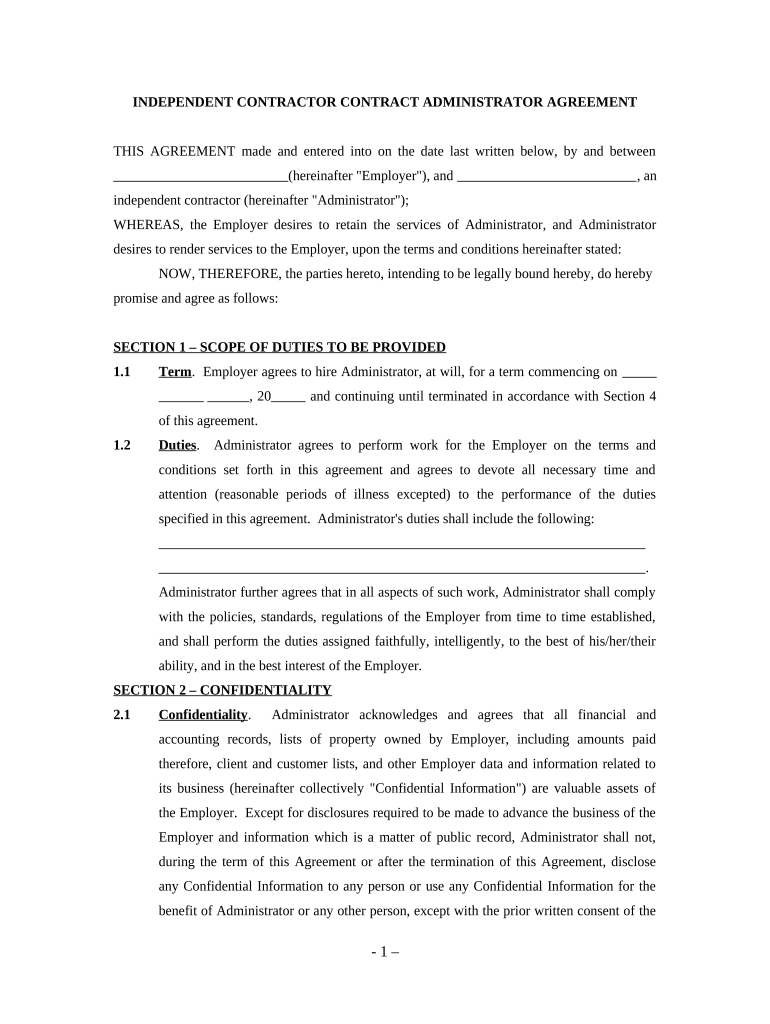
Click ‘Get Form’ to open the contract agreement contractor in the editor.
Begin by entering the date at the top of the form, followed by the names of both parties involved: the Employer and the Administrator.
In Section 1, specify the term of employment by filling in the start date and any relevant details regarding duties expected from the Administrator.
Proceed to Section 2 to acknowledge confidentiality. Ensure you understand what constitutes Confidential Information and check any necessary boxes if applicable.
In Section 3, input compensation details including payment frequency (hourly, weekly, etc.) and amount. Be clear about tax responsibilities as stated.
Review Sections 4 through 7 for termination clauses, independent contractor status, and miscellaneous provisions. Make any necessary adjustments based on your agreement.
Finally, ensure both parties sign at the bottom of the document before saving or sharing it directly from our platform.
Start using our platform today for free to streamline your contract management!
Fill out contract agreement contractor online It's free
Sample Independent Contractor Agreement This includes
[ ] Contractor has the right to hire assistants as subcontractors or to use employees to provide the services required by this Agreement. [ ] Neither ContractorRead more
Cookie consent notice
This site uses cookies to enhance site navigation and personalize your experience.
By using this site you agree to our use of cookies as described in our Privacy Notice.
You can modify your selections by visiting our Cookie and Advertising Notice.