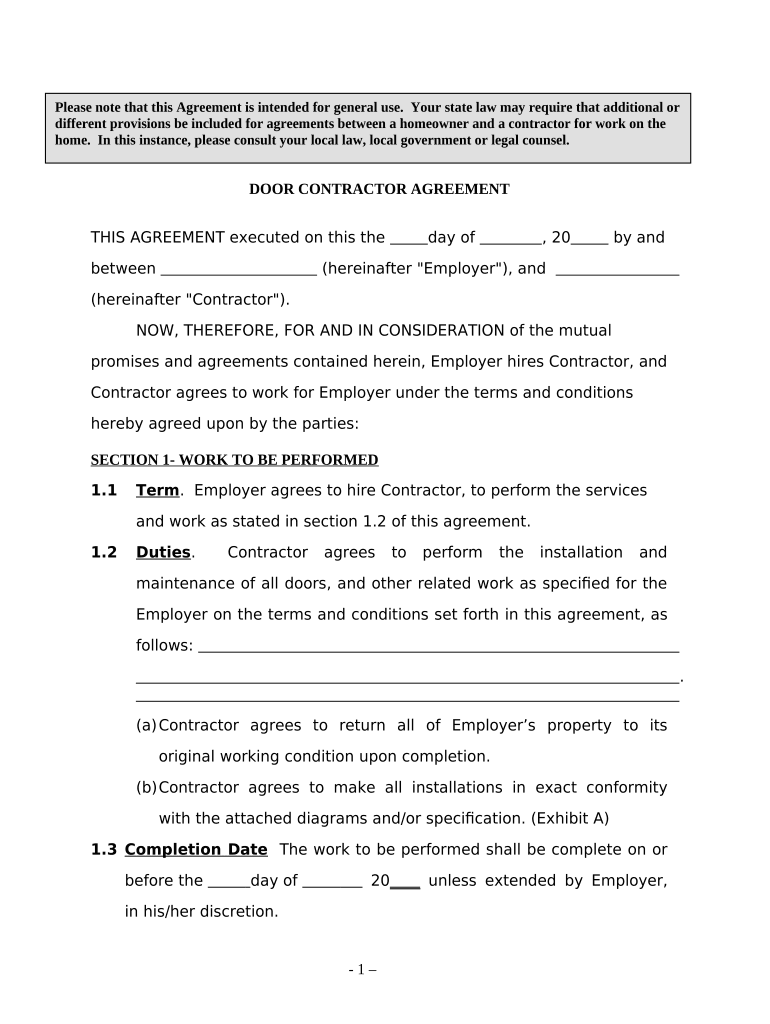
Door Contractor Agreement - Self-Employed 2026

Get Form
Door Contractor Agreement - Self-Employed Preview on Page 1

Here's how it works

01. Edit your form online
Type text, add images, blackout confidential details, add comments, highlights and more.
02. Sign it in a few clicks
Draw your signature, type it, upload its image, or use your mobile device as a signature pad.
03. Share your form with others
Send it via email, link, or fax. You can also download it, export it or print it out.

How to use or fill out Door Contractor Agreement - Self-Employed

Form edit decoration
9.5
Ease of Setup
DocHub User Ratings on G2
9.0
Ease of Use
DocHub User Ratings on G2
  1. Click ‘Get Form’ to open it in the editor.
  2. Begin by entering the date of execution at the top of the agreement. Fill in the names of both the Employer and Contractor in the designated fields.
  3. In Section 1, outline the specific work to be performed. Clearly define duties and responsibilities, ensuring all details are accurate.
  4. Specify the completion date for the project in Section 1.3, and include any liquidated damages terms if applicable.
  5. Move to Section 2 to detail compensation. Enter the agreed payment amount and frequency (e.g., upon completion, weekly).
  6. Review Sections 3 through 6 carefully, ensuring all representations, warranties, and insurance requirements are clearly stated.
  7. Finally, have both parties sign and date at the bottom of the document to finalize the agreement.

Start using our platform today to easily complete your Door Contractor Agreement - Self-Employed for free!

be ready to get more

Complete this form in 5 minutes or less

Get form

Got questions?

We have answers to the most popular questions from our customers. If you can't find an answer to your question, please contact us.
Contact us
But even if you dont use proposals, you can offer your own contract whenever youre working one-on-one with a client. If the client prefers to use their own contract, theyll surely tell you. And then you can negotiate which contract to use.
By definition, a contractor is an individual who works for someone else (individual or company) as a non-employee. Its also a way of being self-employed. However, while a contractor may be self-employed, a self-employed person might not be an independent contractor.
Even more important, a written independent contractor agreement helps establish a workers independent contractor status by showing the IRS and other agencies that both you and the worker intended to create a hiring firm/independent contractor relationship, not an employer/employee relationship.
How to draft a contract in 13 simple steps Start with a contract template. Understand the purpose and requirements. Identify all parties involved. Outline key terms and conditions. Define deliverables and milestones. Establish payment terms. Add termination conditions. Incorporate dispute resolution.
Below are eight important points to consider including in an independent contractor agreement. Define a Scope of Work. Set a Timeline for the Project. Specify Payment Terms. State Desired Results and Agree on Performance Measurement. Detail Insurance Requirements. Include a Statement of Independent Contractor Relationship.

People also ask

A contractor agreement should describe the scope of work, contract terms, contract duration, and the confidentiality agreement. It should also include a section for the two parties to sign and make the agreement official. If the contract doesnt meet these requirements, it may be inadmissible in a court of law.

Related links