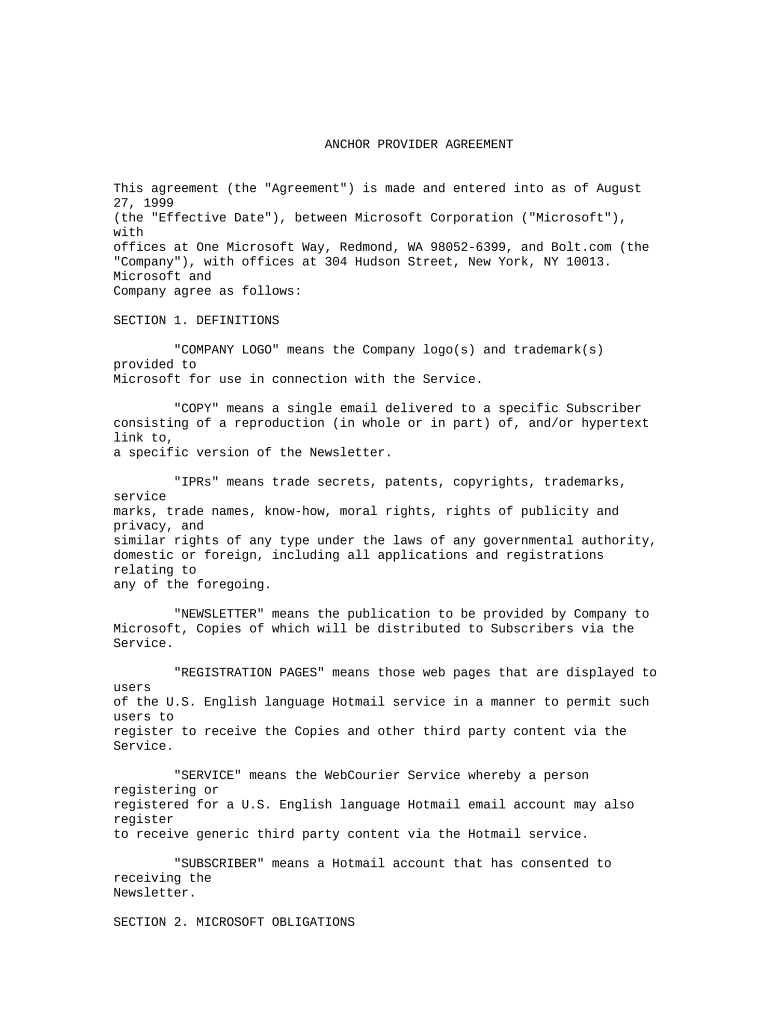
Type text, add images, blackout confidential details, add comments, highlights and more.
02. Sign it in a few clicks
Draw your signature, type it, upload its image, or use your mobile device as a signature pad.
03. Share your form with others
Send it via email, link, or fax. You can also download it, export it or print it out.
How to use or fill out provider agreement with our platform
Ease of Setup
DocHub User Ratings on G2
Ease of Use
DocHub User Ratings on G2
Click ‘Get Form’ to open the provider agreement in the editor.
Begin by reviewing the 'Definitions' section. Familiarize yourself with key terms such as 'Company Logo', 'Newsletter', and 'Service' to understand your obligations.
Fill in your company details in the designated fields, ensuring accuracy for legal compliance.
Proceed to Section 2, where you will outline Microsoft’s obligations. Confirm that you agree with the placement and promotional aspects described.
In Section 3, detail your company's obligations regarding delivery schedules and specifications for the Newsletter. Ensure all deadlines are noted.
Review Sections 4 through 10 carefully, filling out any required information related to fees, termination clauses, and confidentiality agreements.
Once completed, utilize our platform's signing feature to electronically sign the document before submission.
Start using our platform today for free to streamline your provider agreement process!
Template Agreements | Office of the General Counsel
Templates: Independent Contractor Service Provider Agreement [PDF] Guidelines for Use [PDF] Business Associate Agreement [PDF] Academy of Natural SciencesRead more
Cookie consent notice
This site uses cookies to enhance site navigation and personalize your experience.
By using this site you agree to our use of cookies as described in our Privacy Notice.
You can modify your selections by visiting our Cookie and Advertising Notice.