




01. Edit your chapter 11 reorganization plan example online
Type text, add images, blackout confidential details, add comments, highlights and more.

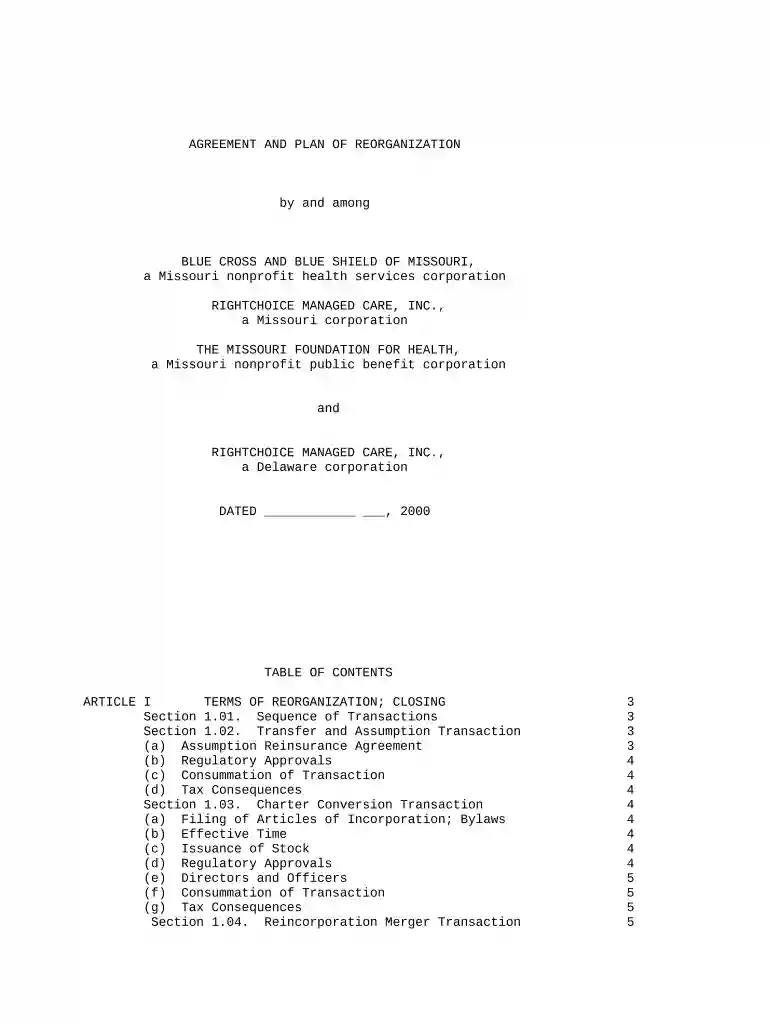
Type text, add images, blackout confidential details, add comments, highlights and more.

Draw your signature, type it, upload its image, or use your mobile device as a signature pad.

Send reorganization plan example via email, link, or fax. You can also download it, export it or print it out.

Start using our platform today for free to streamline your plan reorganization process!
Yes, electronically drawing your signature is appropriate, but only if you use a tool that complies with industry laws and regulations. Consider DocHub, which guarantees eSignature validity under ESIGN and UETA requirements. All you need to eSign your reorganization plan template is an account with DocHub and an internet connection. After you open your file in our editor, click Sign and choose the Draw tool.
With DocHub, you have several convenient ways to edit your plan reorganization online. You can drag and drop the form and edit it straight at the DocHub website or use our browser extension to fill out your form right away. Additionally, you can edit your PDF on your smartphone, as DocHub works with all the available mobile platforms.
At DocHub, your data security is our priority. We follow HIPAA, SOC2, GDPR, and other standards, so you can work on your documents with confidence.




((a)) ** Submission of plan** Not later than 60 days after , the President shall transmit to the appropriate congressional committees a reorganization plan
This structure was designed to provide separate administrative arrangements for health research, programs of State and local aid, health services, and executiveRead more
Define the problem. Determine whether existing jobs and structures are meeting department goals. Consider what factors contribute to effectiveness of jobsRead more


