Type text, add images, blackout confidential details, add comments, highlights and more.
02. Sign it in a few clicks
Draw your signature, type it, upload its image, or use your mobile device as a signature pad.
03. Share your form with others
Send it via email, link, or fax. You can also download it, export it or print it out.
How to use or fill out amended agreement with our platform
Ease of Setup
DocHub User Ratings on G2
Ease of Use
DocHub User Ratings on G2
Click ‘Get Form’ to open the amended agreement in the editor.
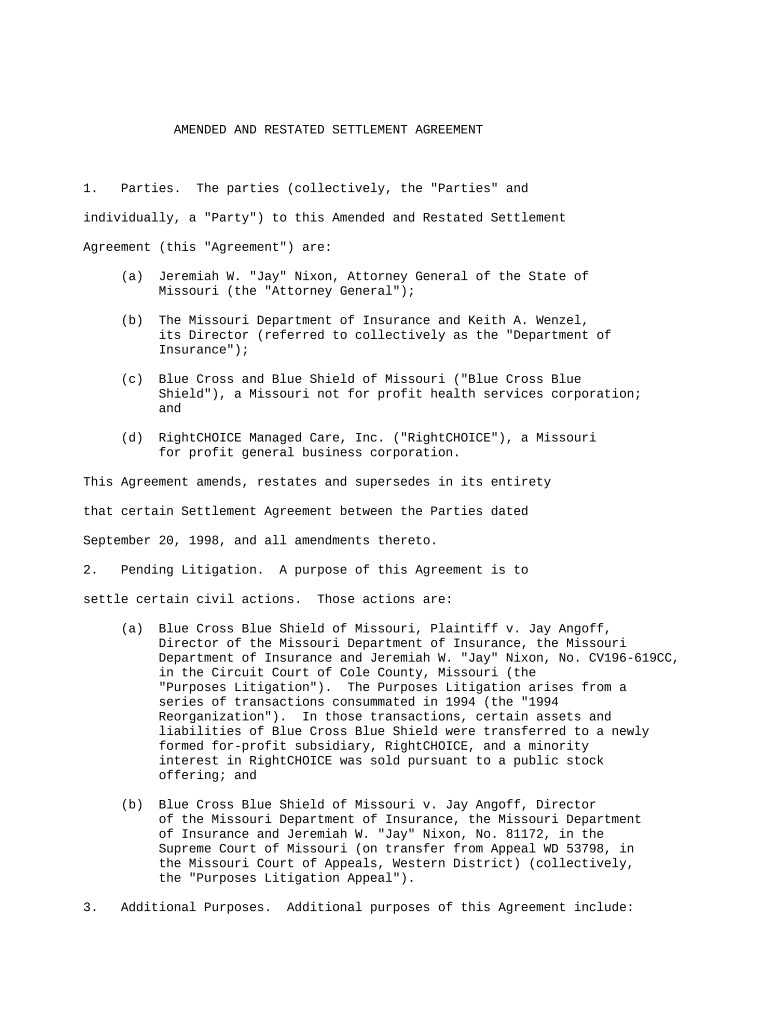
Begin by reviewing the 'Parties' section. Ensure that all parties involved are correctly listed, including their titles and affiliations.
Move to the 'Pending Litigation' section. Here, you should confirm that all relevant civil actions are accurately described, ensuring clarity on the purpose of this agreement.
In the 'Additional Purposes' section, fill in any specific objectives related to asset management and compliance with Missouri law as required.
Proceed to the 'Payment for Public Purpose' section. Enter the specified payment amount and ensure it aligns with your records.
Review the 'Reorganization Agreement' details carefully. Make sure all necessary actions and obligations are clearly outlined and understood.
Finally, check all sections for accuracy before signing. Use our platform's signature feature to securely sign the document electronically.
Start editing your amended agreement online for free today!
If the Sponsors Board of Directors approves of the proposed amendments Exhibit A of this Agreement shall be amended to reflect the duly approved amended GrantRead more
If the only amendment that you intend to make is to extend the term of the contract beyond its existing end date, see the prototype template Amendment to ExtendRead more
Cookie consent notice
This site uses cookies to enhance site navigation and personalize your experience.
By using this site you agree to our use of cookies as described in our Privacy Notice.
You can modify your selections by visiting our Cookie and Advertising Notice.