Type text, add images, blackout confidential details, add comments, highlights and more.
02. Sign it in a few clicks
Draw your signature, type it, upload its image, or use your mobile device as a signature pad.
03. Share your form with others
Send it via email, link, or fax. You can also download it, export it or print it out.
How to use or fill out purchase agreement form with our platform
Ease of Setup
DocHub User Ratings on G2
Ease of Use
DocHub User Ratings on G2
Click ‘Get Form’ to open the purchase agreement form in the editor.
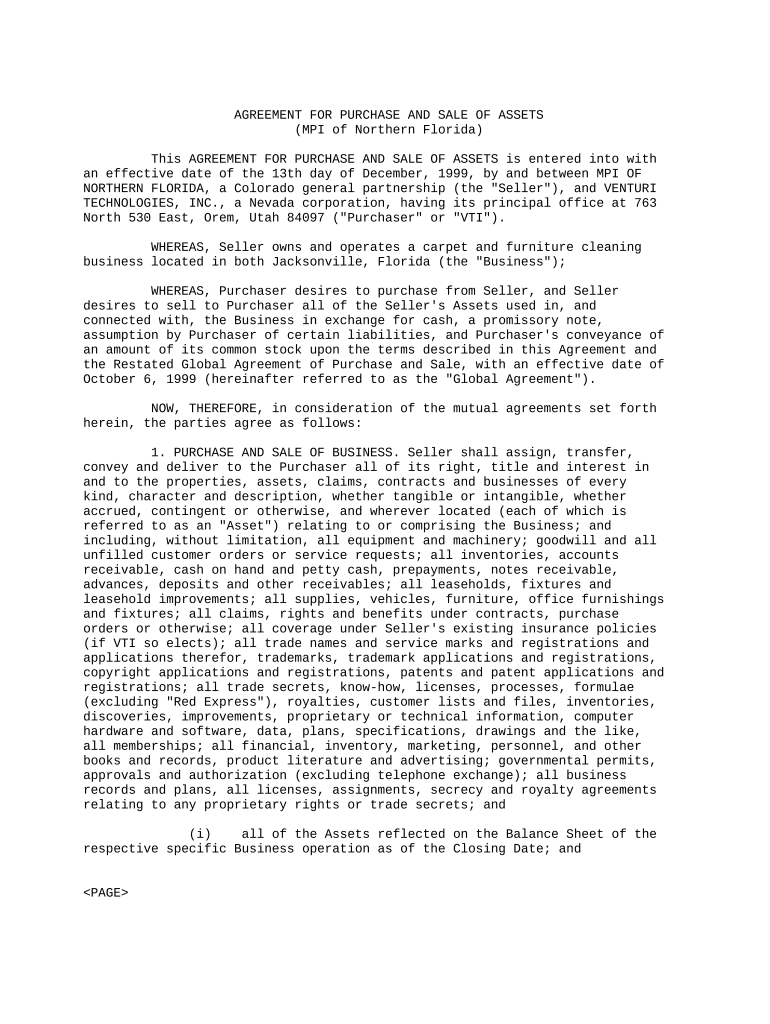
Begin by filling in the effective date at the top of the form. This is crucial as it establishes when the agreement becomes valid.
In the 'Seller' and 'Purchaser' sections, enter the full legal names and addresses of both parties involved in the transaction.
Proceed to section 1, where you will detail the assets being sold. Ensure all items listed are accurate and complete, including equipment, inventory, and any intangible assets.
In section 2, specify payment details. Clearly outline cash amounts, promissory notes, and any stock considerations as described in this section.
Review sections regarding closing obligations and representations carefully. Fill out any required fields related to warranties or liabilities.
Once all fields are completed, utilize our platform’s signing feature to electronically sign the document along with any other required parties.
Start using our platform today for free to streamline your purchase agreement process!
If the seller chooses to retain the property and sue the buyer for damages, the proper measure of actual damages is the difference between the agreed purchaseRead more
1. PARTIES TO CONTRACT - PROPERTY. Purchaser and Seller acknowledge that Broker is is not the limited agent of both parties to this transaction asRead more
Cookie consent notice
This site uses cookies to enhance site navigation and personalize your experience.
By using this site you agree to our use of cookies as described in our Privacy Notice.
You can modify your selections by visiting our Cookie and Advertising Notice.