




01. Edit your form online
Type text, add images, blackout confidential details, add comments, highlights and more.

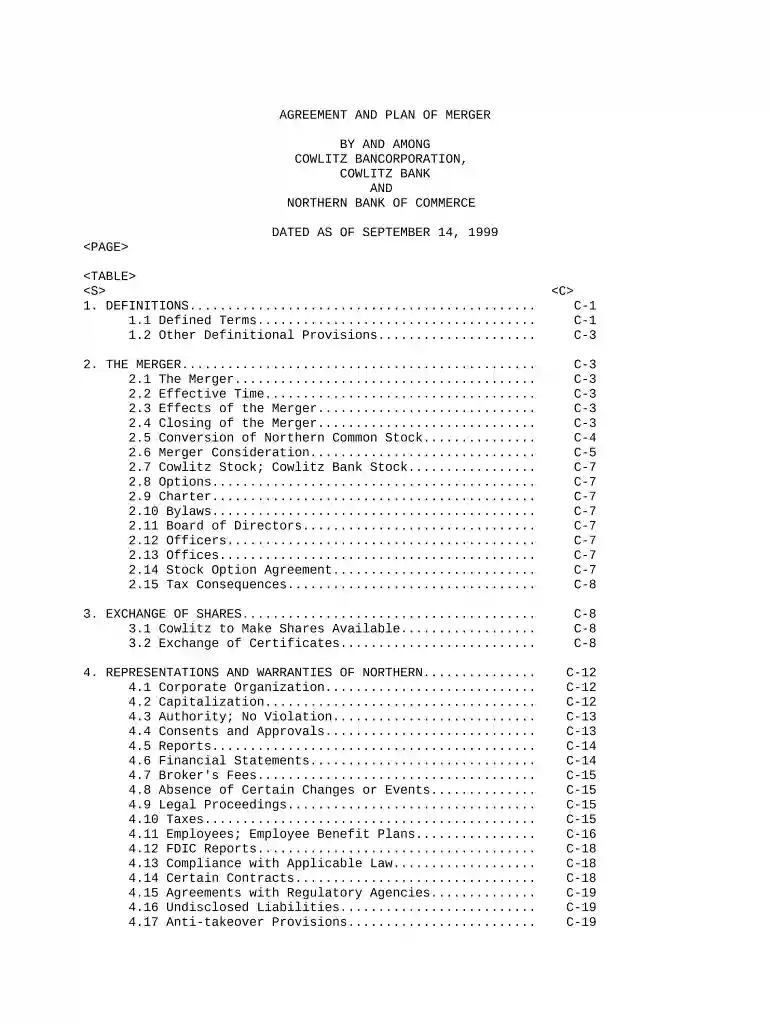
Type text, add images, blackout confidential details, add comments, highlights and more.

Draw your signature, type it, upload its image, or use your mobile device as a signature pad.

Send it via email, link, or fax. You can also download it, export it or print it out.

Start using our platform today for free to streamline your plan merger process!
At DocHub, your data security is our priority. We follow HIPAA, SOC2, GDPR, and other standards, so you can work on your documents with confidence.

(1) The sum of the account balances in each plan equals the fair market value (determined as of the date of the merger) of the entire plan assets.Read more
May 18, 2026 Lauder Neue Galerie New York (the Neue Galerie) announced plans for a landmark agreement to merge the Neue Galerie with The Met in 2028. TheRead more
Aug 26, 2025 A retirement plan can merge with another plan. Generally, the merger of the plans cannot violate the anti-cutback rule.Read more


