Type text, add images, blackout confidential details, add comments, highlights and more.
02. Sign it in a few clicks
Draw your signature, type it, upload its image, or use your mobile device as a signature pad.
03. Share your form with others
Send it via email, link, or fax. You can also download it, export it or print it out.
How to use or fill out borrower agreement with our platform
Ease of Setup
DocHub User Ratings on G2
Ease of Use
DocHub User Ratings on G2
Click 'Get Form' to open the borrower agreement in the editor.
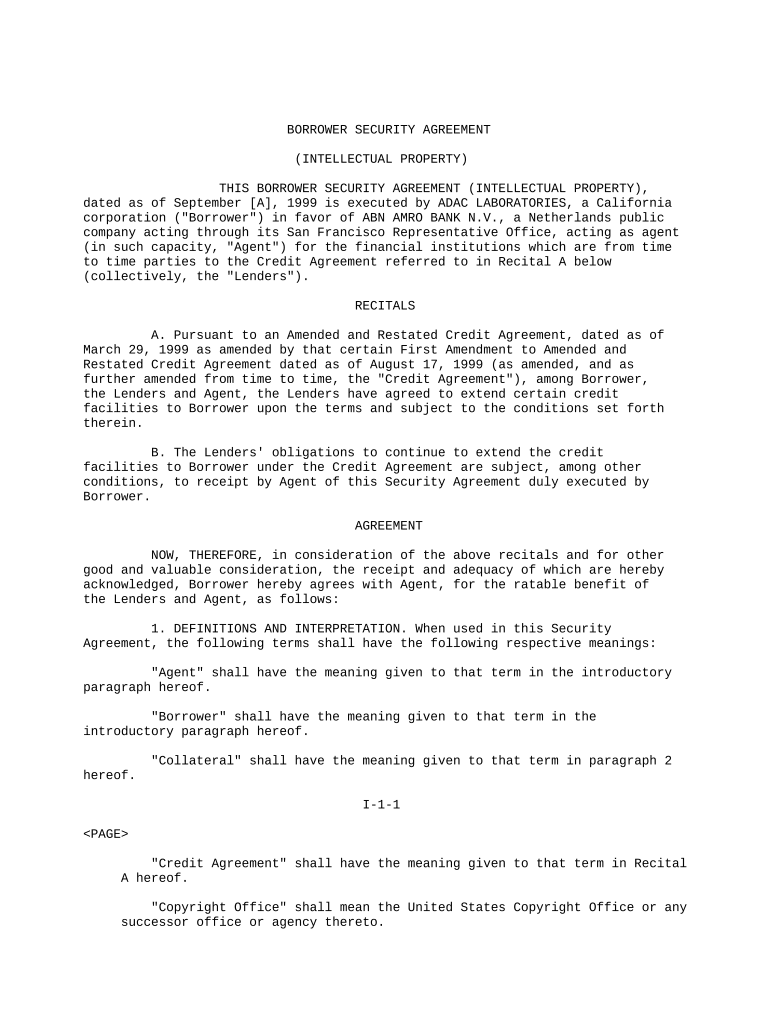
Begin by filling in the date at the top of the document. Ensure that you enter the correct date format as specified.
In the introductory section, provide your full legal name as 'Borrower' and ensure it matches any official documents.
Review the recitals carefully. These sections outline the context of your agreement. Make sure you understand each point before proceeding.
Move on to Section 1, where definitions are provided. Familiarize yourself with terms like 'Agent', 'Collateral', and 'Lenders' as they will be referenced throughout the document.
In Section 2, grant a security interest by clearly identifying all collateral listed in Attachment 1. This is crucial for securing obligations under this agreement.
Complete Sections 3 and 4 by providing necessary representations and warranties about your ownership of collateral and agreeing to covenants outlined.
Finally, review all sections for accuracy, sign where indicated, and save your changes before submitting or sharing your completed form.
Start using our platform today to easily fill out your borrower agreement online for free!
Borrower has the right to make payments of principal at any time before they are due. A payment of principal only is known as a prepayment. When making a.Read more
Cookie consent notice
This site uses cookies to enhance site navigation and personalize your experience.
By using this site you agree to our use of cookies as described in our Privacy Notice.
You can modify your selections by visiting our Cookie and Advertising Notice.