Type text, add images, blackout confidential details, add comments, highlights and more.
02. Sign it in a few clicks
Draw your signature, type it, upload its image, or use your mobile device as a signature pad.
03. Share your form with others
Send it via email, link, or fax. You can also download it, export it or print it out.
How to use or fill out insurance trust with our platform
Ease of Setup
DocHub User Ratings on G2
Ease of Use
DocHub User Ratings on G2
Click ‘Get Form’ to open the insurance trust document in the editor.
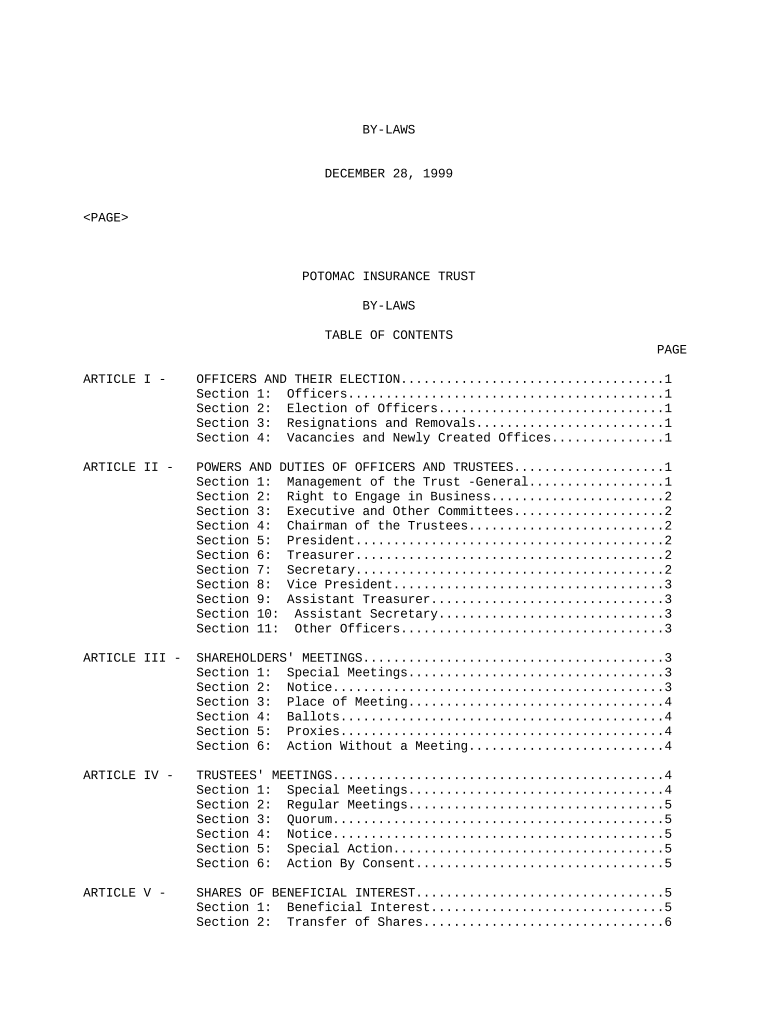
Begin by reviewing the 'Officers and Their Election' section. Fill in the names of the elected officers, ensuring you include their roles as specified.
Proceed to the 'Powers and Duties of Officers and Trustees' section. Here, indicate any specific powers or duties assigned to each officer, based on your organizational structure.
Next, navigate to 'Shareholders' Meetings'. Complete details regarding meeting schedules, including special meetings and notice requirements for shareholders.
In the 'Trustees' Meetings' section, document any regular or special meeting protocols that need to be followed, ensuring compliance with established guidelines.
Finally, review the 'Shares of Beneficial Interest' section. Fill out information regarding share transfers and beneficial interests as applicable.
Start using our platform today for free to streamline your insurance trust documentation!
Life insurance trustInsurance trust exampleCan I put my life insurance policy in a trust and borrow against itWhole life insurance trustTypes of insurance trustsLife insurance trust for childLife insurance trust vs life insuranceLife insurance trust example
Security and compliance
At DocHub, your data security is our priority. We follow HIPAA, SOC2, GDPR, and other standards, so you can work on your documents with confidence.
Jul 21, 2025 The insurance companies have to trust that the previous insurer has provided correct information without being able to check this. However
May 29, 2024 Maximum Insurance Coverage per Trust Owner. Number of Eligible Beneficiaries. Maximum Deposit Insurance Coverage. 1 Beneficiary. $250,000. 2
irrevocable life insurance trust (ILIT) - Legal Information Institute
Irrevocable life insurance trusts (ILIT) allow individuals to ensure the benefits from a life insurance policy can avoid estate taxes and follow the interests
Cookie consent notice
This site uses cookies to enhance site navigation and personalize your experience.
By using this site you agree to our use of cookies as described in our Privacy Notice.
You can modify your selections by visiting our Cookie and Advertising Notice.