Type text, add images, blackout confidential details, add comments, highlights and more.
02. Sign it in a few clicks
Draw your signature, type it, upload its image, or use your mobile device as a signature pad.
03. Share your form with others
Send it via email, link, or fax. You can also download it, export it or print it out.
How to use or fill out amending agreement with our platform
Ease of Setup
DocHub User Ratings on G2
Ease of Use
DocHub User Ratings on G2
Click ‘Get Form’ to open the amending agreement in the editor.
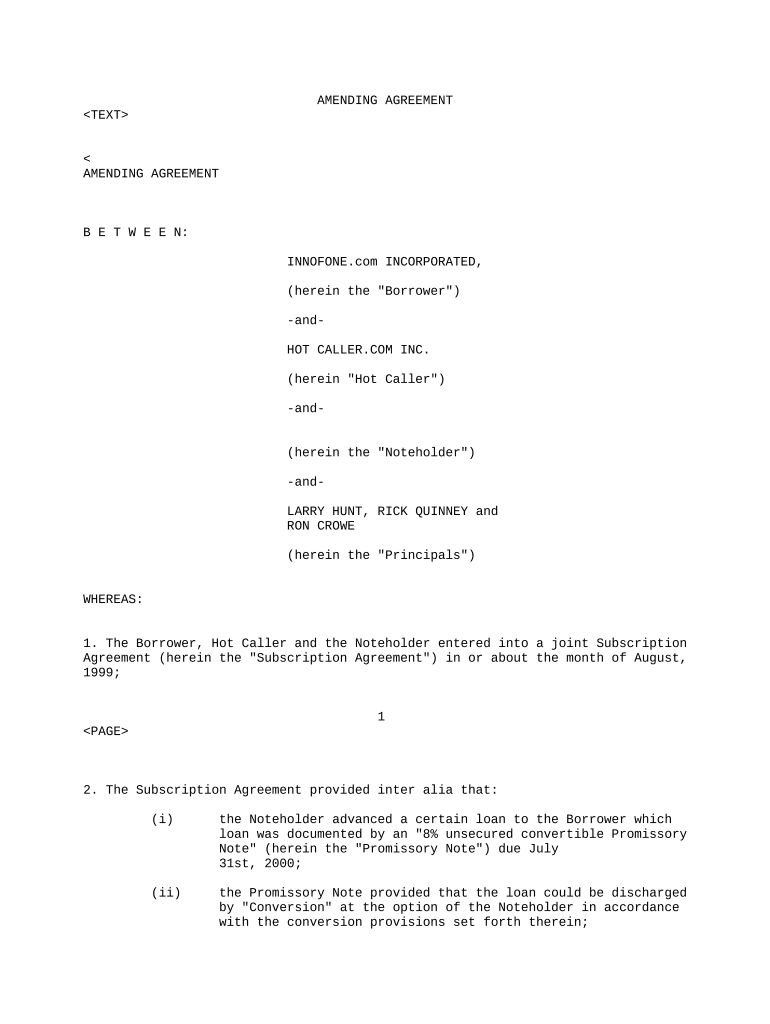
Begin by reviewing the introductory section, which outlines the parties involved. Ensure that all names and titles are accurate.
Move to the 'WHEREAS' clauses. Confirm that the details regarding previous agreements and loans are correctly stated, as these provide context for the amendments.
In the 'Noteholder' section, carefully fill in any required confirmations and agreements. Pay special attention to amendments related to warrants and conversion rights.
Proceed to the 'Borrower/Hot Caller' section. Verify that all changes regarding ownership and stock entitlements are accurately reflected.
Complete the 'Principals' section by ensuring all principals acknowledge their rights and releases appropriately.
Finally, review the signature lines at the end of the document. Ensure all parties sign where indicated, confirming their agreement to the terms outlined.
Start editing your amending agreement online for free today!
Amending agreement templateAmending agreement template wordAmending agreement exampleHow to amend a contract after signingcontract amendment template - wordAmendment Agreement pdfContract amendment vs addendumHow to amend a contract before signing
Security and compliance
At DocHub, your data security is our priority. We follow HIPAA, SOC2, GDPR, and other standards, so you can work on your documents with confidence.
Without limiting any other provision of this Agreement regarding amendments hereto, the Grantee must submit any proposed amendment to Grant Proposal and theRead more
If the only amendment that you intend to make is to extend the term of the contract beyond its existing end date, see the prototype template Amendment toRead more
Cookie consent notice
This site uses cookies to enhance site navigation and personalize your experience.
By using this site you agree to our use of cookies as described in our Privacy Notice.
You can modify your selections by visiting our Cookie and Advertising Notice.