Agreement plan form 2026

Get Form
agreement plan form Preview on Page 1

Here's how it works

01. Edit your form online
Type text, add images, blackout confidential details, add comments, highlights and more.
02. Sign it in a few clicks
Draw your signature, type it, upload its image, or use your mobile device as a signature pad.
03. Share your form with others
Send it via email, link, or fax. You can also download it, export it or print it out.

How to use or fill out agreement plan form with our platform

Form edit decoration
9.5
Ease of Setup
DocHub User Ratings on G2
9.0
Ease of Use
DocHub User Ratings on G2
  1. Click ‘Get Form’ to open the agreement plan form in the editor.
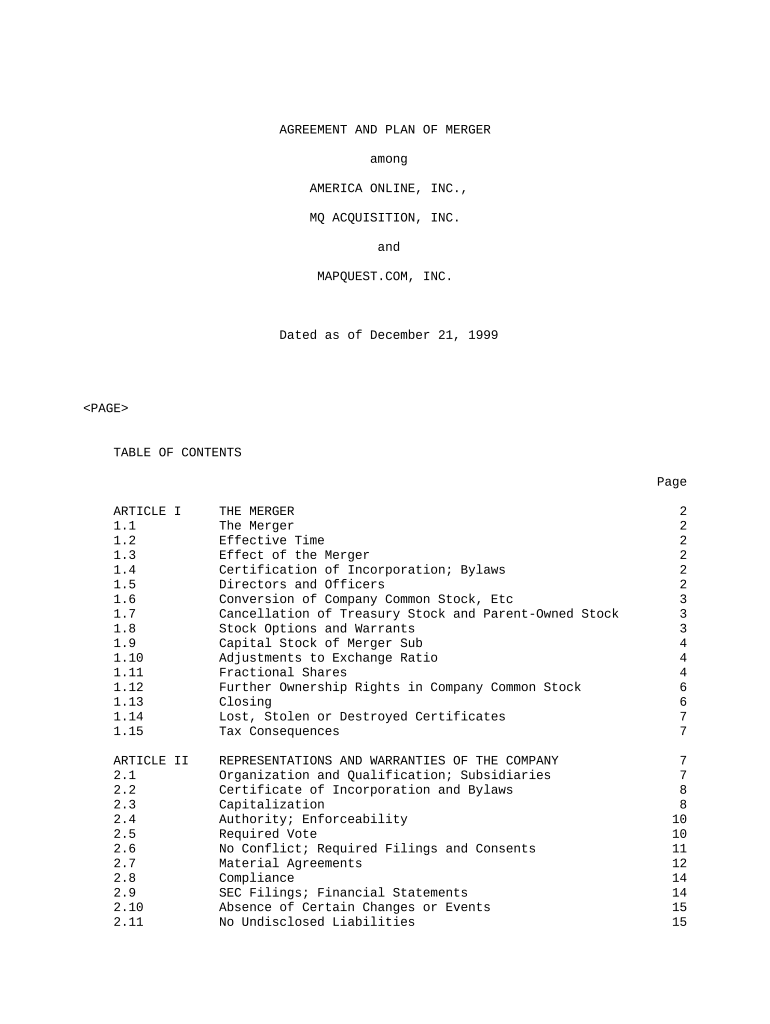
  2. Begin by filling in the basic information section, which typically includes the names of the parties involved and the date of the agreement.
  3. Proceed to Article I, where you will detail the terms of the merger. Ensure that all relevant sections are completed accurately, including effective time and effect of the merger.
  4. In Article II, provide representations and warranties. This section requires specific disclosures about each party's qualifications and compliance with laws.
  5. Continue through Articles III to VIII, ensuring that all required fields are filled out according to your specific agreement details. Pay attention to any conditions or additional agreements that may apply.
  6. Once all sections are completed, review your entries for accuracy and completeness before saving or submitting the form.

Start using our platform today for free to streamline your document editing and signing process!

be ready to get more

Complete this form in 5 minutes or less

Get form

Got questions?

We have answers to the most popular questions from our customers. If you can't find an answer to your question, please contact us.
Contact us
2:00 3:32 And avoid any complications with your installment. Agreement. To learn more check out these linksMoreAnd avoid any complications with your installment. Agreement. To learn more check out these links which you can click in the description. Below. And feel free to comment your questions.
Populate the template with key details: Clearly define the amount owed, the payment schedule, the payment method (e.g., bank transfer, check), and any additional terms such as interest rates or late fees. Include any relevant dates, such as when payments are due and the total duration of the payment plan.
Essentially, Form 9465 is a request form used to apply for a payment plan, and Form 433-D is the direct debit installment agreement form that is used to establish the actual agreement once the IRS has approved the payment plan. 433 d form allows the IRS to take payments directly from a taxpayers bank account.
Use Form 9465 to request a monthly installment plan if you cannot pay the full amount you owe shown on your tax return (or on a notice we sent you).
Form 433-D is an official form sent to taxpayers directly from the IRS. This form helps taxpayers set up an installment agreement arrangement and pay via direct debit. This form should outline exactly how much you owe and how much youre expected to pay each period.

Security and compliance

At DocHub, your data security is our priority. We follow HIPAA, SOC2, GDPR, and other standards, so you can work on your documents with confidence.

Learn more
ccpa2
pci-dss
gdpr-compliance
hipaa
soc-compliance

People also ask

Form 433-A is used to obtain current financial information necessary for determining how a wage earner or self-employed individual can satisfy an outstanding tax liability. If you are an individual who is self-employed or has self- employment income.
0:00 2:44 A payment plan agreement is created between a customer or client. And a party that is owed money andMoreA payment plan agreement is created between a customer or client. And a party that is owed money and binds the debtor to repay the debt owed in ance. With the terms in the contract.
Use Form 9465 to request a monthly installment agreement (payment plan) if you cant pay the full amount you owe shown on your tax return (or on a notice we sent you).

Related links