Type text, add images, blackout confidential details, add comments, highlights and more.
02. Sign it in a few clicks
Draw your signature, type it, upload its image, or use your mobile device as a signature pad.
03. Share your form with others
Send it via email, link, or fax. You can also download it, export it or print it out.
How to use or fill out marital trust with our platform
Ease of Setup
DocHub User Ratings on G2
Ease of Use
DocHub User Ratings on G2
Click ‘Get Form’ to open the marital trust document in the editor.
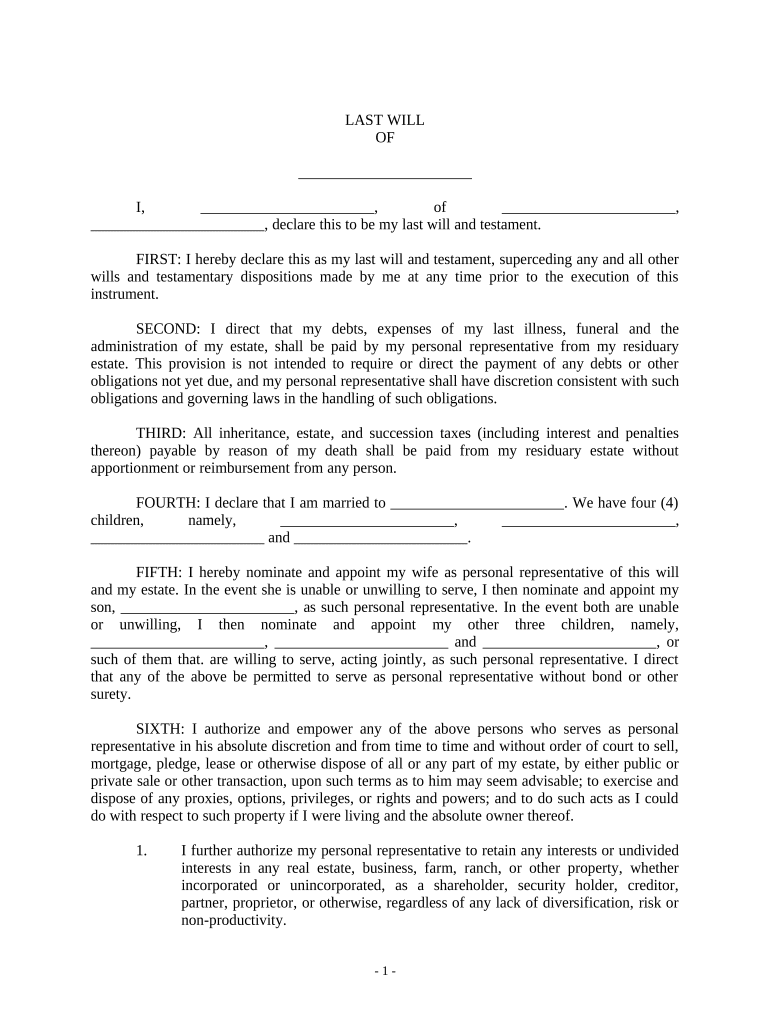
Begin by filling in your personal information at the top of the form, including your name and address. This establishes your identity as the testator.
In the section regarding debts and expenses, clearly outline how you wish these to be handled after your passing. This ensures clarity for your personal representative.
Designate your spouse and children in the appropriate sections. Be specific about their names and relationships to avoid any confusion.
Review the provisions related to asset distribution carefully. Make sure that each beneficiary's share is clearly defined, especially if there are conditions attached.
Finally, ensure that you sign and date the document at the end, confirming it as your last will and testament. Utilize our platform’s signature feature for a seamless process.
Start using our platform today to easily complete your marital trust form online for free!
Marital trust vs family trustIs a marital trust revocable or irrevocableWhat happens to marital trust when spouse diesMarital trust pros and consTypes of marital trustsMarital trust income taxationMarital trust vs survivor's trustDoes a marital trust file a tax return
Security and compliance
At DocHub, your data security is our priority. We follow HIPAA, SOC2, GDPR, and other standards, so you can work on your documents with confidence.
Types of Trusts for Your Estate: Which Is Best for You?
Nov 17, 2024 The surviving spouse owns the marital trust, though they can receive income from the family trust during their lifetime. Then, when theRead more
Cookie consent notice
This site uses cookies to enhance site navigation and personalize your experience.
By using this site you agree to our use of cookies as described in our Privacy Notice.
You can modify your selections by visiting our Cookie and Advertising Notice.