Type text, add images, blackout confidential details, add comments, highlights and more.
02. Sign it in a few clicks
Draw your signature, type it, upload its image, or use your mobile device as a signature pad.
03. Share your form with others
Send it via email, link, or fax. You can also download it, export it or print it out.
How to use or fill out federal court matter with our platform
Ease of Setup
DocHub User Ratings on G2
Ease of Use
DocHub User Ratings on G2
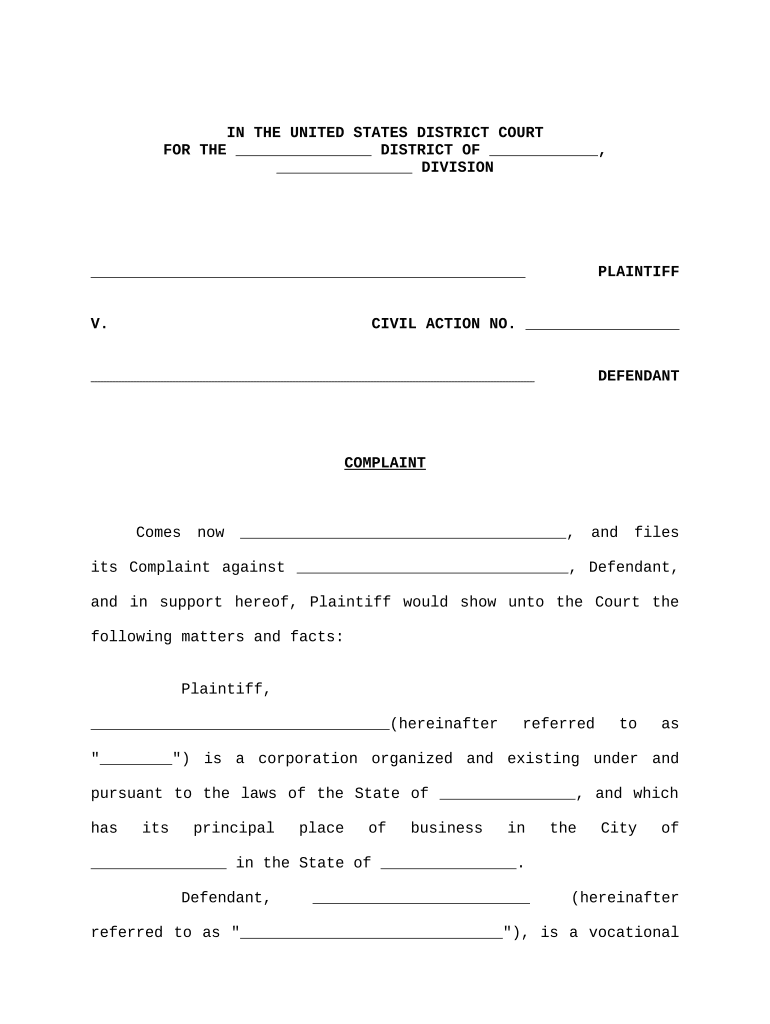
Click ‘Get Form’ to open the federal court matter document in the editor.
Begin by filling in the blanks for the District and Division at the top of the form. This identifies the jurisdiction of your case.
In the Plaintiff section, enter your name and details as well as those of the Defendant. Ensure all corporate names are accurate to avoid legal complications.
Complete the Civil Action Number field if applicable, or leave it blank for the court to assign one.
Fill in details regarding service of process, including addresses and names where documents should be sent.
Provide a clear statement of jurisdiction and venue based on diversity of citizenship, ensuring you include relevant statutes.
Attach any necessary exhibits referenced in your complaint, such as Lease Agreements or Guaranty documents, using our platform's attachment feature.
Review all sections for accuracy before saving or exporting your completed document for submission.
Start using our platform today to streamline your federal court matter documentation!
Free federal court case LookupHow to look up federal court casesFederal case search by nameFederal criminal case searchFederal Court party SearchFederal court date LookupFederal Law SearchFederal court records
Security and compliance
At DocHub, your data security is our priority. We follow HIPAA, SOC2, GDPR, and other standards, so you can work on your documents with confidence.
Dockets and Court Documents in State and Federal Courts
Apr 28, 2026 U.S. District and Appellate case dockets and filings are available via the federal systems Public Access to Court Electronic Records (PACER).Read more
Cookie consent notice
This site uses cookies to enhance site navigation and personalize your experience.
By using this site you agree to our use of cookies as described in our Privacy Notice.
You can modify your selections by visiting our Cookie and Advertising Notice.