Type text, add images, blackout confidential details, add comments, highlights and more.
02. Sign it in a few clicks
Draw your signature, type it, upload its image, or use your mobile device as a signature pad.
03. Share your form with others
Send it via email, link, or fax. You can also download it, export it or print it out.
How to use or fill out dc llc with our platform
Ease of Setup
DocHub User Ratings on G2
Ease of Use
DocHub User Ratings on G2
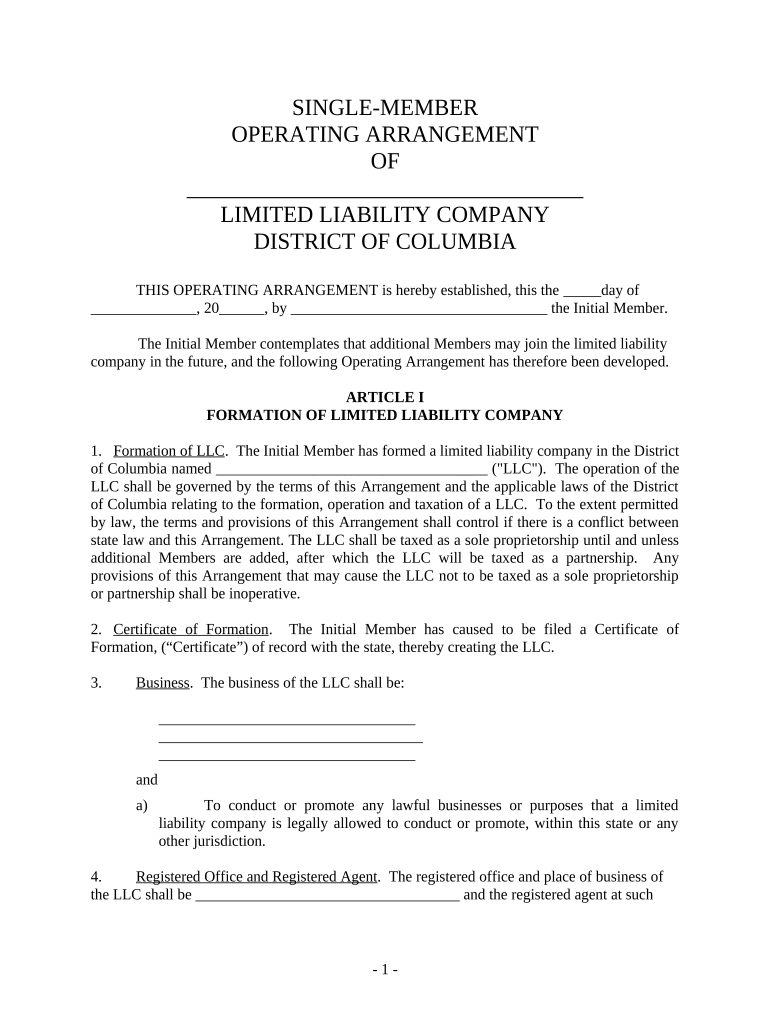
Click ‘Get Form’ to open the dc llc document in the editor.
Begin by filling in the name of your LLC in the designated field. This is crucial as it identifies your business entity.
In Article I, specify the business purpose of your LLC. Clearly outline what activities your LLC will engage in.
Provide details for the registered office and registered agent. Ensure that this information is accurate for legal correspondence.
Complete the sections regarding members, including the Initial Member's name and any provisions for adding additional members later.
Fill out financial contributions and profit-sharing details under Article IV. This section defines how profits and losses will be distributed among members.
Review all entries for accuracy before saving or exporting your completed form. Utilize our platform’s features to ensure everything is correct.
Start using our platform today to effortlessly complete your dc llc form online, for free!
Cookie consent notice
This site uses cookies to enhance site navigation and personalize your experience.
By using this site you agree to our use of cookies as described in our Privacy Notice.
You can modify your selections by visiting our Cookie and Advertising Notice.