Type text, add images, blackout confidential details, add comments, highlights and more.
02. Sign it in a few clicks
Draw your signature, type it, upload its image, or use your mobile device as a signature pad.
03. Share your form with others
Send quitclaim deed via email, link, or fax. You can also download it, export it or print it out.
How to use or fill out dc quitclaim deed with our platform
Ease of Setup
DocHub User Ratings on G2
Ease of Use
DocHub User Ratings on G2
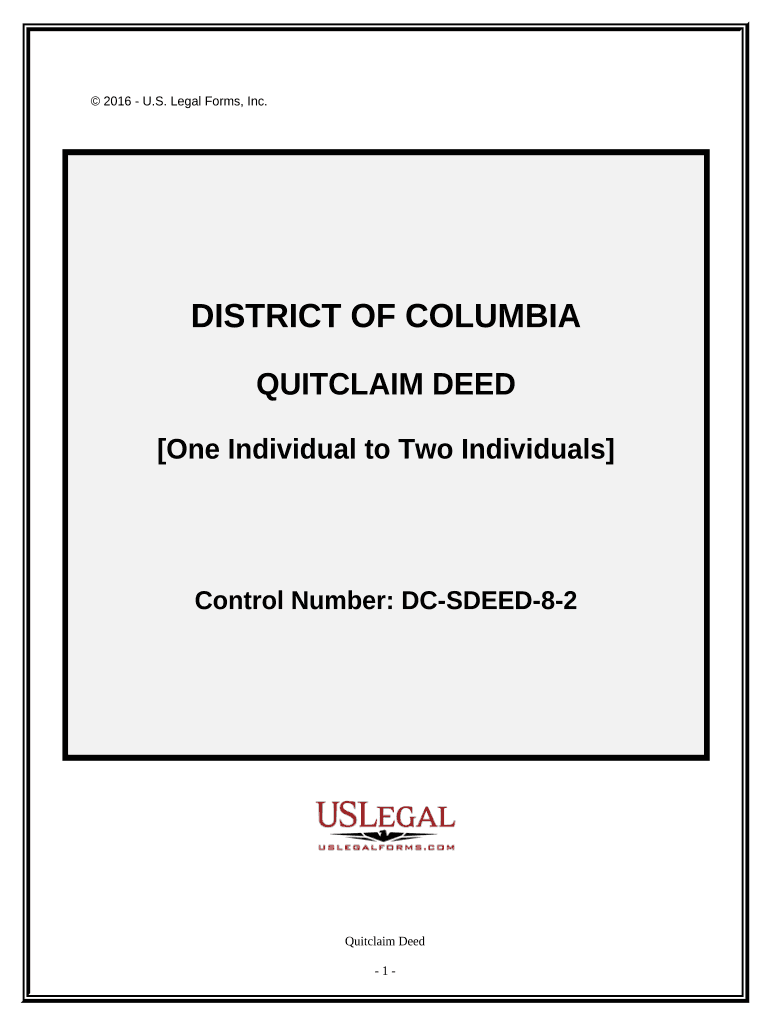
Click ‘Get Form’ to open the dc quitclaim deed in the editor.
Begin by entering the date of the deed in the designated field. This is crucial for legal documentation.
In the first part, input the name of the individual transferring the property. Ensure accuracy as this identifies the grantor.
Next, enter the names of the individuals receiving the property in the second part. They will be joint tenants with rights of survivorship.
Specify the consideration amount in words and numbers, which represents what is being exchanged for the property.
Fill in the legal description of the property, including lot number, square number, and street address. If necessary, refer to Exhibit A for detailed information.
Finally, ensure that a witness signs and prints their name next to your signature as well as a notary public certifying your execution of this deed.
Start using our platform today to complete your dc quitclaim deed online for free!
Is One Claiming Title Under a Quitclaim Deed a Bona Fide
by LW Carr 1906 The quitclaim, as used in the law of conveyancing in the United States, is ordinarily treated as analogous to the old English deed of release, but the latterRead more
Cookie consent notice
This site uses cookies to enhance site navigation and personalize your experience.
By using this site you agree to our use of cookies as described in our Privacy Notice.
You can modify your selections by visiting our Cookie and Advertising Notice.