




01. Edit your form online
Type text, add images, blackout confidential details, add comments, highlights and more.

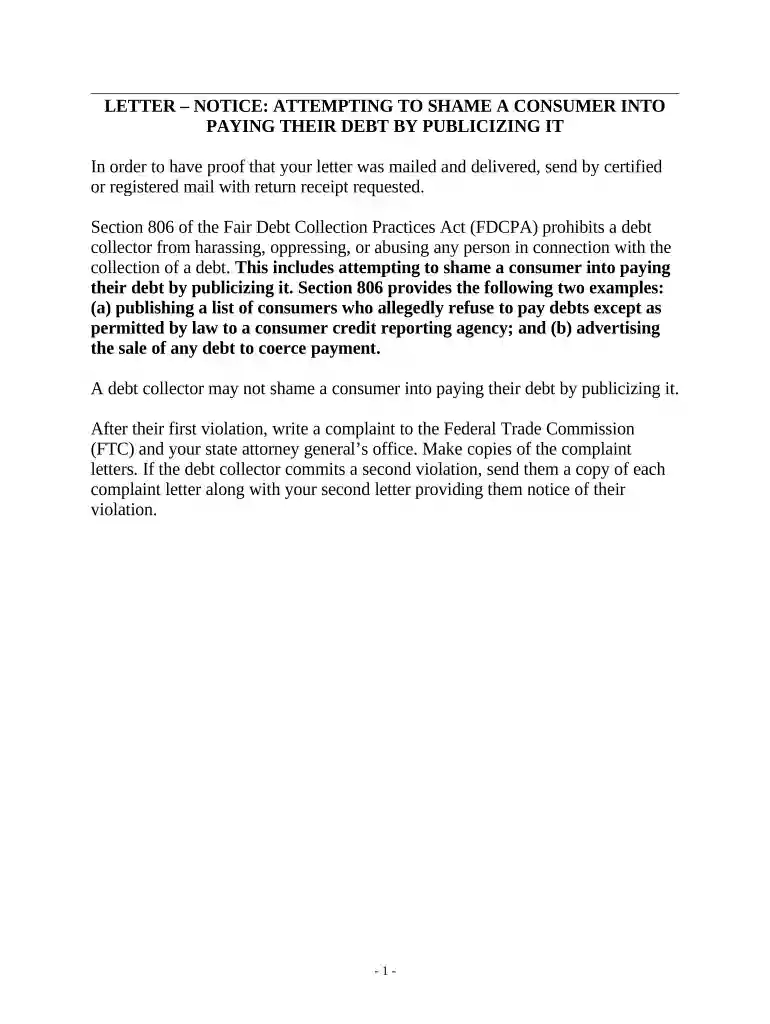
Type text, add images, blackout confidential details, add comments, highlights and more.

Draw your signature, type it, upload its image, or use your mobile device as a signature pad.

Send it via email, link, or fax. You can also download it, export it or print it out.

Start using our platform today to easily create and manage your notice of payment for free!
At DocHub, your data security is our priority. We follow HIPAA, SOC2, GDPR, and other standards, so you can work on your documents with confidence.



After each charge, a payment confirmation notice will be emailed to CLIENT. If CLIENT dispute any charges, CLIENT must let COMPANY know within fifteen (15)Read more
Notice of Pay Rate Rate or rates of pay, including overtime rate of pay (if it applies) How the employee is paid: by the hour, shift, day, week, commission,Read more
This form is used if an additional or installment of a Purchase Order payment needs to be processed to pay for a good or service. Use this form if you knowRead more


