Type text, add images, blackout confidential details, add comments, highlights and more.
02. Sign it in a few clicks
Draw your signature, type it, upload its image, or use your mobile device as a signature pad.
03. Share your form with others
Send sellers property information form via email, link, or fax. You can also download it, export it or print it out.
How to use or fill out property information form with our platform
Ease of Setup
DocHub User Ratings on G2
Ease of Use
DocHub User Ratings on G2
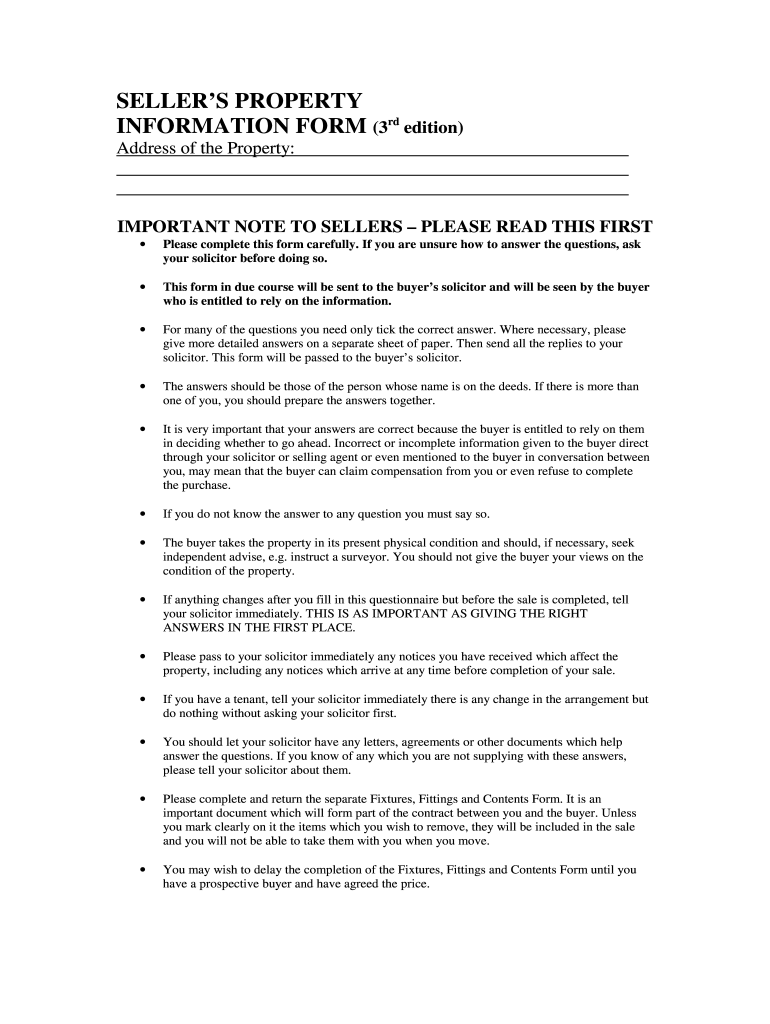
Click ‘Get Form’ to open the property information form in the editor.
Begin by entering the address of the property at the top of the form. Ensure accuracy as this is crucial for legal purposes.
In Part 1, address boundaries by selecting who owns or maintains each boundary. Use checkboxes for quick responses and provide additional details if necessary.
Proceed to disputes and complaints. Indicate any known issues by selecting 'Yes' or 'No' and provide details where applicable.
For guarantees, tick off any relevant insurance policies related to your property. Attach copies if available using our platform's upload feature.
Complete the services section by checking which utilities are connected. This helps buyers understand what they can expect.
Finally, review all sections for completeness and accuracy before submitting your responses to your solicitor through our platform.
Start filling out your property information form today for free on our platform!
Fill out property information form online It's free
Property information form ta6Property information form templateProperty information form pdfFree property information formProperty Information Sheet Real EstateSellers property information formProperty information sheet pdf free downloadProperty Information Form download
Security and compliance
At DocHub, your data security is our priority. We follow HIPAA, SOC2, GDPR, and other standards, so you can work on your documents with confidence.
This form may be completed by the property owner, property owners agent, licensed land surveyor, or registered professional engineer to support a request for aRead more
Cookie consent notice
This site uses cookies to enhance site navigation and personalize your experience.
By using this site you agree to our use of cookies as described in our Privacy Notice.
You can modify your selections by visiting our Cookie and Advertising Notice.