Type text, add images, blackout confidential details, add comments, highlights and more.
02. Sign it in a few clicks
Draw your signature, type it, upload its image, or use your mobile device as a signature pad.
03. Share your form with others
Send it via email, link, or fax. You can also download it, export it or print it out.
How to use or fill out OR LLC with our platform
Ease of Setup
DocHub User Ratings on G2
Ease of Use
DocHub User Ratings on G2
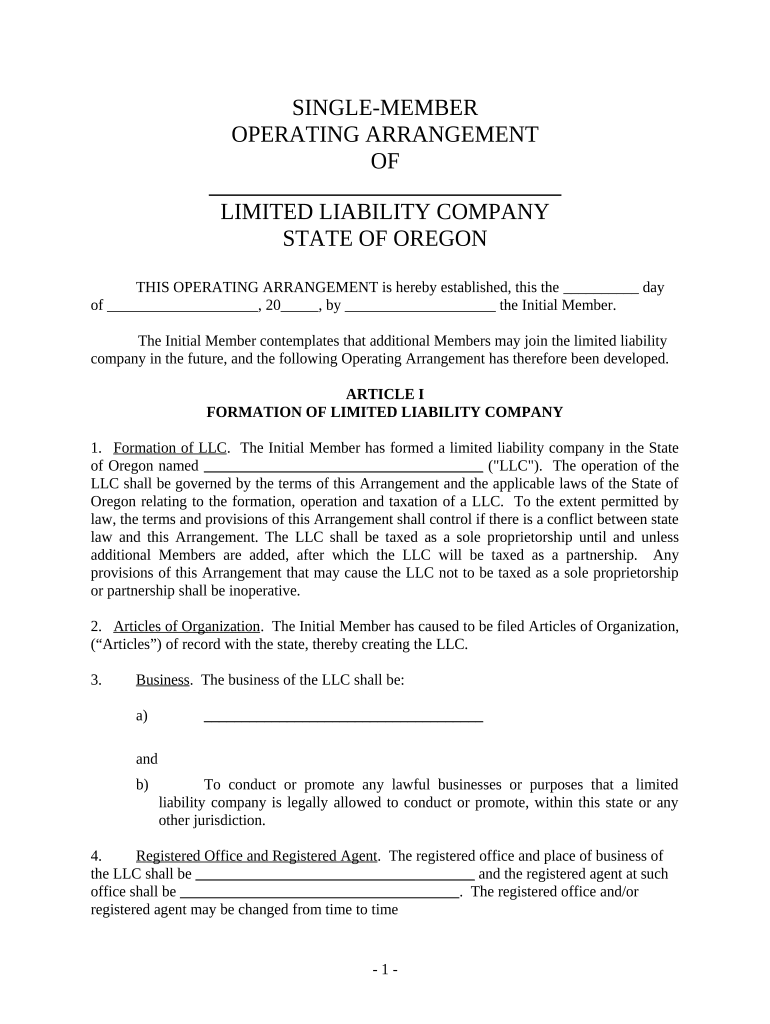
Click ‘Get Form’ to open the OR LLC document in the editor.
Begin by filling in the name of your Limited Liability Company (LLC) in the designated field. Ensure that it complies with Oregon state regulations.
In Article I, specify the business purpose of your LLC. Clearly outline what services or products your company will provide.
Complete the Registered Office and Registered Agent sections with accurate information, as this is crucial for legal correspondence.
For Article II, enter the name of the Initial Member and any additional Members if applicable. Make sure to follow the guidelines for admitting new Members.
Proceed to Article IV to detail contributions, profits, losses, and distributions among Members. This section is vital for financial clarity.
Review all entries for accuracy before saving or exporting your completed document. Utilize our platform's features to ensure everything is correct.
Start using our platform today to streamline your OR LLC form completion!
SV CSG Bishop 1 LLC solar project - Global Energy Monitor
Feb 6, 2026 Global Solar Power Tracker, a Global Energy Monitor project. Report an error. SV CSG Bishop 1 LLC solar project is a solar photovoltaic (PV)Read more
All business entities are required to appoint and maintain a registered agent who has a physical street address in Oregon. Registered agents may not list aRead more
Cookie consent notice
This site uses cookies to enhance site navigation and personalize your experience.
By using this site you agree to our use of cookies as described in our Privacy Notice.
You can modify your selections by visiting our Cookie and Advertising Notice.