Type text, add images, blackout confidential details, add comments, highlights and more.
02. Sign it in a few clicks
Draw your signature, type it, upload its image, or use your mobile device as a signature pad.
03. Share your form with others
Send it via email, link, or fax. You can also download it, export it or print it out.
How to use or fill out nj company with our platform
Ease of Setup
DocHub User Ratings on G2
Ease of Use
DocHub User Ratings on G2
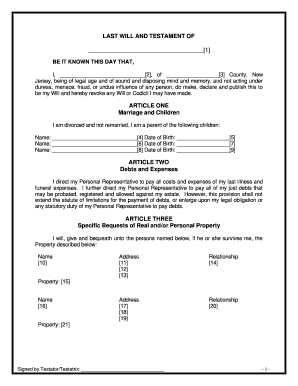
Click ‘Get Form’ to open the nj company document in the editor.
Begin by filling in the name of your Limited Liability Company (LLC) in the designated field. Ensure that it complies with New Jersey naming regulations.
In Article I, provide details about the formation date and initial member's name. This establishes the foundational information for your LLC.
Complete the business purpose section by specifying what your LLC will do. Be clear and concise to ensure compliance with state laws.
Fill in the registered office and agent information. This is crucial for legal correspondence and must be accurate.
Continue through Articles II to IX, ensuring you accurately represent member contributions, management structure, and voting rights as outlined in each section.
Review all entries for accuracy before saving or exporting your completed document. Utilize our platform’s features to make any necessary edits easily.
Start using our platform today to streamline your nj company form completion for free!
Nj company searchNj company search by nameNJ business RegistrationNj company nameNJ business search by ownerNJ Business Registration CertificateNJ Business Registration onlineNJ business Formation
Security and compliance
At DocHub, your data security is our priority. We follow HIPAA, SOC2, GDPR, and other standards, so you can work on your documents with confidence.
Business Tax Climate Index Rankings (2021). Business Tax Climate Index. 50 / 50. Corporate Tax Index Rank. 48 / 50. Individual Income Tax Index RankRead more
Cookie consent notice
This site uses cookies to enhance site navigation and personalize your experience.
By using this site you agree to our use of cookies as described in our Privacy Notice.
You can modify your selections by visiting our Cookie and Advertising Notice.