California commercial form 2026

Get Form
california commercial lease agreement 2022 Preview on Page 1

Here's how it works

01. Edit your california commercial lease agreement 2022 online
Type text, add images, blackout confidential details, add comments, highlights and more.
02. Sign it in a few clicks
Draw your signature, type it, upload its image, or use your mobile device as a signature pad.
03. Share your form with others
Send it via email, link, or fax. You can also download it, export it or print it out.

How to use or fill out California Commercial Form with our platform

Form edit decoration
9.5
Ease of Setup
DocHub User Ratings on G2
9.0
Ease of Use
DocHub User Ratings on G2
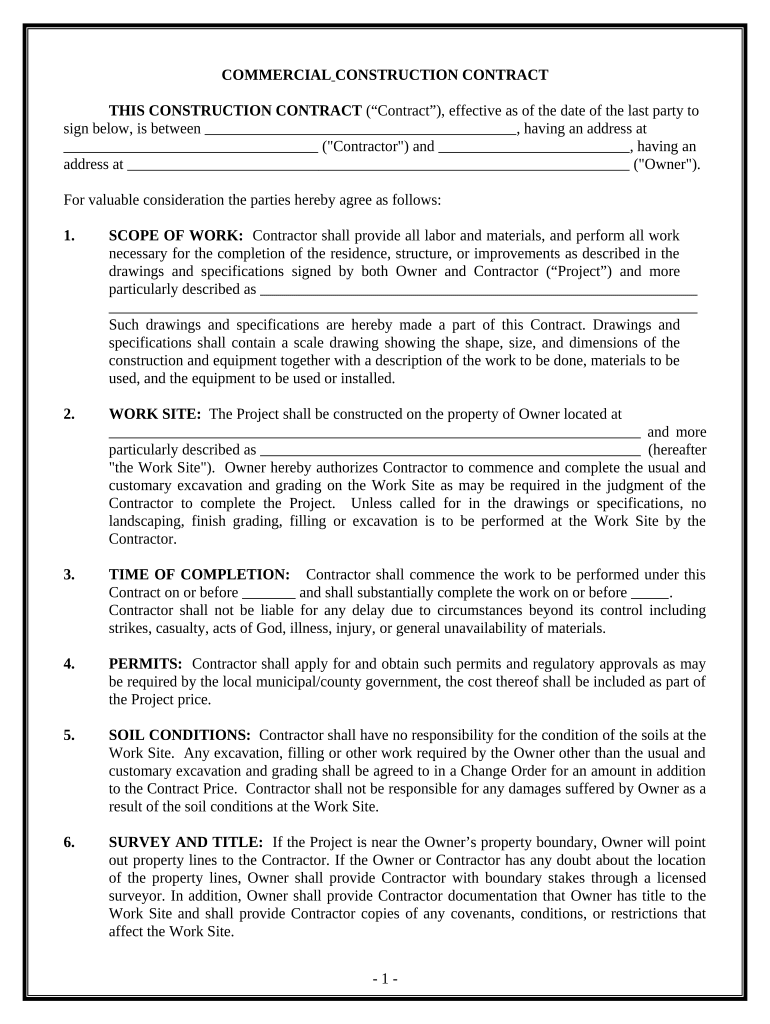
  1. Click ‘Get Form’ to open the California Commercial Form in the editor.
  2. Begin by filling in the Contractor and Owner details, including names and addresses. This information is crucial for identifying the parties involved.
  3. In the 'Scope of Work' section, describe the project clearly, referencing any drawings or specifications that outline the work to be done.
  4. Specify the 'Work Site' address where construction will take place. Ensure this matches any legal descriptions provided.
  5. Indicate the 'Time of Completion' by entering start and end dates for the project. Be mindful of potential delays that may arise.
  6. Complete sections on permits, soil conditions, and changes to scope as necessary, ensuring all details are accurate and agreed upon.
  7. Finally, review all entries for accuracy before signing. Utilize our platform's features to save your progress or share it with stakeholders for feedback.

Start using our platform today to streamline your document editing and form completion process for free!

be ready to get more

Complete this form in 5 minutes or less

Get form

Got questions?

We have answers to the most popular questions from our customers. If you can't find an answer to your question, please contact us.
Contact us
Document Disclosure Summary Form. The form for billing disclosures required by Section 4530 shall be in at least 10-point type and substantially the following form: CHARGES FOR DOCUMENTS PROVIDED. AS REQUIRED BY SECTION 4525*
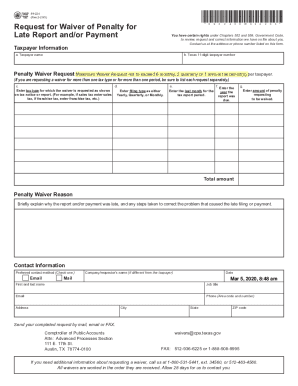
DE 9. The DE 9 reconciles reported wages and paid taxes for each quarter. If your DE 9 shows an overpayment, we will send you a refund automatically. If a tax payment is due, you should submit your payment separately with a Payroll Tax Deposit (DE 88/DE 88ALL).
Workers Compensation Claim Form (DWC-7) Form DWC-7 is a notice to provide injured workers with rights, benefits and contact information.
How do I know if I should use Form 540 or Form 540NR for my California taxes? If youre a full-year resident of California, youll use Form 540. If youre a non-resident or part-year resident who earned income in California, Form 540NR is the appropriate form.

Security and compliance

At DocHub, your data security is our priority. We follow HIPAA, SOC2, GDPR, and other standards, so you can work on your documents with confidence.

Learn more
ccpa2
pci-dss
gdpr-compliance
hipaa
soc-compliance