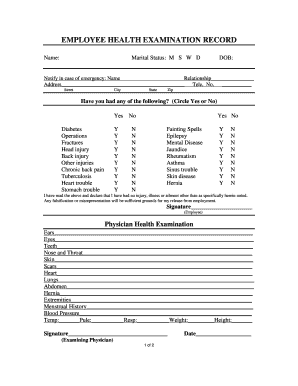
Type text, add images, blackout confidential details, add comments, highlights and more.
02. Sign it in a few clicks
Draw your signature, type it, upload its image, or use your mobile device as a signature pad.
03. Share your form with others
Send file chapter 13 online georgia via email, link, or fax. You can also download it, export it or print it out.
How to use or fill out Georgia Bankruptcy with our platform
Ease of Setup
DocHub User Ratings on G2
Ease of Use
DocHub User Ratings on G2
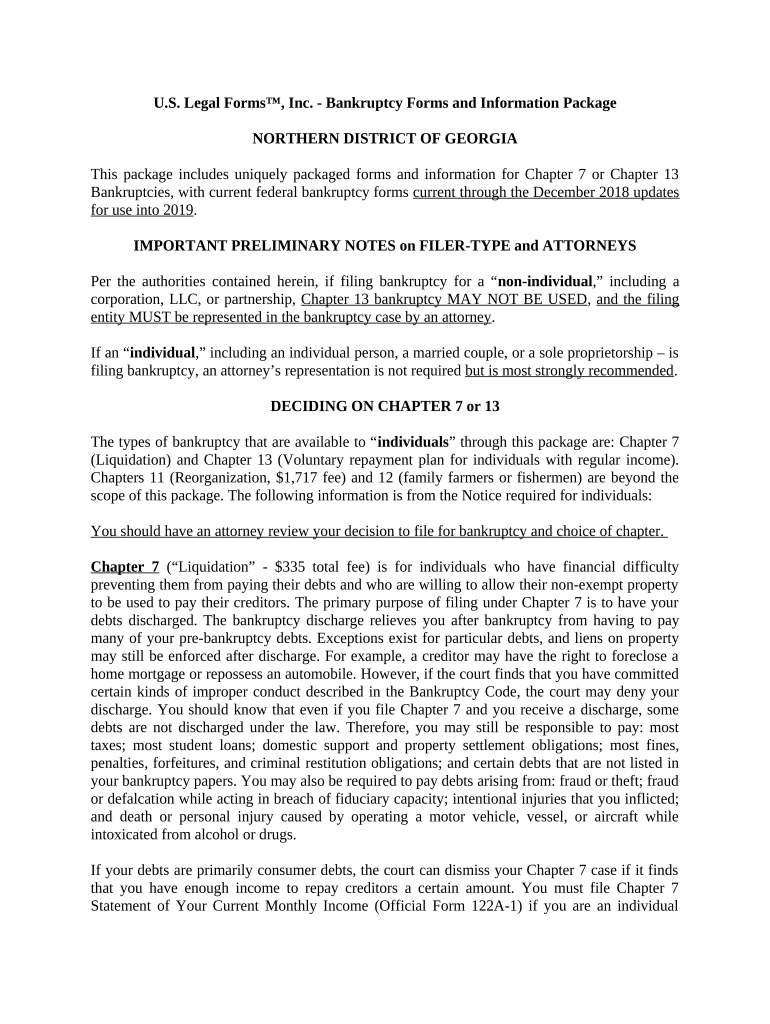
Click ‘Get Form’ to open the Georgia Bankruptcy form in the editor.
Begin by selecting the appropriate chapter for your bankruptcy: Chapter 7 for liquidation or Chapter 13 for a repayment plan. Ensure you understand the implications of each option.
Fill out your personal information in the designated fields, including your name, address, and social security number. Accuracy is crucial here.
Complete the income section by providing details about your current monthly income. If filing under Chapter 7, you may need to complete the Means Test Calculation form if your income exceeds the state median.
List all debts and assets in their respective sections. Be thorough to avoid complications later on.
Review all entries for accuracy before submitting. Utilize our platform's editing features to make any necessary adjustments easily.
Start using our platform today to simplify your Georgia Bankruptcy filing process!
Bankruptcy - UGA School of Law - University of Georgia
This survey course is intended not only for aspiring bankruptcy lawyers, but also to allow future litigators and corporate lawyers to become familiar with bothRead more
Apr 30, 2021 2003 Bankruptcy. On July 14, 2003, after months of attempting to restructure its debt, the company sought Chapter 11 bankruptcy protection.Read more
Cookie consent notice
This site uses cookies to enhance site navigation and personalize your experience.
By using this site you agree to our use of cookies as described in our Privacy Notice.
You can modify your selections by visiting our Cookie and Advertising Notice.