Disclaiming inheritance 2026

Get Form
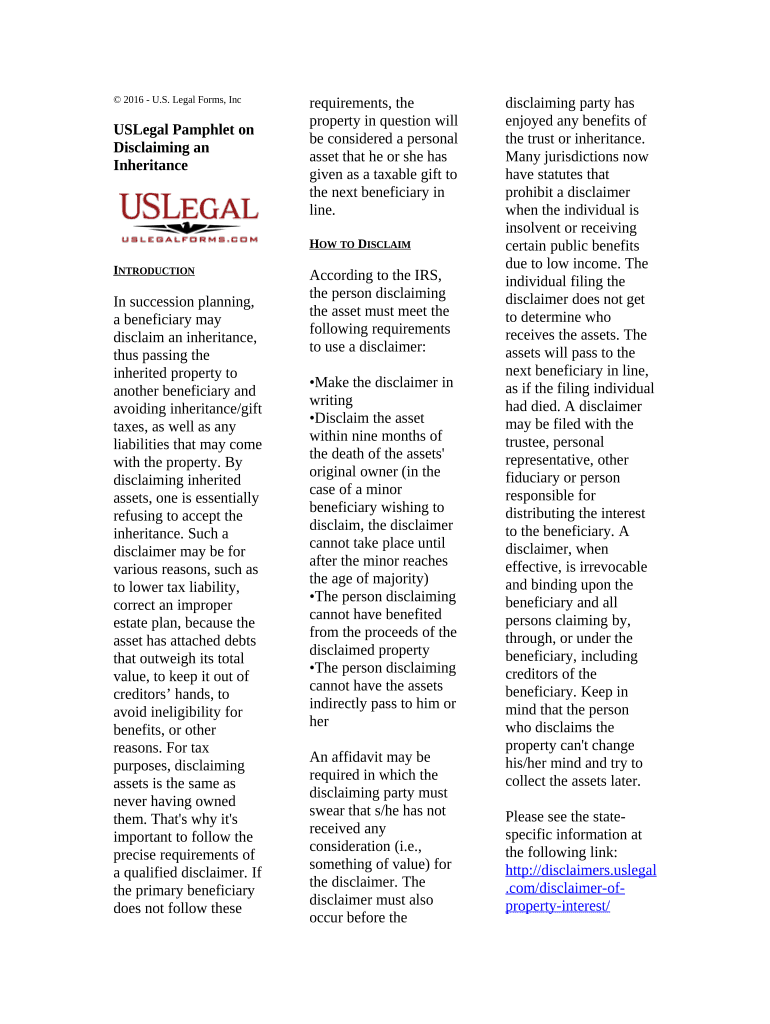
disclaiming inheritance Preview on Page 1

Here's how it works

01. Edit your form online
Type text, add images, blackout confidential details, add comments, highlights and more.
02. Sign it in a few clicks
Draw your signature, type it, upload its image, or use your mobile device as a signature pad.
03. Share your form with others
Send it via email, link, or fax. You can also download it, export it or print it out.

How to use or fill out disclaiming inheritance with our platform

Form edit decoration
9.5
Ease of Setup
DocHub User Ratings on G2
9.0
Ease of Use
DocHub User Ratings on G2
  1. Click ‘Get Form’ to open the disclaiming inheritance document in the editor.
  2. Begin by filling out your personal information in the designated fields, including your name, address, and relationship to the deceased. This establishes your identity as the beneficiary.
  3. Next, clearly state your intention to disclaim the inheritance. Use precise language as required by legal standards, ensuring that it is written and signed.
  4. Indicate the specific assets you are disclaiming. Be detailed about each asset to avoid any confusion regarding what you are refusing.
  5. Review any additional requirements such as timelines for submission and ensure you meet all IRS guidelines outlined in the document.
  6. Once completed, save your document and follow instructions for submission to the appropriate fiduciary or representative responsible for distributing the assets.

Start using our platform today to streamline your disclaiming inheritance process for free!

be ready to get more

Complete this form in 5 minutes or less

Get form

Got questions?

We have answers to the most popular questions from our customers. If you can't find an answer to your question, please contact us.
Contact us
If the decedent had children but no spouse, their children inherit the refused assets. If the decedent had a spouse but no children, parents, or surviving parents, the spouse inherits the refused assets. If the decedent had surviving parents but no children, spouse, or siblings, the parents inherit the refused assets.
Federal tax regulations defines a qualified disclaimer and requires that a qualified disclaimer must generally be made within nine months of the death of the testator or within nine months after the occurrence of the transfer creating the property interest being disclaimed.
The 7 year rule No tax is due on any gifts you give if you live for 7 years after giving them - unless the gift is part of a trust. This is known as the 7 year rule.
A beneficiary may not want an inheritance for financial reasons. A person who has considerable existing wealth may prefer someone else to benefit from a modest inheritance. A beneficiary may also not want to deal with the tax liability that comes with a substantial testamentary gift.
A disclaimer is an heirs legal refusal to accept a gift or a bequest. The disclaiming party does not have the authority to direct who inherits their share. If you properly execute a disclaimer, the asset disclaimed will pass to whoever would have received it had you died before the person who left the asset to you.

Security and compliance

At DocHub, your data security is our priority. We follow HIPAA, SOC2, GDPR, and other standards, so you can work on your documents with confidence.

Learn more
ccpa2
pci-dss
gdpr-compliance
hipaa
soc-compliance
be ready to get more

Complete this form in 5 minutes or less

Get form

People also ask

It is important to keep in mind that the person who is disclaiming the inheritance has no control over who will receive the inheritance after the disclaimer: The identity of the next beneficiary in line is the person named in the deceased persons will or trust, or if there is no will or trust, the person specified in
The legal process of disclaiming an inheritance Timely action: A disclaimer must be made within nine months of the decedents death or the date the inheritance becomes irrevocable. Written disclaimer: The disclaimer must be in writing, signed by the disclaimant, and declare the intent to refuse the inheritance.
Reducing Estate Taxes: One of the most common reasons for disclaiming inheritance in joint tenancy is to lower estate tax liability. By disclaiming their interest, the surviving joint tenant can remove the value of the property that they have disclaimed from their taxable estate.

Related links