




01. Edit your form online
Type text, add images, blackout confidential details, add comments, highlights and more.

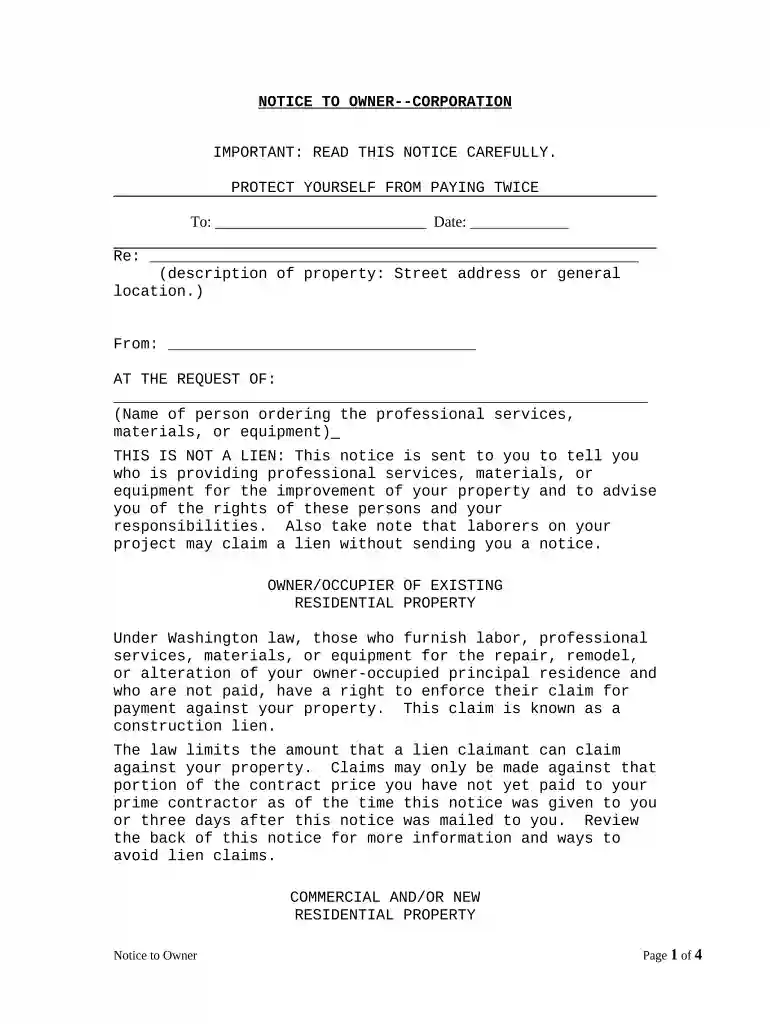
Type text, add images, blackout confidential details, add comments, highlights and more.

Draw your signature, type it, upload its image, or use your mobile device as a signature pad.

Send it via email, link, or fax. You can also download it, export it or print it out.

Start using our platform today for free to streamline your document editing and signing process!
At DocHub, your data security is our priority. We follow HIPAA, SOC2, GDPR, and other standards, so you can work on your documents with confidence.

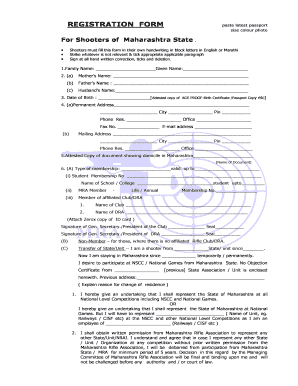


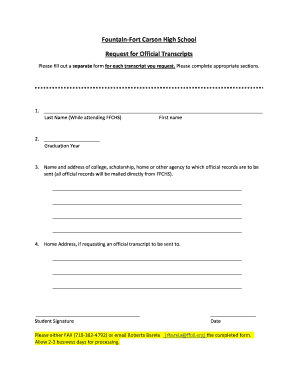

Inn To The Woods is a bed and breakfast located in the small town of Friday Harbor, Washington. Four personalized rooms fill the bed and breakfast with modernRead more
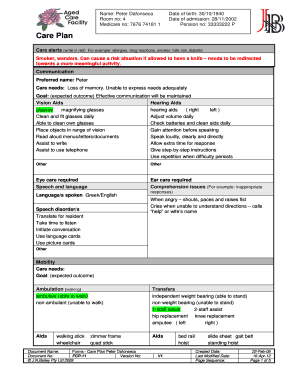
(1) The current adult family home owner must provide written notice to the department and residents or applicable resident representatives sixty calendarRead more
This notice is sent to you to tell you who is providing professional services, materials, or equipment for the improvement of your property.Read more


