Va court form 2026

Get Form
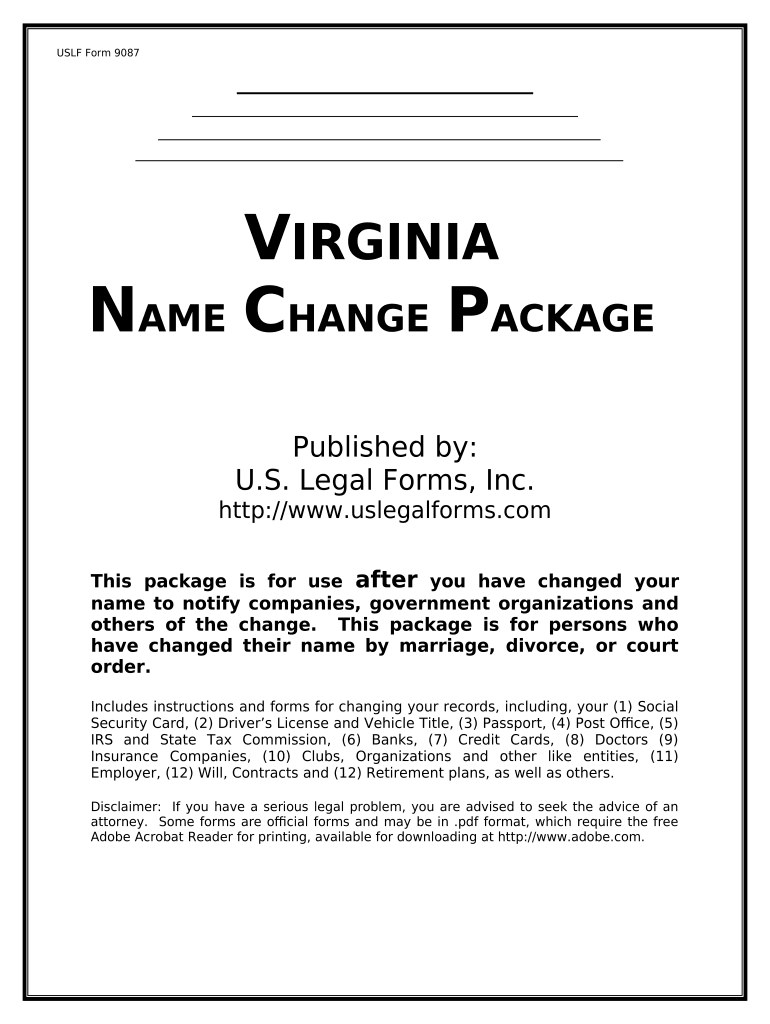
va court form Preview on Page 1

Here's how it works

01. Edit your form online
Type text, add images, blackout confidential details, add comments, highlights and more.
02. Sign it in a few clicks
Draw your signature, type it, upload its image, or use your mobile device as a signature pad.
03. Share your form with others
Send it via email, link, or fax. You can also download it, export it or print it out.

How to use or fill out VA Court Form with our platform

Form edit decoration
9.5
Ease of Setup
DocHub User Ratings on G2
9.0
Ease of Use
DocHub User Ratings on G2
  1. Click ‘Get Form’ to open the VA court form in the editor.
  2. Begin by entering your personal information in the designated fields, including your former name and new name. Ensure accuracy to avoid any issues.
  3. Proceed to fill out the reason for your name change. Select from options such as marriage, divorce, or court order, and provide any necessary details.
  4. If applicable, complete sections related to notifying various organizations (e.g., Social Security, DMV) about your name change. Follow the prompts for each organization carefully.
  5. Review all entered information for completeness and accuracy before finalizing. Use our platform's editing tools to make any necessary adjustments.
  6. Once satisfied with the form, save it and follow the instructions for submission provided within the document.

Start using our platform today to streamline your VA court form completion process for free!

be ready to get more

Complete this form in 5 minutes or less

Get form

Got questions?

We have answers to the most popular questions from our customers. If you can't find an answer to your question, please contact us.
Contact us

Many software solutions are available out there for document modifying and signing. DocHub is one of the most widely used online solutions that comply with all security and compliance requirements and ensures your electronically signed paperwork is legally enforceable. All you need to give it a try is to register an account, upload your va court form, fill out the requested details, and click Sign. Generate your eSignature by typing, drawing it, uploading its picture to your document, or scanning a unique QR code.

You can find the latest and most relevant version of the va court form in our DocHub forms library. Browse it by categories or utilize the search field to get the exact template that fits your case. You can open this form for editing after you find it.

Step 1: Determine your court. If youre handling custody separately from your divorce or arent married to the other parent, file in the JDR Court where your children live. Step 2: Complete your forms. Step 3: Submit your forms and pay filing fees. Step 4: Serve the other parent and wait for their response.
804-786-6455. Public records maintained by a clerk of a circuit court, including nonconfidential court records maintained in individual case files, may be requested from the clerk of court. A listing of circuit court clerks may be found at: .
If a lawyer is involved, that lawyer must file the motion. If you wish to file without a lawyer, you need to discharge the lawyer.

Security and compliance

At DocHub, your data security is our priority. We follow HIPAA, SOC2, GDPR, and other standards, so you can work on your documents with confidence.

Learn more
ccpa2
pci-dss
gdpr-compliance
hipaa
soc-compliance

People also ask

All motions, except motions for the qualification of attorneys at law to practice in this Court, shall be in writing and filed with the clerk of this Court. All motions shall contain a statement by the movant that the other parties to the appeal have been informed of the intended filing of the motion.
The circuit court is the trial court with the broadest powers in Virginia. The circuit court handles all civil cases with claims of more than $25,000. It shares authority with the general district court to hear matters involving claims between $4,500 and $25,000.
If you want to file a motion, the process is generally something like this: You write your motion. You file your motion with the court clerk. The court clerk inserts the date and time your motion will be heard by the judge. You serve (mail) your motion to the other side.
Seek to lay out a summary of your position, which should include (1) what your argument is and (2) what you want the court to do. The more concise and simple you can make the introduction, the more the readerthe judge or their clerkwill be responsive to the more detailed arguments coming in the body of the motion.

Related links