Type text, add images, blackout confidential details, add comments, highlights and more.
02. Sign it in a few clicks
Draw your signature, type it, upload its image, or use your mobile device as a signature pad.
03. Share your form with others
Send it via email, link, or fax. You can also download it, export it or print it out.
How to use or fill out Quitclaim Deed - One Individual to Two Individuals - Wisconsin with our platform
Ease of Setup
DocHub User Ratings on G2
Ease of Use
DocHub User Ratings on G2
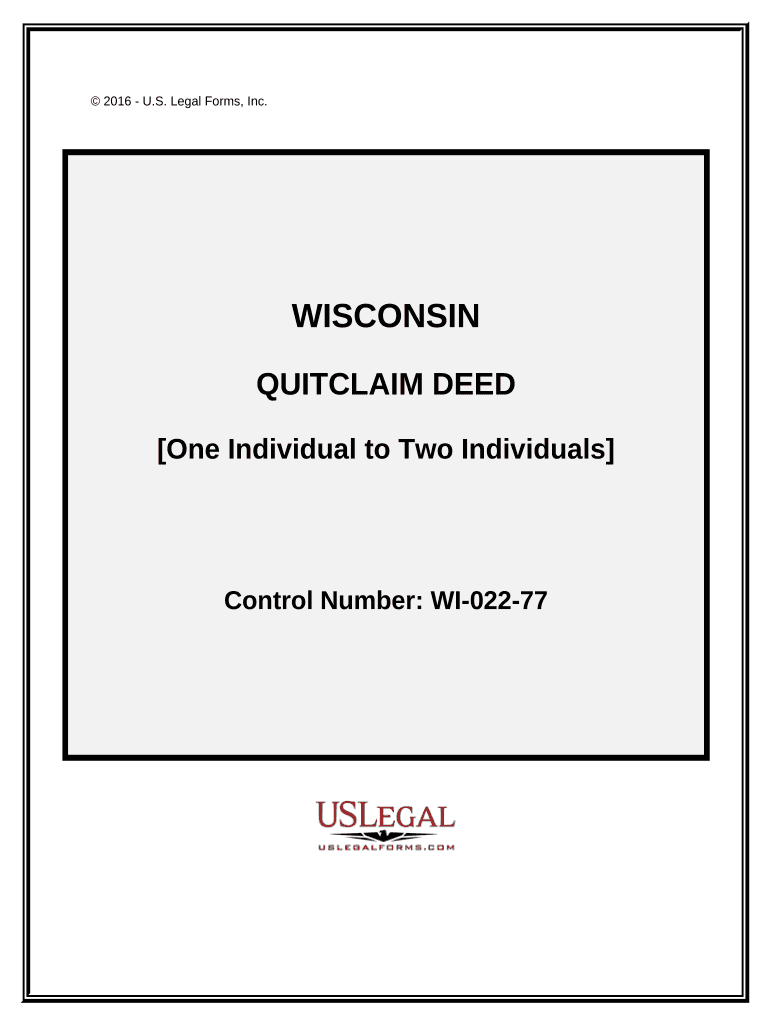
Click ‘Get Form’ to open the Quitclaim Deed in the editor.
Begin by entering the name of the Grantor (the individual transferring property) in the designated field.
Next, input the names of the Grantees (the individuals receiving property) in the appropriate fields. Ensure that you list both individuals clearly.
In the section for legal description, provide a detailed description of the property being transferred. If more space is needed, attach an addendum labeled 'Addendum A'.
Fill in the County and State information where the property is located.
Enter the Parcel Identification Number (PIN) for accurate identification of the property.
Sign and date the document as required. Ensure that all signatures are authenticated if necessary.
Start using our platform today to complete your Quitclaim Deed easily and for free!
Fill out Quitclaim Deed - One Individual to Two Individuals - Wisconsin online It's free
THIS DEED, made by GRANTOR, quit claims the property described below to the, GRANTEE, for the sum of. ($. ). Other persons having an interest of record inRead more
May 18, 2020 Under the Wisconsin real estate transfer fee statutes, a deed in lieu of foreclosure to the person holding the mortgage is exempt from the feeRead more
Cookie consent notice
This site uses cookies to enhance site navigation and personalize your experience.
By using this site you agree to our use of cookies as described in our Privacy Notice.
You can modify your selections by visiting our Cookie and Advertising Notice.