Type text, add images, blackout confidential details, add comments, highlights and more.
02. Sign it in a few clicks
Draw your signature, type it, upload its image, or use your mobile device as a signature pad.
03. Share your form with others
Send it via email, link, or fax. You can also download it, export it or print it out.
How to use or fill out agreement apparel with our platform
Ease of Setup
DocHub User Ratings on G2
Ease of Use
DocHub User Ratings on G2
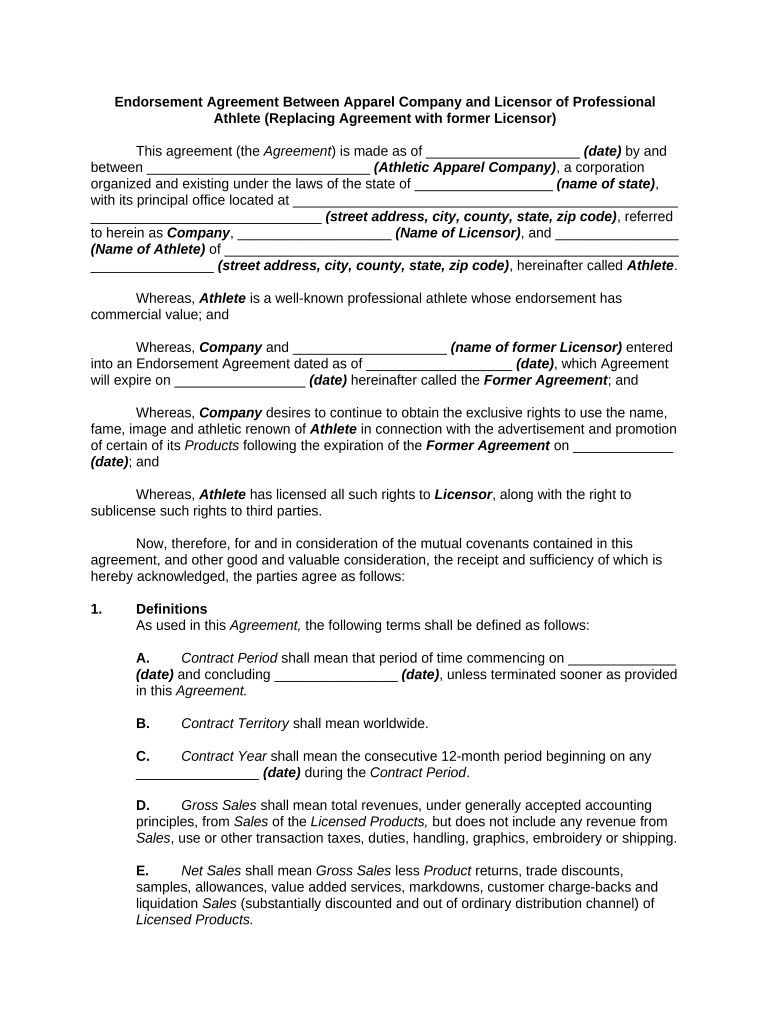
Click ‘Get Form’ to open the agreement apparel in the editor.
Begin by entering the date at the top of the form, followed by the names and addresses of both the Athletic Apparel Company and the Licensor.
Fill in the definitions section, specifying key terms such as Contract Period, Gross Sales, and Licensed Products. Ensure accuracy for clarity in future references.
In the Grant of Rights section, indicate the name of the Athlete and confirm that all rights are granted to your company for advertising purposes.
Complete remuneration details by filling in annual fees and bonus structures as outlined in Sections 4 and 5.
Review all sections carefully, ensuring that any required approvals or signatures are noted before finalizing your document.
Start using our platform today to streamline your agreement apparel process for free!
Assessment of a Unique Agreement to End Gender-Based
Nov 13, 2025 The Dindigul Agreement brought together global brands, such as Gap Inc., PVH Corp. and HM, as well as international NGOs, union groups likeRead more
Textiles and Apparel in the U.S.-Colombia Trade Promotion
The US-Colombia Trade Promotion Agreement opens new market access opportunities for US textiles and apparel manufacturers and strengthens customs enforcementRead more
Cookie consent notice
This site uses cookies to enhance site navigation and personalize your experience.
By using this site you agree to our use of cookies as described in our Privacy Notice.
You can modify your selections by visiting our Cookie and Advertising Notice.