




01. Edit your collateral assignment online
Type text, add images, blackout confidential details, add comments, highlights and more.

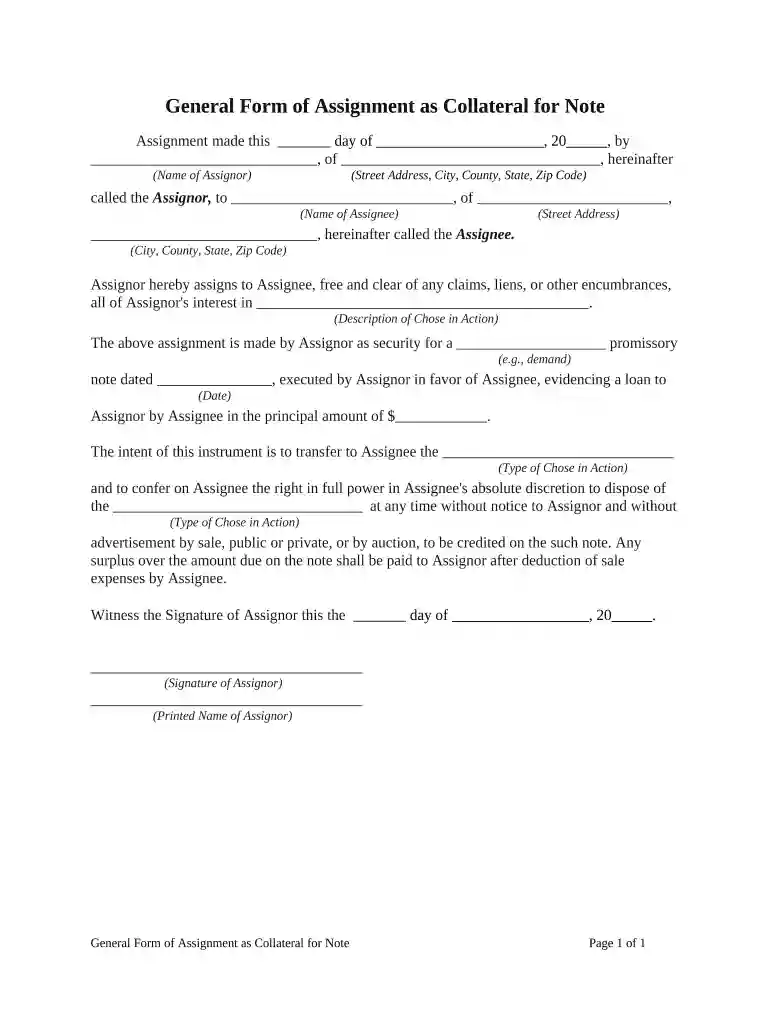
Type text, add images, blackout confidential details, add comments, highlights and more.

Draw your signature, type it, upload its image, or use your mobile device as a signature pad.

Send collateral assignment example via email, link, or fax. You can also download it, export it or print it out.

Start using our platform today to easily complete your collateral assignment for free!
At DocHub, your data security is our priority. We follow HIPAA, SOC2, GDPR, and other standards, so you can work on your documents with confidence.
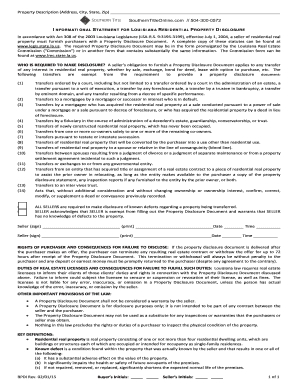



by RC Scatterday 1945 The insured and a revocably designated beneficiary jointly assigned a life insurance policy as collateral security for a prior indebtedness of the insured.
Certification of Collateral means a certification of the Eligible CDFI with respect to. Secondary Loans or Other Pledged Loans, substantially in the formRead more


