




01. Edit your form online
Type text, add images, blackout confidential details, add comments, highlights and more.

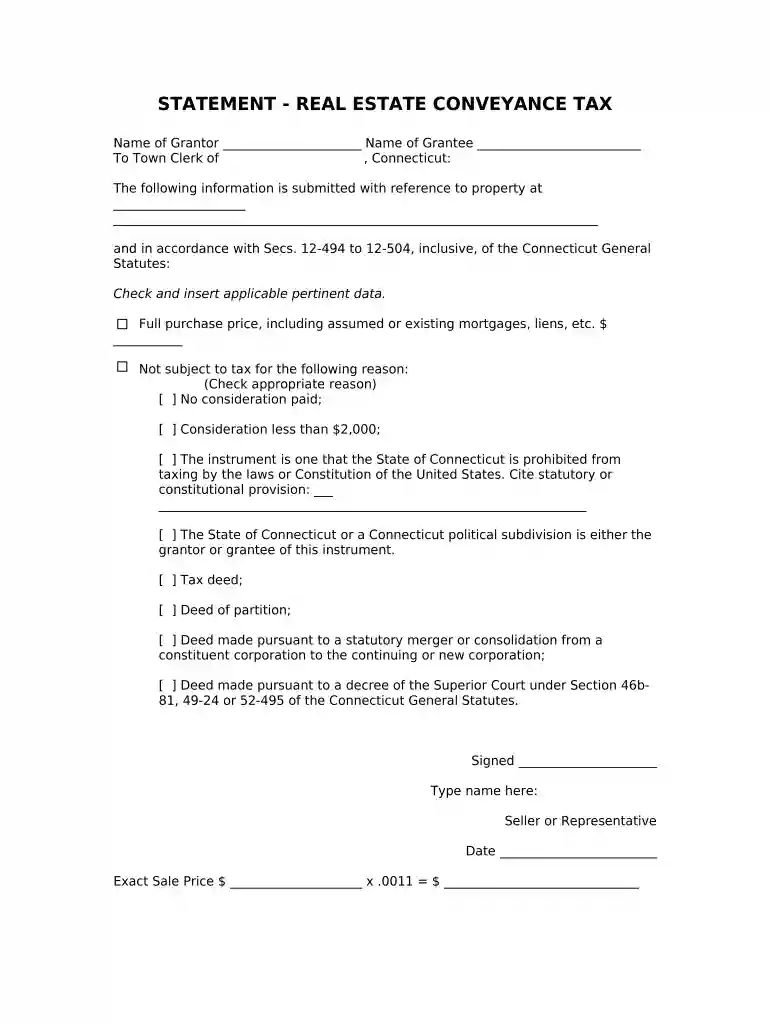
Type text, add images, blackout confidential details, add comments, highlights and more.

Draw your signature, type it, upload its image, or use your mobile device as a signature pad.

Send it via email, link, or fax. You can also download it, export it or print it out.

Start using our platform today to easily complete your Connecticut Conveyance form online for free!
At DocHub, your data security is our priority. We follow HIPAA, SOC2, GDPR, and other standards, so you can work on your documents with confidence.
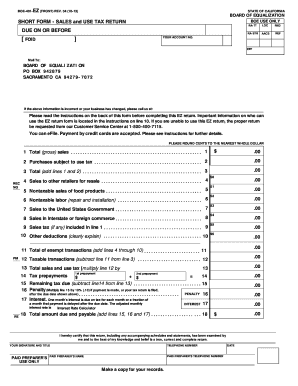



myCTREC is now available to Town Clerks and Submitters. myCTREC is DRS new safe, secure, and easy-to-use online portal.Read more
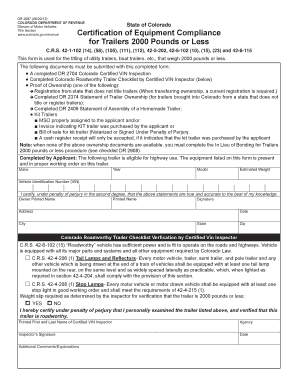
(b). When any gift, transfer, assignment or other conveyance of personal property has been made or contrived by defendant to delay, hinder or defraud creditors,.Read more
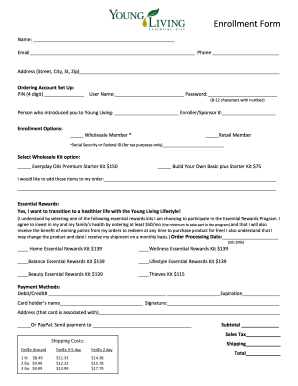
Jul 9, 2020 The tax has a state and municipal component and ranges from 1% to 2.75% of the sales price, depending on the property type and the municipalityRead more


