




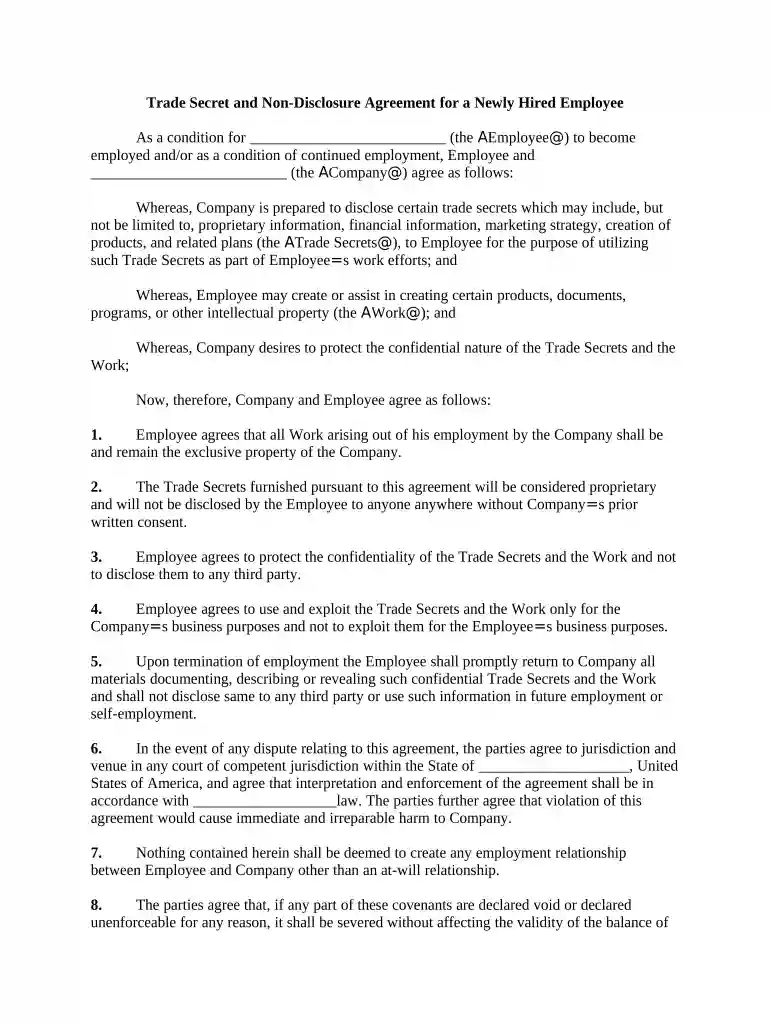
01. Edit your form online
Type text, add images, blackout confidential details, add comments, highlights and more.

Type text, add images, blackout confidential details, add comments, highlights and more.

Draw your signature, type it, upload its image, or use your mobile device as a signature pad.

Send it via email, link, or fax. You can also download it, export it or print it out.

Start using our platform today to easily complete your Trade Secret Agreement online for free!
At DocHub, your data security is our priority. We follow HIPAA, SOC2, GDPR, and other standards, so you can work on your documents with confidence.


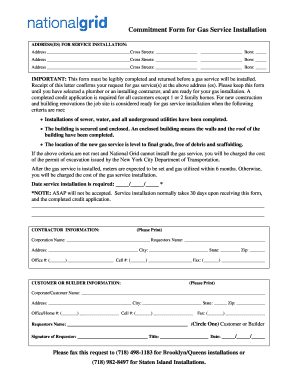
The UTSA defines a trade secret as information, including a formula, pattern, compilation, program, device, method, technique, or process.Read more
Trade Secret is a Curiosity item. See here for a list of how to obtain this item, or click here to show them. It can be sold at the Bazaar.Read more
Oct 28, 2025 Trade secrets are vital IP assets held by innovators. Protection of those assets against theft and misappropriation is essential to foster


