Type text, add images, blackout confidential details, add comments, highlights and more.
02. Sign it in a few clicks
Draw your signature, type it, upload its image, or use your mobile device as a signature pad.
03. Share your form with others
Send it via email, link, or fax. You can also download it, export it or print it out.
How to use or fill out Tax Free Exchange Package - Kansas with our platform
Ease of Setup
DocHub User Ratings on G2
Ease of Use
DocHub User Ratings on G2
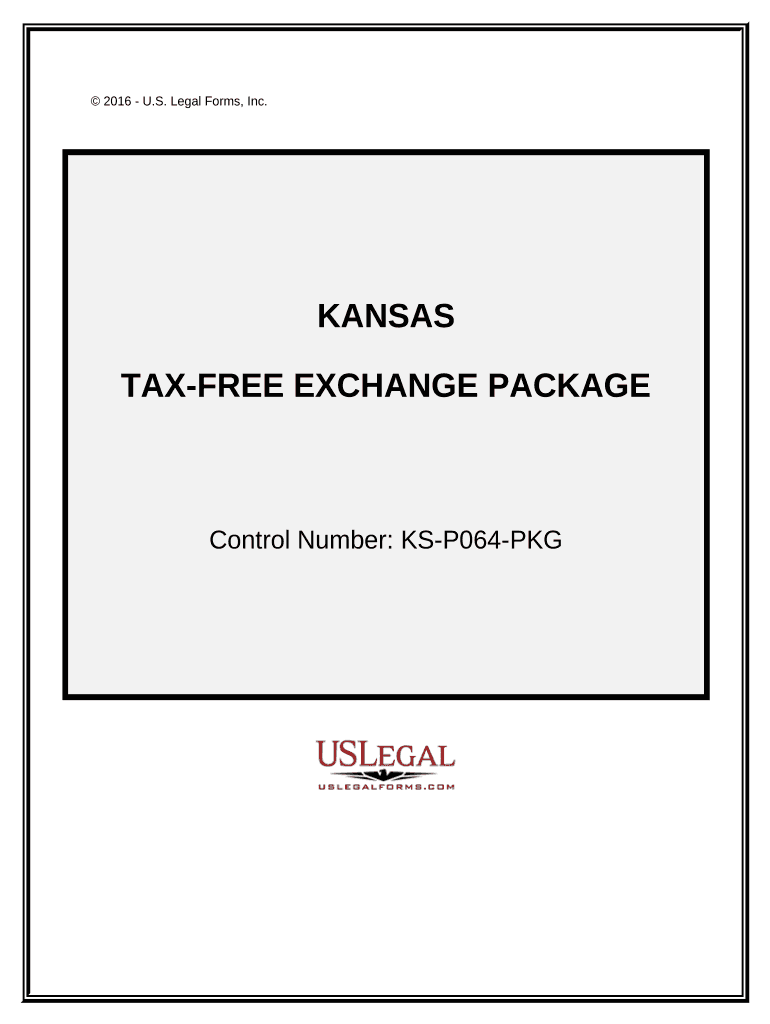
Click ‘Get Form’ to open the Tax Free Exchange Package - Kansas in the editor.
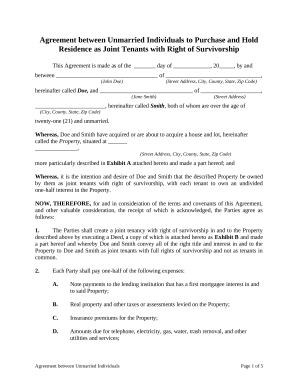
Begin with the Exchange Agreement. Fill in the names of the parties involved and specify the property details. This establishes your intent to enter into an exchange agreement.
Next, move to the Exchange Addendum. Here, amend any existing contracts by entering relevant details about assignable rights and cooperation terms between parties.
Complete the Certification Of No Info Reporting On Sale Of Exchange by indicating whether reporting is necessary for tax purposes.
For Like-Kind Exchanges, provide information on each exchange of business or investment property, ensuring compliance with IRS requirements.
Finally, fill out the Sale of Business Property form to report any gains or losses from your transactions.
Start using our platform today for free to streamline your Tax Free Exchange process!
Fill out Tax Free Exchange Package - Kansas online It's free
1031 tax free exchange package kansasKansas income tax Booklet 2025KS standard deductionKansas tax Form K-40 InstructionsKansas Income Tax FormsKansas City Tax FormsKansas state tax refund schedule 2025 pdfKansas Department of Revenue Login tax return
Security and compliance
At DocHub, your data security is our priority. We follow HIPAA, SOC2, GDPR, and other standards, so you can work on your documents with confidence.
by AF Ayers 1957 Cited by 4 However, 356(a) (1) makes it clear that there must be a tax-free exchange in order for the boot provisions to be operative. If only property or moneyRead more
This publication has been prepared by the Kansas Department of Revenue (KDOR) to assist you in understanding how the Kansas sales and use tax applies to yourRead more
Cookie consent notice
This site uses cookies to enhance site navigation and personalize your experience.
By using this site you agree to our use of cookies as described in our Privacy Notice.
You can modify your selections by visiting our Cookie and Advertising Notice.