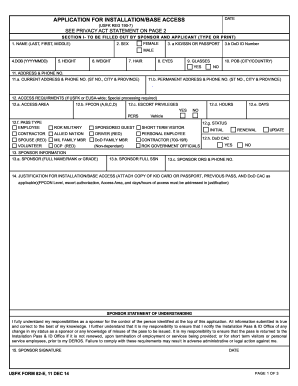
Vaccine Refusal Form 2026

Get Form
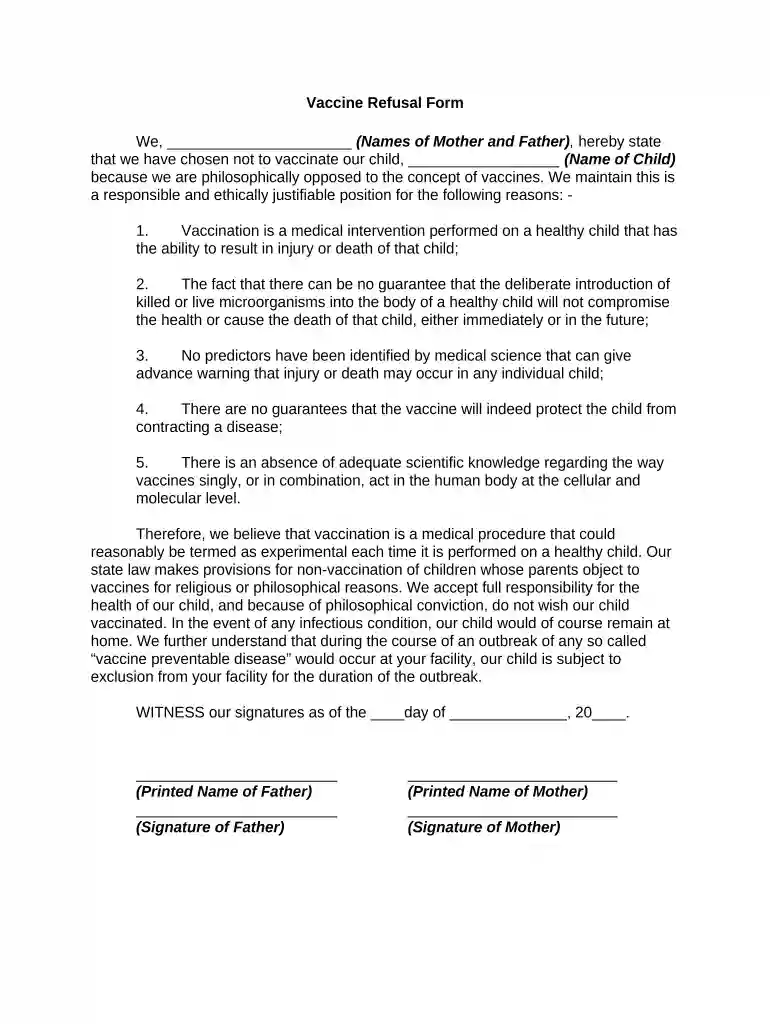
vaccine refusal form pdf Preview on Page 1

Here's how it works

01. Edit your vaccine refusal form pdf online
Type text, add images, blackout confidential details, add comments, highlights and more.

02. Sign it in a few clicks
Draw your signature, type it, upload its image, or use your mobile device as a signature pad.

03. Share your form with others
Send cdc vaccine refusal form via email, link, or fax. You can also download it, export it or print it out.

How to use or fill out Vaccine Refusal Form with DocHub

Form edit decoration
9.5
Ease of Setup
DocHub User Ratings on G2
9.0
Ease of Use
DocHub User Ratings on G2
  1. Click ‘Get Form’ to open the Vaccine Refusal Form in our editor.
  2. Begin by entering the names of both parents in the designated field at the top of the form. This ensures that your refusal is officially documented.
  3. Next, fill in your child's name where indicated. This identifies the child for whom you are refusing vaccination.
  4. In the section outlining your reasons for refusal, you can either type directly into the text box or use our platform's commenting feature to elaborate on your philosophical stance.
  5. Review the statement regarding your understanding of potential health risks and responsibilities. Ensure that all information is accurate and reflects your beliefs.
  6. Finally, sign and date the form at the bottom. You can easily add signatures using our platform’s signature tool, ensuring a legally binding document.

Start filling out your Vaccine Refusal Form today for free and streamline your documentation process!

be ready to get more

Complete this form in 5 minutes or less

Get form

Got questions?

We have answers to the most popular questions from our customers. If you can't find an answer to your question, please contact us.
Contact us
Pediatricians and other health care providers may decide it is in their best interest to formally document a parents refusal to accept vaccinations/immunizations for a minor child. This form, which should not be considered a legal document without advice from a lawyer, may be used for such documentation.
Give the appropriate Vaccine Information Statement (VIS) to the parent or legal representative before each vaccine is given. This is required by federal law. When parents refuse a recommended vaccine, document that you provided the VIS(s), and have the parent sign the Record of Vaccine Declination.
I request a reasonable accommodation due to my sincere religious beliefs. I understand and assume the risks of non-vaccination. I accept full responsibility for my health, thus removing liability from the City to the required vaccinations.
Refusal to have child vaccination isnt child endangerment -- not at least in legal terms (yet). or engage in an occupation involving a substantial risk of danger to the childs life or health. Non-vaccination renders the child to a higher risk of health-related problems -- but its not ``abuse in legal terms.
Without vaccines, your child is at risk of getting seriously ill and suffering ongoing complications, and even death from diseases like measles and whooping cough.

Security and compliance

At DocHub, your data security is our priority. We follow HIPAA, SOC2, GDPR, and other standards, so you can work on your documents with confidence.
Learn more
ccpa2
pci-dss
gdpr-compliance
hipaa
soc-compliance