Beneficiary estate 2025

Get Form
beneficiary estate Preview on Page 1

Here's how it works

01. Edit your form online
Type text, add images, blackout confidential details, add comments, highlights and more.

02. Sign it in a few clicks
Draw your signature, type it, upload its image, or use your mobile device as a signature pad.

03. Share your form with others
Send it via email, link, or fax. You can also download it, export it or print it out.

How to use or fill out beneficiary estate with our platform

Form edit decoration
9.5
Ease of Setup
DocHub User Ratings on G2
9.0
Ease of Use
DocHub User Ratings on G2
  1. Click ‘Get Form’ to open the beneficiary estate document in the editor.
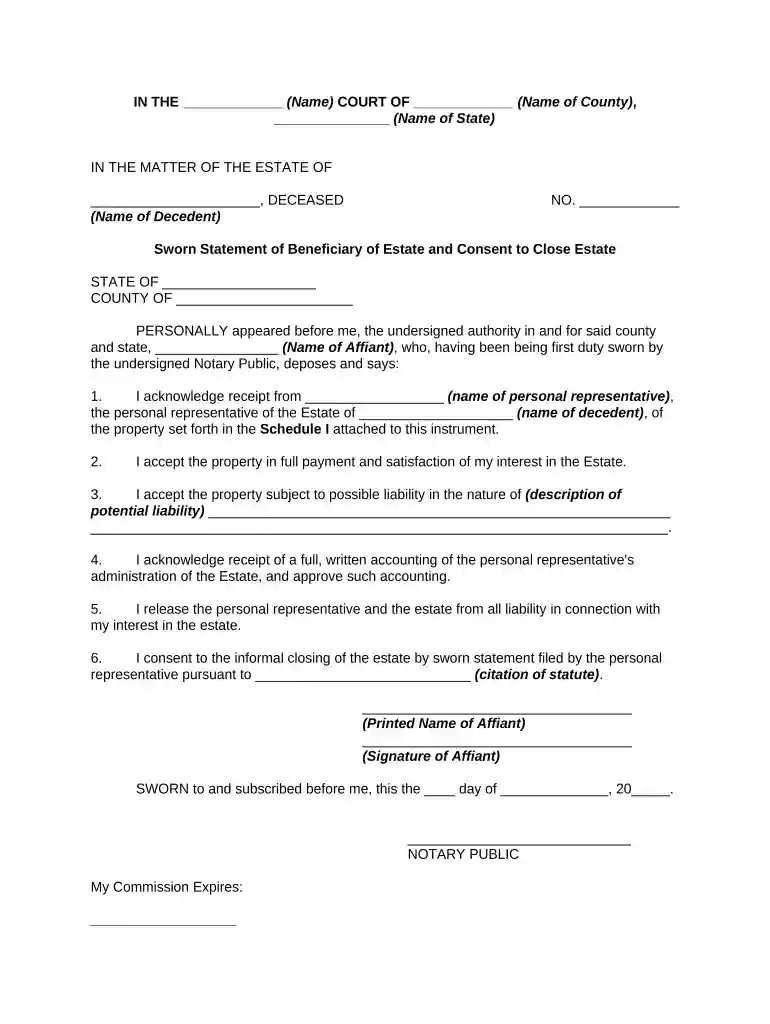
  2. Begin by entering the name of the court and county at the top of the form. This sets the legal context for your document.
  3. Fill in the name of the decedent where indicated, ensuring accuracy as this is crucial for legal identification.
  4. In Section 1, input your name as the affiant and provide details about the personal representative and property received. Attach Schedule I if necessary.
  5. For Section 2, confirm your acceptance of the property by checking any applicable liabilities that may affect your interest in the estate.
  6. Review Section 4 carefully; acknowledge receipt of a full accounting from the personal representative and approve it by signing.
  7. Finally, complete Section 6 by consenting to close the estate informally. Ensure all signatures are properly executed before submission.

Start using our platform today to streamline your beneficiary estate process for free!

be ready to get more

Complete this form in 5 minutes or less

Get form

Got questions?

We have answers to the most popular questions from our customers. If you can't find an answer to your question, please contact us.
Contact us
An estate beneficiary is who you elect to receive all, or just a portion, of your property and assets. You can have one or many beneficiaries. However, to fully understand what an estate beneficiary is, you must also define estate. In this case, your estate refers to the monetary value of the entirety of your assets.
For example, if a person names their estate as a beneficiary of their life insurance policy, not only does this put the asset into the jurisdiction of the probate court, but it also subjects the funds to your creditors and may be used very differently from what you had in mind.
Pecuniary beneficiaries are those entitled to receive a specific sum of money from an estate. For example, someone might write in their Will that they want their child to receive 20,000. Pecuniary beneficiaries will need to wait longer than beneficiaries of specific gifts in most cases.
Loraines Answer: Initially, it may seem like a good idea to name direct beneficiaries on financial accounts like checking, savings, and retirement funds instead of passing them through a Will, which must be probated. However, there are good reasons for considering having your accounts pass to your estate instead.
When someone dies, others may be called on to manage their estate. An executor oversees the distribution of someones assets according to the will or state inheritance laws if the person dies without a will. The deceased persons beneficiaries, meanwhile, are the ones who receive assets from the estate.