




Here's how it works

01. Edit your massage consultation form online
Type text, add images, blackout confidential details, add comments, highlights and more.

02. Sign it in a few clicks
Draw your signature, type it, upload its image, or use your mobile device as a signature pad.

03. Share your form with others
Send client consultation example via email, link, or fax. You can also download it, export it or print it out.
How to Use or Fill Out Client Information with Our Platform

- Click ‘Get Form’ to open the Massage Client Information and Consultation Form in the editor.
- Begin by entering your name in the designated fields: Last, First, and Middle Initial. Then, fill in the date of your appointment using the MM/DD/YY format.
- Provide your address details including street, apartment number (if applicable), city, state, and zip code.
- Input your home phone number, work phone number, and email address for contact purposes.
- Fill out your date of birth and emergency contact information. Include their name and phone number.
- Indicate your occupation and briefly describe the reason for your appointment.
- Answer whether you have had a professional massage before and provide details if applicable. List any current medications and allergies.
- Check any relevant medical conditions from the provided list to ensure safe treatment during your session.
- Circle areas on the diagram that need attention during the massage and mark areas to avoid with an 'X'.
- Read through the consent information carefully. Sign where indicated to confirm your understanding of the terms.
Start filling out your client information form today for a seamless experience!
Fill out client information online
It's free
It's free
Security and compliance
At DocHub, your data security is our priority. We follow HIPAA, SOC2, GDPR, and other standards, so you can work on your documents with confidence.
Learn more


Related forms

Mediator Ethics Advisory Committee Opinion 2010-002 - flcourts
The document is an advisory opinion from the Mediator Ethics Advisory Committee regarding a mediation scenario in a fami ...

CONDUCTING THE PENALTY PHASE OF A CAPITAL CASE by - flcourts
The document titled 'Conducting the Penalty Phase of a Capital Case' by Susan F. Schaeffer serves as a comprehensive gui ...

Academies of Excellence - fldoe
The document is a recommendation from the Charter School Appeal Commission regarding the appeal of Academies of Excellen ...
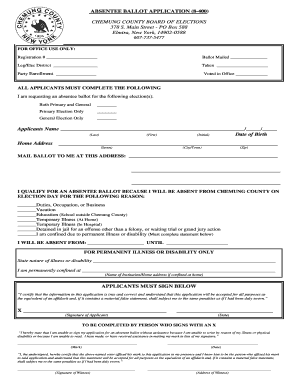
Chemung county board of elections
The document is an absentee ballot application form for Chemung County, New York, allowing voters to request a ballot fo ...

The Wraparound Process User's Guide
The document is a complaint and suggestion form for the Wraparound Milwaukee program, intended for individuals such as y ...
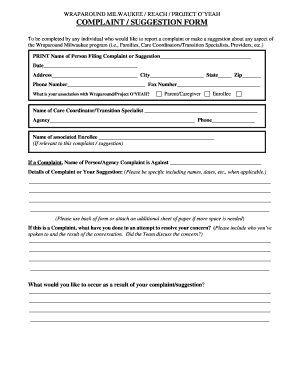
Complaint Suggestion Form - Milwaukee County - county milwaukee
The document is a complaint and suggestion form for the Wraparound Milwaukee program, allowing individuals to report iss ...

Marriage license forms
The document outlines the application process for obtaining certified copies of marriage certificates from the Stanislau ...
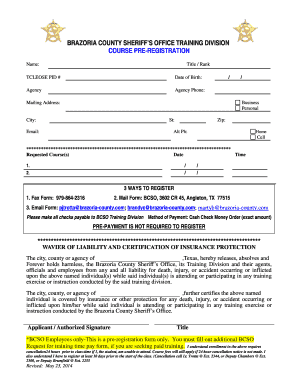
Brazoria county training
The document is a pre-registration form for training courses offered by the Brazoria County Sheriff's Office Training Di ...