




01. Edit your affidavit of insurance coverage online
Type text, add images, blackout confidential details, add comments, highlights and more.

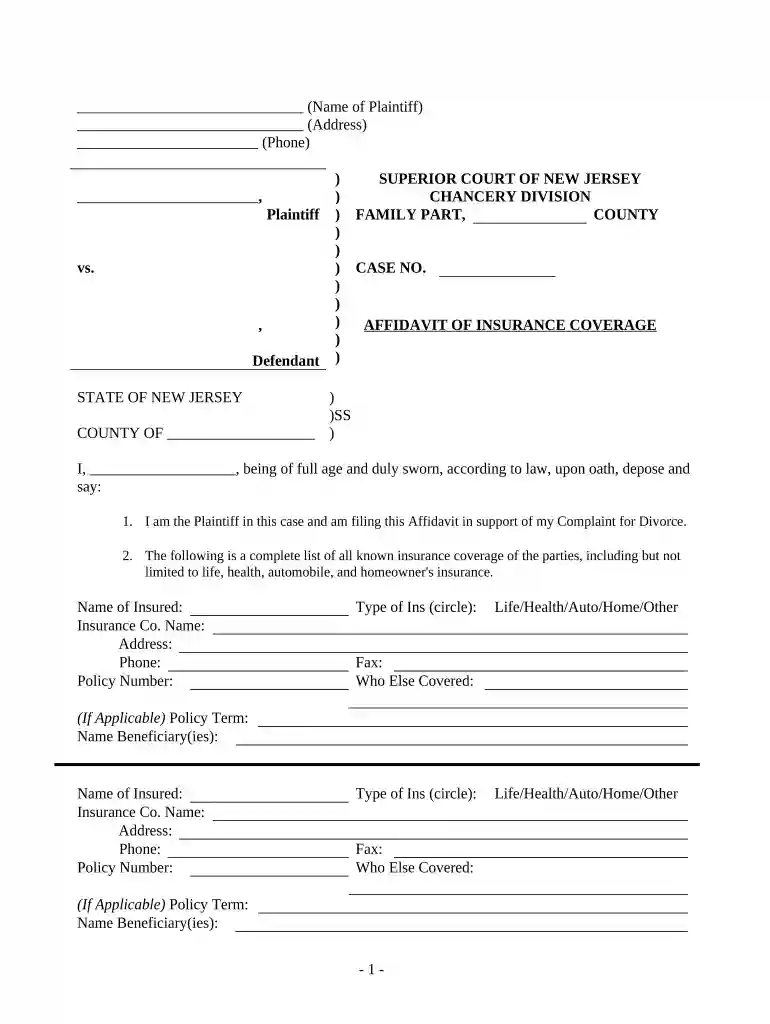
Type text, add images, blackout confidential details, add comments, highlights and more.

Draw your signature, type it, upload its image, or use your mobile device as a signature pad.

Send affidavit of insurance via email, link, or fax. You can also download it, export it or print it out.

Start filling out your Affidavit of Insurance Coverage online for free today!
At DocHub, your data security is our priority. We follow HIPAA, SOC2, GDPR, and other standards, so you can work on your documents with confidence.


Convenience Security at your Fingertips: Apply for an Insurance License, Schedule Examination, License Renewal, Change Your Address, and more. How to applyRead more
☐ Retirees with qualified health insurance receive a. Health Insurance Subsidy (HIS), which is $7.50 for each year of creditable service (min. $45 to max. $225/Read more


