




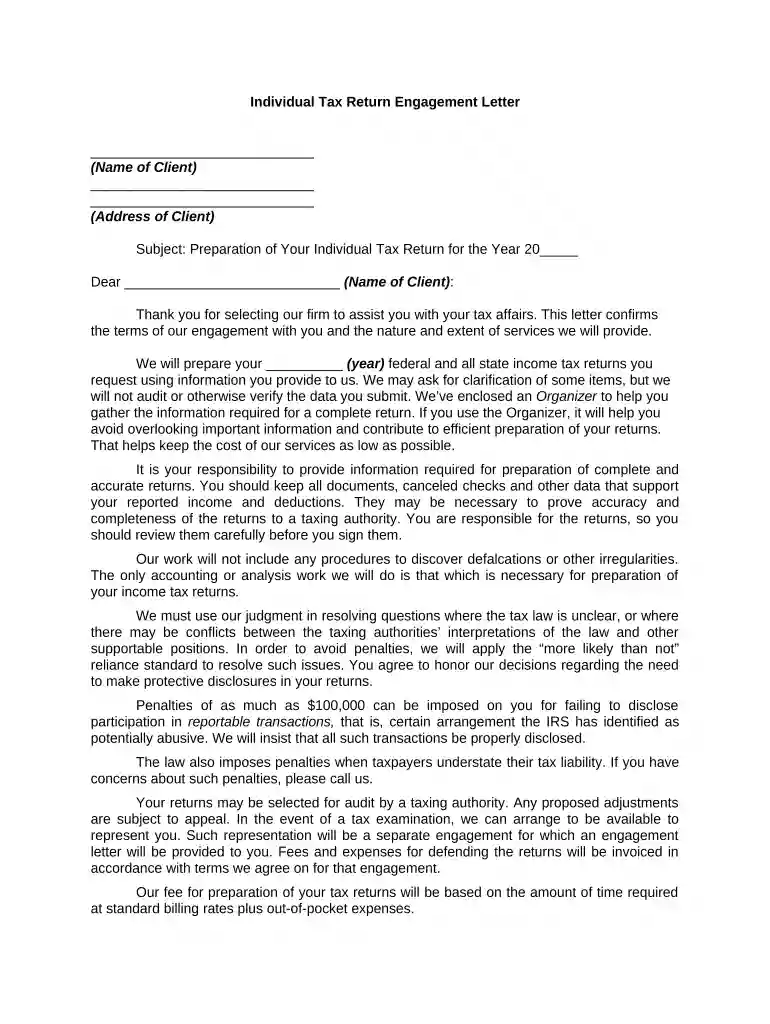
01. Edit your form online
Type text, add images, blackout confidential details, add comments, highlights and more.

Type text, add images, blackout confidential details, add comments, highlights and more.

Draw your signature, type it, upload its image, or use your mobile device as a signature pad.

Send it via email, link, or fax. You can also download it, export it or print it out.

Start using our platform today to streamline your individual tax preparation process for free!
At DocHub, your data security is our priority. We follow HIPAA, SOC2, GDPR, and other standards, so you can work on your documents with confidence.



File your taxes for free online with IRS Free File. Or file in person if you qualify. How to file: step by step. Follow these steps toRead more
Report compensation for the calendar year ending with or within the organizations tax year. List all of the organizations current officers, directors,Read more
If you are a non-resident for tax purposes who received income in the US during the last calendar year, you must file a tax return with the US government.Read more


