




01. Edit your form online
Type text, add images, blackout confidential details, add comments, highlights and more.

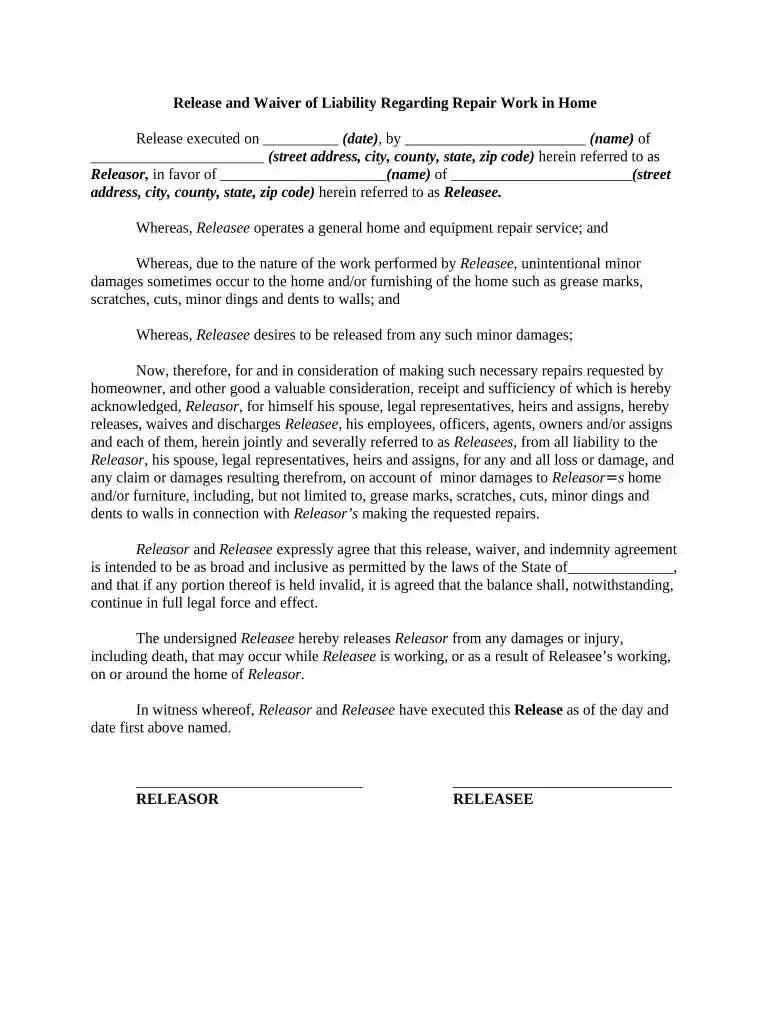
Type text, add images, blackout confidential details, add comments, highlights and more.

Draw your signature, type it, upload its image, or use your mobile device as a signature pad.

Send it via email, link, or fax. You can also download it, export it or print it out.

Start using our platform today to easily fill out your liability forms online for free!
At DocHub, your data security is our priority. We follow HIPAA, SOC2, GDPR, and other standards, so you can work on your documents with confidence.

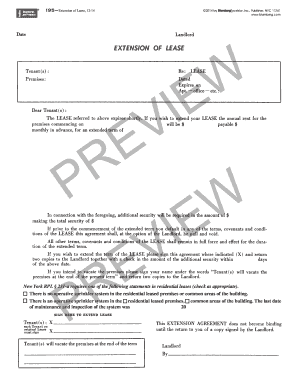

Professional liability insurance covers a consultant or contractor for claims arising from the rendering or failure to render professional services.Read more
Products liability refers to the legal responsibility imposed on any or all parties along the chain of manufacture of any product for damage caused by thatRead more
Waive, release, and discharge The Museum of Human Achievement and its agencies, officers, and employees from any and all negligence and liability for my death,Read more


