




01. Edit your form online
Type text, add images, blackout confidential details, add comments, highlights and more.

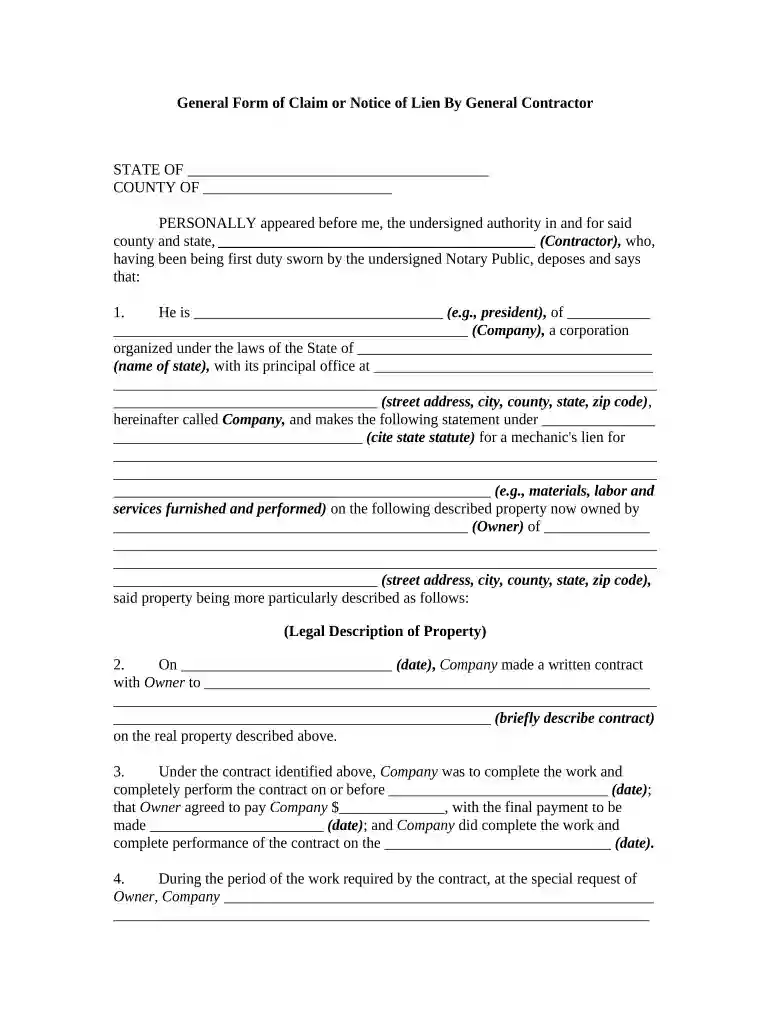
Type text, add images, blackout confidential details, add comments, highlights and more.

Draw your signature, type it, upload its image, or use your mobile device as a signature pad.

Send it via email, link, or fax. You can also download it, export it or print it out.

Start using our platform today to easily fill out your claim notice for free!
At DocHub, your data security is our priority. We follow HIPAA, SOC2, GDPR, and other standards, so you can work on your documents with confidence.
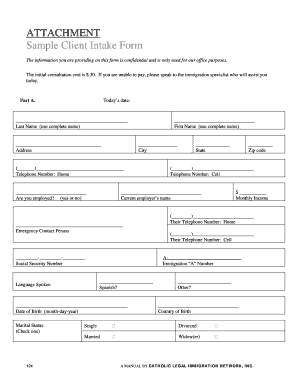
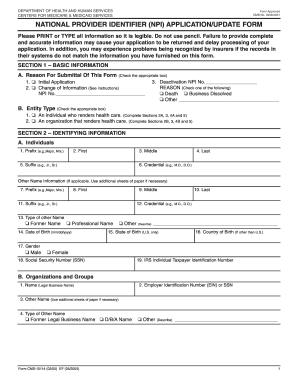

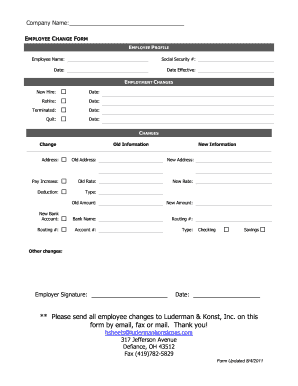
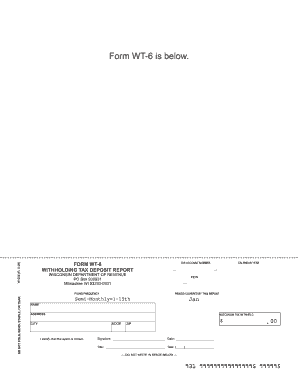
A Notice of Claim form should be completed each time an individual files a claim or suffers a loss or injury to oneself or to that individuals personalRead more
Pursuant to the New York State General Municipal Law 50-e, personal injury and property damage (tort) notices of claim must be properly served within 90 daysRead more


