Type text, add images, blackout confidential details, add comments, highlights and more.
02. Sign it in a few clicks
Draw your signature, type it, upload its image, or use your mobile device as a signature pad.
03. Share your form with others
Send it via email, link, or fax. You can also download it, export it or print it out.
How to use or fill out wa pllc with our platform
Ease of Setup
DocHub User Ratings on G2
Ease of Use
DocHub User Ratings on G2
Click ‘Get Form’ to open the wa pllc document in the editor.
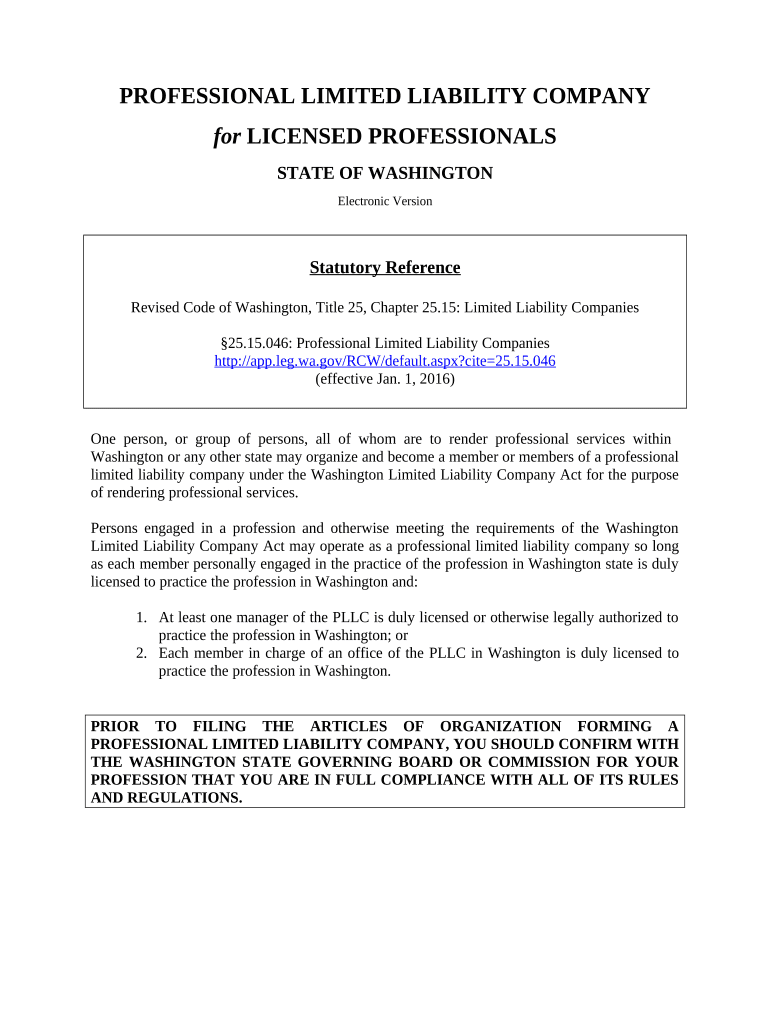
Begin by reserving a name for your professional limited liability company (PLLC). Ensure that the name includes 'Professional Limited Liability Company' or its abbreviations. Fill in the required fields, including your chosen name and applicant details.
Complete the 'Application to Form Professional Limited Liability Company/Certificate of Formation' form. Provide necessary information such as member names, addresses, and business purpose.
Mail the original and a copy of your completed application to the Corporations Division in Olympia, WA. Include any required fees.
Once you receive your Certificate of Formation, draft an Operating Agreement using our platform's templates to outline management structure and member responsibilities.
Apply for a Federal Tax Identification Number using form SS-4 and open a bank account for your PLLC.
Start filling out your wa pllc today for free on our platform!
Wa llc loginWA sos business Entity SearchLLC WAWa Secretary of State LLCWA State LLC registrationWA sos FormsIs a PLLC a corporationWww sos WA gov corps Annual Report
Security and compliance
At DocHub, your data security is our priority. We follow HIPAA, SOC2, GDPR, and other standards, so you can work on your documents with confidence.
Alpine Veterinary Clinic, WA (P.L.L.C.) - Offsite Electives
Alpine Veterinary Clinic, WA (P.L.L.C.). Description of Elective Experience. Shadow doctor, consult on cases both in house and on farm calls and assist doctorRead more
Limited Liability Company (LLC) Professional LLC (PLLC
A Domestic Business means your business will be a Washington business and has filed origination documents with Washington State Office of the Secretary of StateRead more
Cited by 237 Cover: The plume maps represent the distribution of TCE in one groundwater zone at the MEW Superfund site in California, before and after 17 years of applying.Read more
Cookie consent notice
This site uses cookies to enhance site navigation and personalize your experience.
By using this site you agree to our use of cookies as described in our Privacy Notice.
You can modify your selections by visiting our Cookie and Advertising Notice.