Seller secured 2026

Get Form
seller secured Preview on Page 1

Here's how it works

01. Edit your form online
Type text, add images, blackout confidential details, add comments, highlights and more.
02. Sign it in a few clicks
Draw your signature, type it, upload its image, or use your mobile device as a signature pad.
03. Share your form with others
Send it via email, link, or fax. You can also download it, export it or print it out.

How to use or fill out seller secured with our platform

Form edit decoration
9.5
Ease of Setup
DocHub User Ratings on G2
9.0
Ease of Use
DocHub User Ratings on G2
  1. Click ‘Get Form’ to open the seller secured document in the editor.
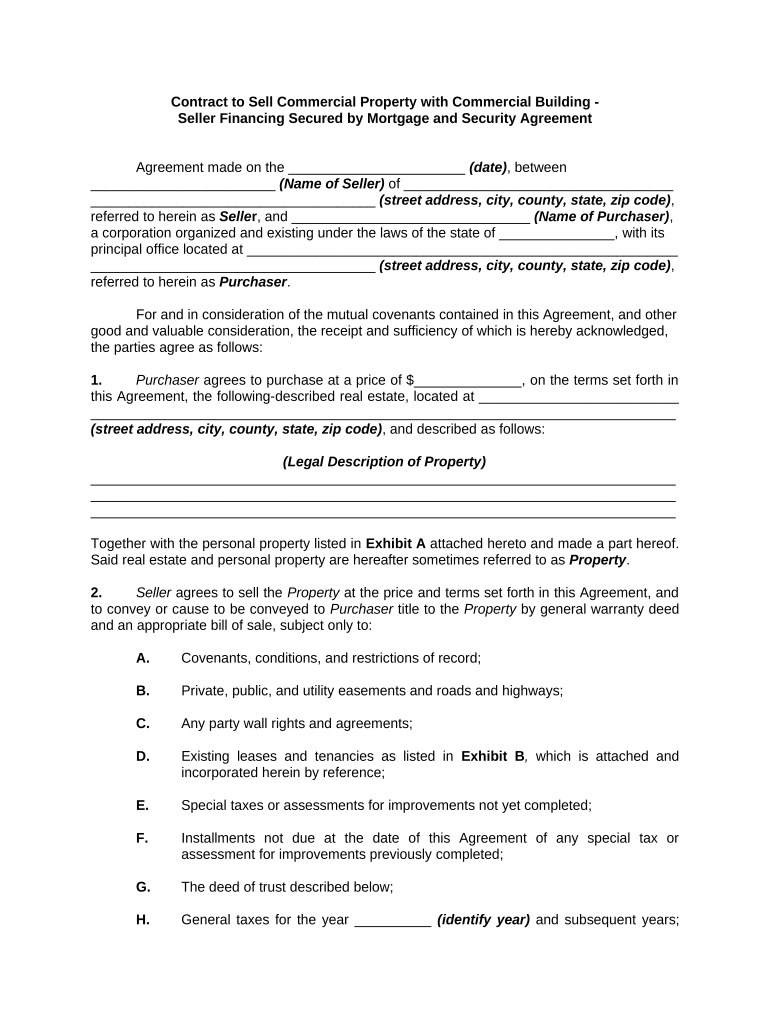
  2. Begin by entering the date of the agreement at the top of the form. This is crucial for establishing a timeline for the transaction.
  3. Fill in the Seller's name and address, ensuring all details are accurate to avoid any legal complications.
  4. Next, input the Purchaser's name and corporate details, including their principal office address.
  5. Specify the purchase price and provide a detailed description of the property being sold, including its legal description.
  6. Complete sections regarding earnest money and payment terms, detailing how much has been paid and how remaining payments will be structured.
  7. Review additional conditions and stipulations carefully, ensuring all parties understand their obligations before signing.

Start using our platform today to streamline your document editing and signing process for free!

be ready to get more

Complete this form in 5 minutes or less

Get form

Got questions?

We have answers to the most popular questions from our customers. If you can't find an answer to your question, please contact us.
Contact us
In Owner Financing, Who Holds The Deed? Property ownership is equitable, but complete ownership doesnt transfer until the seller receives payment for the loan. Due to the deeds legal position, the seller holds it until the buyer pays off the loan.
Because many buyers who seek out seller financing have lower incomes and credit scores, they might have to pay higher interest rates and make a larger down payment. The seller faces financial risks if the borrower defaults.
There are two main types of debt: secured and unsecured. The main difference between the two types is the provision of collateral. Secured debt is backed by collateral, while unsecured debt is backed only by your personal creditworthiness.
In seller-financed transactions, the seller generally gives the buyer a secured loan to finance part of the propertys purchase price.
The concept of secured property is the principle that underlies all mortgages. If the debtor falls behind with their mortgage payments, the lender can foreclose on the property and sell it to recoup their investment.

Security and compliance

At DocHub, your data security is our priority. We follow HIPAA, SOC2, GDPR, and other standards, so you can work on your documents with confidence.

Learn more
ccpa2
pci-dss
gdpr-compliance
hipaa
soc-compliance

People also ask

Some buyers and sellers may prefer this arrangement to a traditional mortgage. But be careful: Seller financing has its pros and cons. Buyers and sellers can run into financial problems if the agreement fails to fully address everything that could go wrong with the deal.
In addition to the guaranty of the business entity acquiring the property, the seller should ask for a personal guaranty from the buyers principals and their spouses. A personal guaranty is not a specific lien on any particular asset, but provides for personal liability as needed to pay the note.

Related links