Mi instructions pdf 2026

Get Form
mi instructions pdf Preview on Page 1

Here's how it works

01. Edit your form online
Type text, add images, blackout confidential details, add comments, highlights and more.
02. Sign it in a few clicks
Draw your signature, type it, upload its image, or use your mobile device as a signature pad.
03. Share your form with others
Send it via email, link, or fax. You can also download it, export it or print it out.

How to use or fill out mi instructions pdf with our platform

Form edit decoration
9.5
Ease of Setup
DocHub User Ratings on G2
9.0
Ease of Use
DocHub User Ratings on G2
  1. Click ‘Get Form’ to open the mi instructions PDF in the editor.
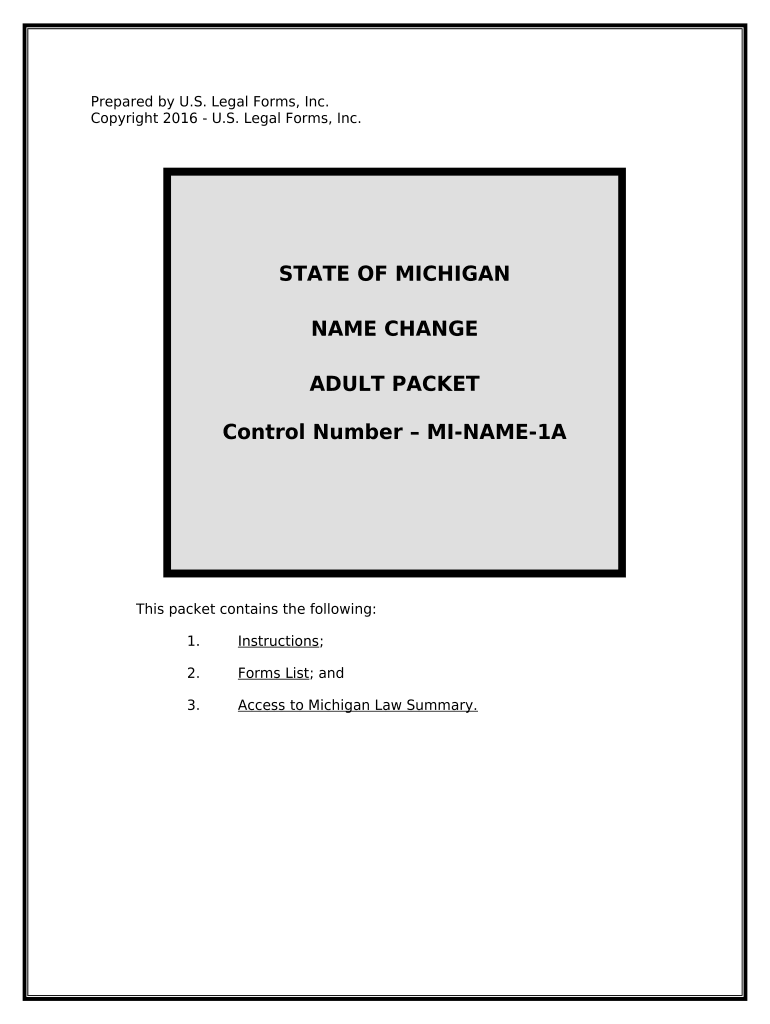
  2. Begin by reviewing the 'Explanation of Petition for Change of Name' section. Ensure you meet the eligibility criteria outlined, such as age and residency requirements.
  3. Fill out the 'Petition to Change Name' form (MI-C51) by entering your complete name and reasons for the change. Use clear, legible text.
  4. Complete the 'Order Following Hearing on Petition to Change Name' (MI-C52) form, which will be finalized after your hearing.
  5. Prepare the 'Publication of Notice of Hearing on Name Change' (MI-100) form for submission to a local newspaper. Ensure you request an Affidavit of Publication.
  6. Once all forms are completed, file them with your local court along with any required fees and a pre-addressed envelope.

Start using our platform today to streamline your document editing and signing process for free!

be ready to get more

Complete this form in 5 minutes or less

Get form

Got questions?

We have answers to the most popular questions from our customers. If you can't find an answer to your question, please contact us.
Contact us
0:09 2:27 Here we can also new Wi-Fi. And Bluetooth enabled devices from the Xiaomi. Ecosystem byMoreHere we can also new Wi-Fi. And Bluetooth enabled devices from the Xiaomi. Ecosystem by tapping on the plus symbol in the top right corner you can add a new. Device.
0:08 1:24 Screen scan QR code on the bottom of the camera to add the device. The app will prompt you toMoreScreen scan QR code on the bottom of the camera to add the device. The app will prompt you to connect your camera to your Wi-Fi.
Explanation: Mi mover on both new device and old device and connect two devices to the same WiFi. On the new device, access to Mi mover, select Im a recipient and tap the button Installed. Start the transfer. On the old device, tap Im a sender and select the hotspot name displayed to connect.
Xiaomi/Mi Home is the smart device management platform for your home. Xiaomi/Mi Home enables you to interact with smart devices conveniently through your mobile phone, and enables you to control your smart devices under one platform.
Press Settings. Press About phone. Press Backup reset. Press Erase all data (factory reset).

Security and compliance

At DocHub, your data security is our priority. We follow HIPAA, SOC2, GDPR, and other standards, so you can work on your documents with confidence.

Learn more
ccpa2
pci-dss
gdpr-compliance
hipaa
soc-compliance

People also ask

To create a Mi Account, we require you to provide your phone number or email address and a password, and may also request that you select your country or region, which determines where your data is stored in Mi Account.
0:00 2:08 Howdy today I want to present you two main functions of the Mi Xiaomi. Application. We will startMoreHowdy today I want to present you two main functions of the Mi Xiaomi. Application. We will start with the first namely the introduction of a new device. I open the installed.
0:23 1:41 Details and password as the Wi-Fi enabled. Products will directly connect with your router. You willMoreDetails and password as the Wi-Fi enabled. Products will directly connect with your router. You will have to go to your phone or tablet settings. And select a new Wi-Fi. Network.

Related links