Company confidentiality 2026

Get Form
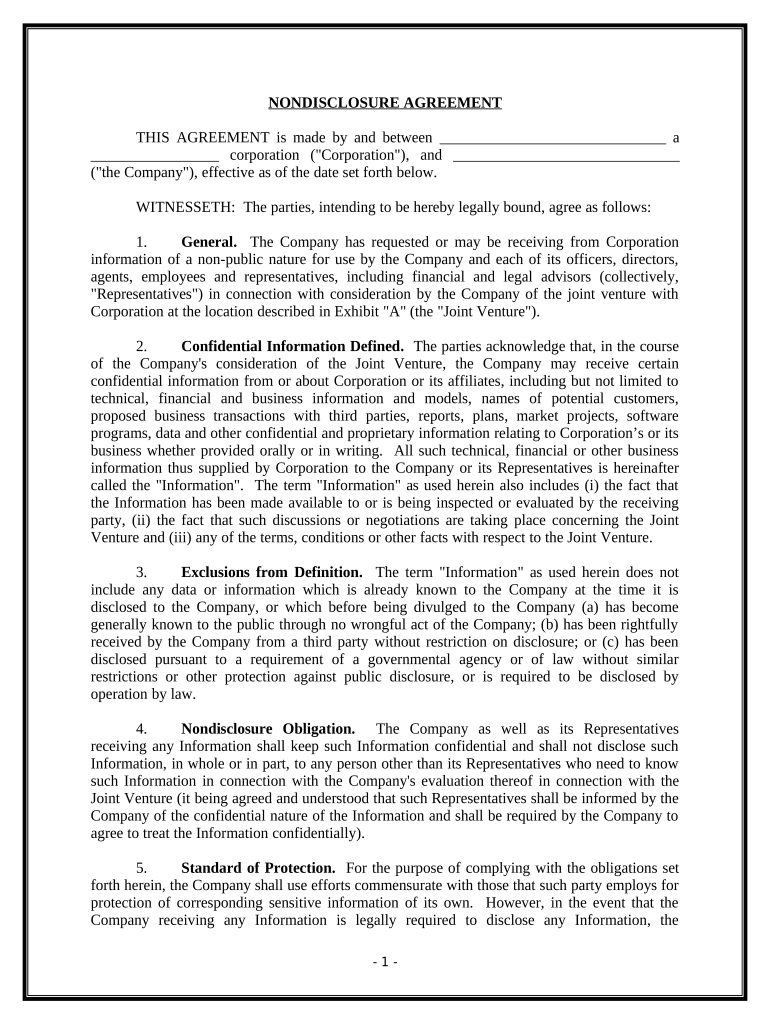
company confidentiality Preview on Page 1

Here's how it works

01. Edit your form online
Type text, add images, blackout confidential details, add comments, highlights and more.
02. Sign it in a few clicks
Draw your signature, type it, upload its image, or use your mobile device as a signature pad.
03. Share your form with others
Send it via email, link, or fax. You can also download it, export it or print it out.

How to use or fill out company confidentiality with our platform

Form edit decoration
9.5
Ease of Setup
DocHub User Ratings on G2
9.0
Ease of Use
DocHub User Ratings on G2
  1. Click ‘Get Form’ to open the company confidentiality document in the editor.
  2. Begin by filling in the names of the Corporation and the Company at the top of the form. Ensure accuracy as this establishes the parties involved.
  3. In Section 1, review and confirm your understanding of the general terms regarding confidential information shared between parties.
  4. Proceed to Section 2, where you will define what constitutes 'Confidential Information.' Be thorough in listing any specific types of information relevant to your agreement.
  5. In Section 4, acknowledge your nondisclosure obligations. Ensure that all representatives are informed about their responsibilities regarding confidentiality.
  6. Complete Sections 7 and 9 by detailing how information will be returned or destroyed upon request, and affirm that these obligations extend to all affiliates.
  7. Finally, sign and date the document at the bottom. Make sure both parties have signed before finalizing.

Start using our platform today for free to streamline your document editing and signing process!

be ready to get more

Complete this form in 5 minutes or less

Get form

Got questions?

We have answers to the most popular questions from our customers. If you can't find an answer to your question, please contact us.
Contact us
The Company and its Representatives will not in any manner disclose or permit the disclosure of, and will keep strictly confidential, the existence and contents of this letter, the fact that a Proposed Transaction is being pursued, and that discussions or negotiations may be taking place between the Company and Merck,
Some common examples of such sensitive information include: Trade secrets. Proprietary information. Customer data. Financial records. Strategic plans, and. Any other sensitive or confidential information related to the companys operations.
Confidentiality in the workplace involves keeping proprietary information like business information, employee information and client details private. In case there is a data bdocHub, the company would be held accountable and can be penalized in extreme cases.
Many victims file civil lawsuits against businesses or employees who bdocHub their confidentiality. However, being put in the position of defending a bdocHub of confidentiality lawsuit is never ideal for any business, whether it is a new, growing, or well-established one.

Security and compliance

At DocHub, your data security is our priority. We follow HIPAA, SOC2, GDPR, and other standards, so you can work on your documents with confidence.

Learn more
ccpa2
pci-dss
gdpr-compliance
hipaa
soc-compliance