Lien real estate 2026

Get Form
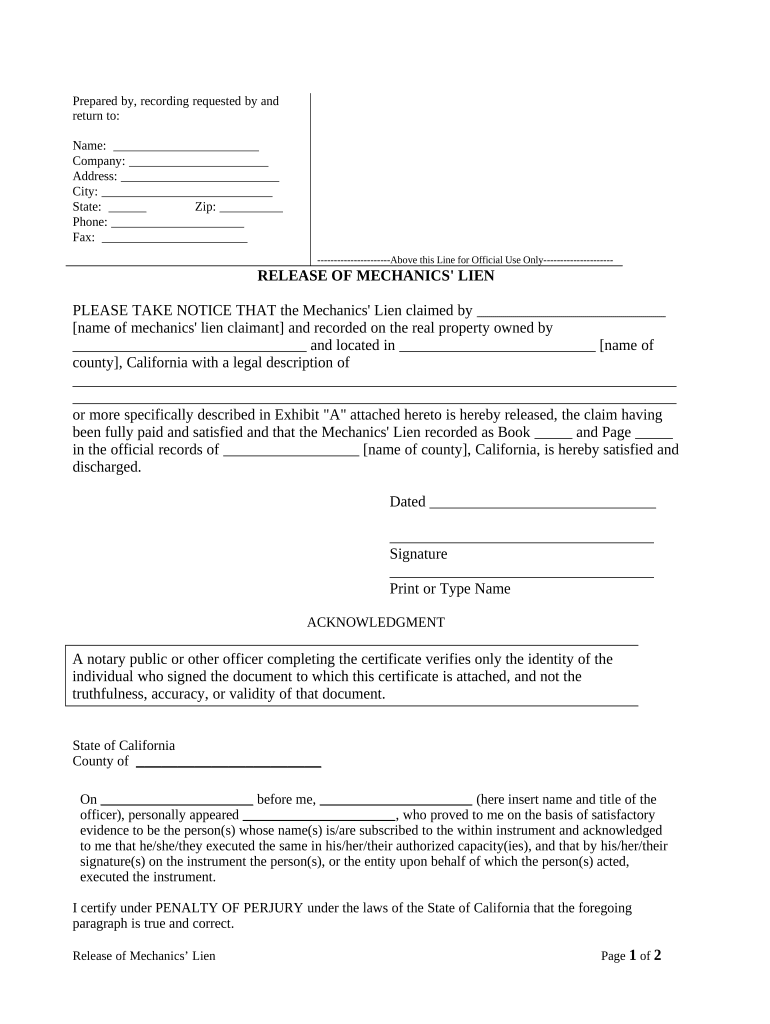
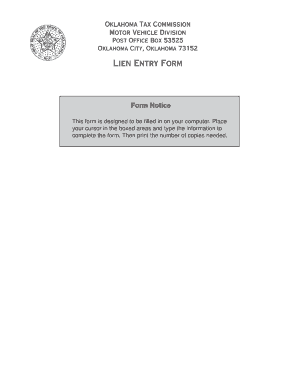
real estate lien holder form Preview on Page 1

Here's how it works

01. Edit your real estate lien holder form online
Type text, add images, blackout confidential details, add comments, highlights and more.
02. Sign it in a few clicks
Draw your signature, type it, upload its image, or use your mobile device as a signature pad.
03. Share your form with others
Send it via email, link, or fax. You can also download it, export it or print it out.

How to use or fill out lien real estate with our platform

Form edit decoration
9.5
Ease of Setup
DocHub User Ratings on G2
9.0
Ease of Use
DocHub User Ratings on G2
  1. Click ‘Get Form’ to open the lien real estate document in the editor.
  2. Begin by filling in the 'Prepared by, recording requested by and return to' section. Enter your name, company, address, city, state, zip code, phone number, and fax number as required.
  3. In the 'Release of Mechanics' Lien' section, specify the name of the mechanics' lien claimant and the property owner's name. Ensure you accurately describe the location and legal description of the property.
  4. Indicate the book and page number where the original mechanics' lien is recorded in official records. This information is crucial for proper documentation.
  5. Date the document appropriately and provide your signature along with your printed name at the bottom of the form.
  6. Complete the acknowledgment section by entering details about the notary public or officer verifying your identity. Ensure all fields are filled correctly to avoid delays.

Start using our platform today for free to streamline your lien real estate documentation process!

be ready to get more

Complete this form in 5 minutes or less

Get form

Got questions?

We have answers to the most popular questions from our customers. If you can't find an answer to your question, please contact us.
Contact us
Examples include property tax liens and judgment liens, which arise from unpaid property taxes or court-ordered debts from lawsuits. Involuntary liens pose financial challenges, requiring property owners to address these legal claims to maintain ownership.
A lien is filed because the property owner owes a debt. The lien is intended to make sure that the debt is paid from the proceeds if the property is sold. If the person living at the property does not own the property, a lien cannot be filed against the property for the debt of the tenant.
Several types of liens can be placed against a property. Mortgage lien. The most common type of lien is a mortgage lien. Property tax lien. A tax lien is imposed by the local government when property taxes are not paid. Federal tax lien. Mechanics lien. Judgment lien. Homeowners association (HOA) lien.
My Property Has a Lien Now What? Pay Off the Lien Once you determine that the lien is valid, the simplest method for removing it is to pay it off. Request a Release-of-Lien Form After paying off the balance of your debt in full, the creditor will file a release-of-lien form.
Mortgage Liens The lien ensures the loan is secured by your house until the debt is fully paid off. This is the most common and expected type of lien for homeowners.

Security and compliance

At DocHub, your data security is our priority. We follow HIPAA, SOC2, GDPR, and other standards, so you can work on your documents with confidence.

Learn more
ccpa2
pci-dss
gdpr-compliance
hipaa
soc-compliance

People also ask

A judgment lien expires twenty years after the judgment was rendered, unless the party claiming the lien commences an action to foreclose. Conn. Gen. Stat.
Types of Property Liens. Creditors may place different liens on a property based on the circumstances. Property liens can be voluntary or involuntary. Mortgages and home equity loans involve voluntary liens that you opt into, while tax liens, judgment liens, and contractors liens are involuntary.

Related links